You can automate the onboarding process for new production employees by building a structured workflow that delivers the right information at the right time, without relying on manual handovers or classroom sessions. The key is combining digital tools, pre-scheduled content, and short learning formats that fit the pace and reality of a production floor. This article walks through the most important questions around onboarding workflow automation for production staff, from the basics to what to avoid.
What steps make up an automated onboarding workflow?
An automated onboarding workflow is a sequence of pre-configured actions that guides a new employee through their first days and weeks without requiring constant manual input from HR or team leads. The workflow triggers tasks, content, and check-ins based on a start date or milestone, keeping the process consistent for every new hire.
A solid automated onboarding workflow for production employees typically follows these steps:
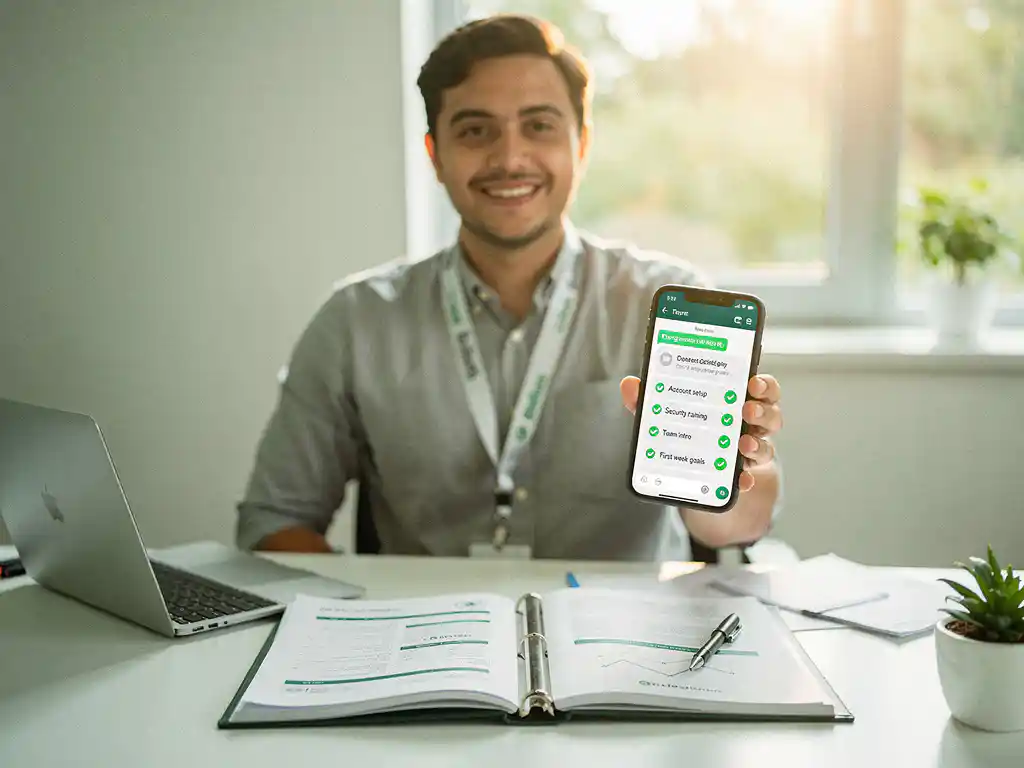
- Pre-boarding trigger: As soon as a contract is signed, the system sends a welcome message, safety information, and a first-day overview to the employee’s phone or inbox.
- Day one essentials: Automated messages deliver practical instructions, such as where to report, what to wear, and who to contact, so the employee arrives prepared.
- Role-specific training delivery: Short learning modules are scheduled and sent automatically based on the employee’s role, department, or shift pattern.
- Progress tracking: The system monitors which content has been completed and flags any gaps, so managers can follow up without manually chasing each person.
- Check-in milestones: Automated prompts at the end of week one, week two, and the first month invite feedback and reinforce key knowledge.
- Handover to regular workflows: Once onboarding is complete, the employee transitions smoothly into standard team communication and training cycles.
Each step removes a manual task from someone’s plate whilst ensuring nothing falls through the cracks.
Why is onboarding automation especially important in production environments?
Onboarding automation is especially important in production environments because the stakes of incomplete or inconsistent onboarding are immediate and visible. A new employee on a production floor who misses a safety briefing or does not understand a process does not just fall behind — they can cause errors, injuries, or costly downtime.
Production environments also present specific challenges that make manual onboarding impractical. Shift work means new hires may start at unusual hours when HR staff are not present. High turnover rates mean the onboarding cycle repeats frequently. Multilingual teams mean a single written document in one language will not reach everyone effectively. And the physical nature of the work means employees rarely sit at a desk where they can access a computer-based learning platform.
Automation solves these problems by delivering consistent, scheduled content directly to employees wherever they are, on whatever device they already use. Every new hire receives the same quality of onboarding regardless of which shift they start on or which manager happens to be available that day.
What tools are used to automate onboarding for production staff?
The tools used to automate onboarding for production staff typically include a combination of HR systems, learning platforms, and communication channels that can trigger and deliver content automatically. The most effective setups connect these tools so data flows between them without manual input.
HR and workflow automation systems
HR information systems such as AFAS, Visma, or SAP often serve as the trigger point. When a new employee is added to the system, an automated action can kick off the onboarding sequence. Tools like Zapier or native API integrations allow these systems to connect with training platforms and messaging tools.
Learning and communication platforms
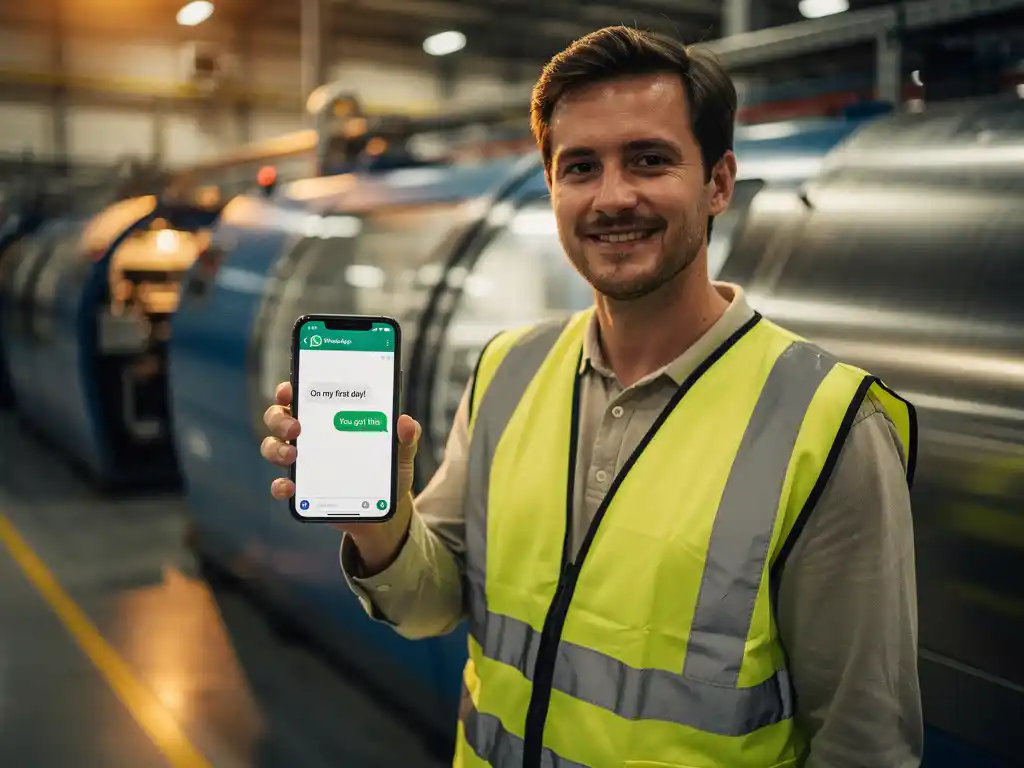
Learning management systems handle content delivery and progress tracking. However, in production settings, adoption of traditional LMS platforms is often low because employees need to log in, navigate an interface, and find the right module. Messaging-based platforms that deliver training directly through apps like WhatsApp remove that barrier entirely, since employees already have the app on their phone and no additional login is required. This makes WhatsApp-based onboarding particularly effective for frontline and production workers. Learn more about how a structured onboarding programme can support your production teams.
How does microlearning fit into automated production onboarding?
Microlearning fits into automated production onboarding by replacing long training sessions with short, focused modules that employees can complete in a few minutes, directly from their phone. Instead of a half-day induction, new hires receive bite-sized content covering one topic at a time, delivered automatically at the right moment in their first weeks.
In a production context, this approach works particularly well for several reasons. Employees rarely have extended blocks of time away from their work area. Safety procedures, machine operation steps, and quality standards are often better learned in short, repeated exposures rather than a single session. And microlearning modules can be updated quickly when processes change, so the information employees receive is always current.
A typical microlearning module in an automated onboarding workflow might cover a single safety rule, explain one step of a production process, or quiz the employee on a procedure they completed the previous day. When these modules are scheduled automatically and sent through a channel employees already use, completion rates tend to be significantly higher than with traditional e-learning formats. Building a module like this takes around 10 to 15 minutes, and employees typically complete one in 3 to 6 minutes, making it a genuinely practical format for busy production environments. Explore how retaining and maintaining knowledge can be built into your onboarding approach.
How do you measure whether automated onboarding is working?
You measure whether automated onboarding is working by tracking completion rates, time-to-competency, early turnover, and employee feedback. These metrics give you a clear picture of whether new production employees are actually absorbing the information they need and whether the process is reducing the burden on managers and HR teams.
The most useful indicators to monitor include:
- Module completion rate: What percentage of new hires complete each scheduled module? Low completion on a specific step often signals a content or delivery problem.
- Time to independent performance: How quickly can a new employee work without close supervision? Automated onboarding should shorten this window compared to informal onboarding.
- First-month turnover: A high drop-off in the first four weeks often reflects a poor onboarding experience. A well-automated process should reduce this.
- Manager time spent on onboarding: If team leads are still spending hours per new hire on basic orientation tasks, the automation is not doing its job.
- Assessment scores: Short knowledge checks built into modules reveal whether employees understood the content, not just whether they opened it.
Review these metrics regularly, especially in the first few months after launching an automated workflow, and use the data to refine both the content and the delivery schedule.
What are common mistakes when automating production employee onboarding?
The most common mistakes when automating production employee onboarding include overloading new hires with content too early, choosing tools that employees struggle to access, and failing to update the workflow when processes change. Automation makes it easy to send a lot of content, but that does not mean you should.
Other frequent pitfalls worth avoiding:
- Replacing human contact entirely: Automation handles information delivery, but new employees still need a real person to answer questions and help them feel welcome. The two should complement each other.
- Ignoring language barriers: Production teams are often multilingual. An automated workflow that delivers content in only one language will exclude a significant portion of your workforce. Look for platforms that support automatic translation.
- Using platforms employees won’t open: If your onboarding content lives in a system that requires a separate login or a device most production workers don’t have access to during their shift, completion will be low regardless of how good the content is.
- Setting it and forgetting it: Automated does not mean maintenance-free. Process changes, new safety regulations, and updated equipment instructions all require the workflow to be reviewed and updated regularly.
- Skipping the pre-boarding phase: Many organisations start onboarding on day one. Starting before the first day, with a welcome message and practical first-day information, reduces anxiety and improves early engagement.
Clear work instructions and regular toolbox talks can also play a valuable role in supporting new employees beyond the initial onboarding phase.
How E-Lia helps automate onboarding for production employees
We built E-Lia specifically to solve the onboarding challenges that production organisations face every day. Our platform delivers microlearning modules and work instructions directly through WhatsApp, the app your employees already have on their phone, with no login, no app download, and no computer required. Here is what that looks like in practice:
- Automated scheduling: Modules are sent automatically based on start dates or milestones, so every new hire follows the same structured journey without any manual effort from HR.
- Multilingual delivery: Content is automatically translated so employees receive training in their own language, removing one of the biggest barriers in multilingual production teams.
- Fast content creation: Building a module takes an average of 10 to 15 minutes, and employees complete it in 3 to 6 minutes, keeping the process lean on both sides.
- Progress dashboard: Managers and L&D teams can track completion and results in real time without chasing anyone for updates.
- Integration-ready: E-Lia connects with HR systems and LMS platforms via API, so your onboarding workflow fits into the tools you already use.
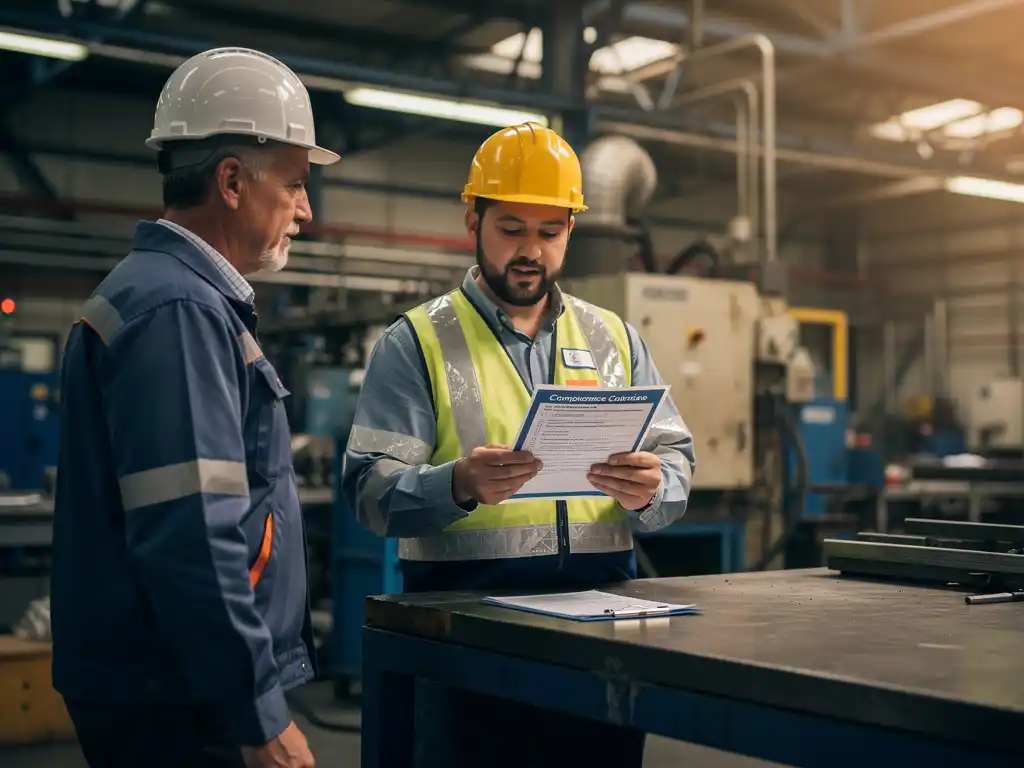
For organisations in food production or regulated environments, E-Lia also supports HACCP training and workplace inspections as part of a broader safety and compliance workflow.
If you want to see how this works for a production environment like yours, plan a free demo and we will show you exactly how to set it up.
Frequently Asked Questions
How long does it typically take to set up an automated onboarding workflow for production staff?
Most organisations can have a basic automated onboarding workflow up and running within one to two weeks. The bulk of the time goes into mapping out your onboarding steps, creating the initial microlearning modules, and connecting your HR system to your delivery platform. Starting with a simple sequence of five to seven modules and expanding from there is usually more effective than trying to automate everything at once.
Can automated onboarding work for employees who are not comfortable with technology?
Yes, especially when the delivery channel is an app employees already use in their daily lives, such as WhatsApp. The key is choosing a platform that requires no new logins, no app downloads, and no navigation through an unfamiliar interface. When onboarding content arrives as a simple message on a familiar app, even employees with limited digital confidence tend to engage with it without issues.
How do you handle onboarding for employees who start on night shifts or weekends when HR is unavailable?
This is exactly the scenario automated onboarding is designed for. Because the workflow is pre-scheduled and triggered by a start date, content is delivered automatically regardless of the time or day — no HR staff member needs to be present. The employee receives their welcome message, first-day instructions, and early training modules on schedule, ensuring a consistent experience no matter when their shift begins.
What should we do if a new hire is not completing their onboarding modules?
First, check whether the issue is access-related — is the content being delivered through a channel they can actually reach during their shift? If access is not the problem, automated reminder messages can prompt employees who have not completed a module within a set timeframe. For persistent non-completion, the progress dashboard should alert a manager to follow up directly, since some situations genuinely require a human conversation rather than another automated nudge.
How often should we review and update our automated onboarding workflow?
A full review every three to six months is a reasonable baseline, but certain triggers should prompt an immediate update: new safety regulations, changes to equipment or processes, updated quality standards, or a noticeable drop in assessment scores on a specific module. Treating your onboarding workflow like a living document rather than a one-time build is what keeps it effective over time.
Is it possible to personalise the automated onboarding experience for different roles or departments within the same production facility?
Absolutely, and this is one of the strongest advantages of automation over a one-size-fits-all induction session. Most workflow tools allow you to create separate content tracks triggered by role, department, or shift pattern, so a warehouse operative and a machine operator each receive training that is directly relevant to their position. Shared content such as general safety rules can be delivered to everyone, while role-specific modules branch off automatically based on data already in your HR system.
What is the best way to balance automation with the human side of onboarding?
Think of automation as handling the information delivery and scheduling, while human interaction focuses on connection, culture, and answering questions that content alone cannot address. A practical approach is to use automated check-in prompts at the end of week one and week two that invite the new hire to flag any concerns, then have a team lead or buddy follow up on those responses personally. This keeps the process efficient without making new employees feel like they are being onboarded by a machine.