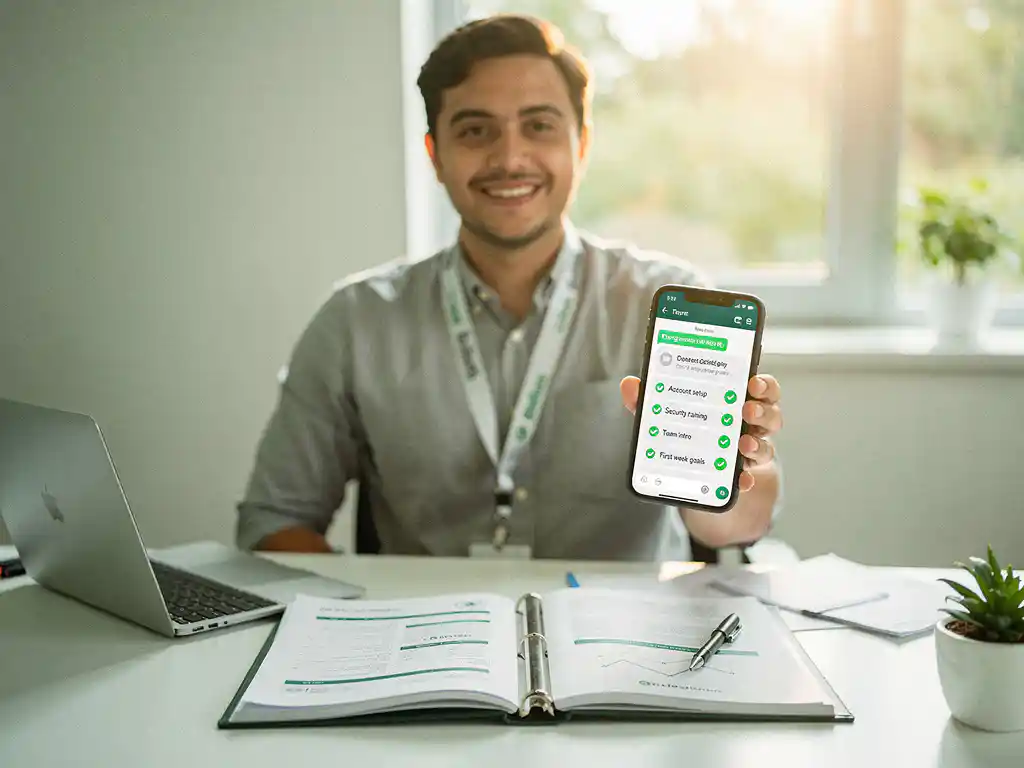
The best onboarding software for a manufacturing company combines simplicity, speed, and accessibility. Because production floor workers rarely sit behind a desk, the ideal solution reaches them where they already are, on their phone, without requiring logins or app downloads. This article walks through the key questions every manufacturing HR or L&D professional should ask before choosing an onboarding tool in 2026.
What makes onboarding in manufacturing different from other industries?
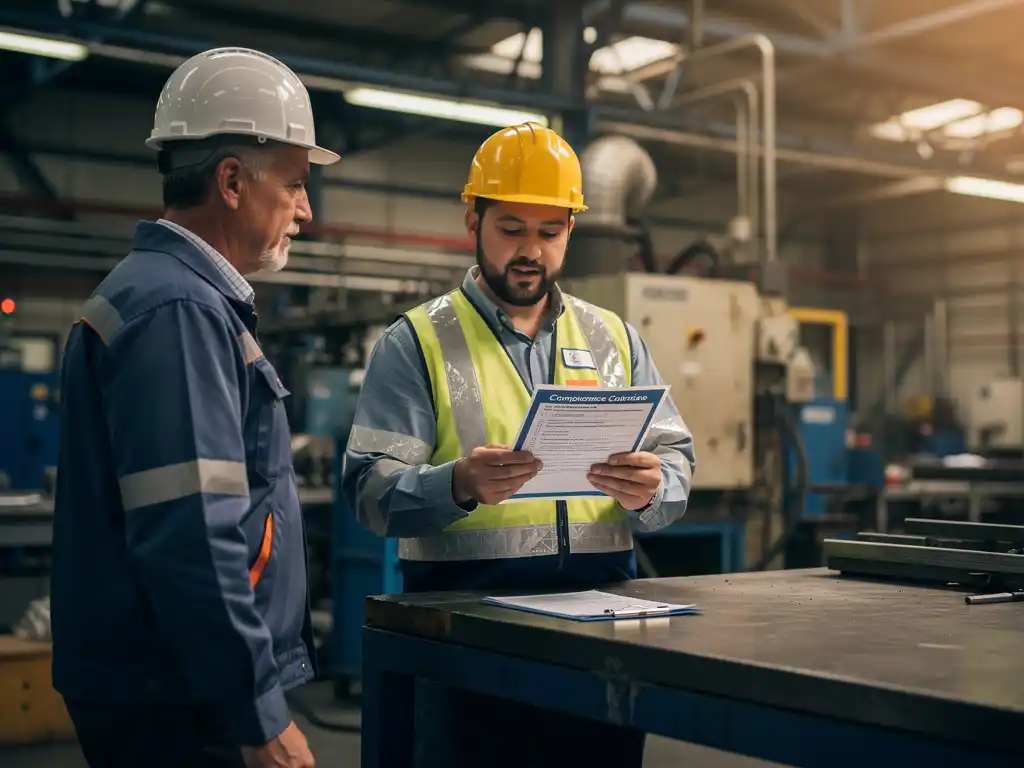
Onboarding in manufacturing is different because new employees must become operationally safe and productive within days, not weeks. Unlike office environments, the production floor leaves little room for error. Workers need to understand machinery, safety protocols, hygiene standards, and shift procedures before they can contribute, which means onboarding must be fast, clear, and consistently delivered to every new hire.
Several factors make this particularly challenging. Manufacturing workforces are often multilingual, with a significant share of employees whose first language is not the dominant company language. Shift patterns mean that not everyone can attend the same training session. High turnover in certain roles creates a constant cycle of onboarding new people. And frontline workers typically do not have a company email address or regular access to a desktop computer.
These realities mean that manufacturing onboarding software needs to work differently than a standard corporate LMS. It must be mobile-first, language-flexible, and designed for people who are not used to navigating digital platforms.
What features should onboarding software have for manufacturing teams?
Onboarding software for manufacturing teams should prioritise mobile accessibility, multilingual support, short-form content, and progress tracking without requiring a login. These features directly address the practical constraints of production environments where workers are on the move, speak different languages, and have limited time between shifts.
Here are the core features to look for:
- No-login access: Workers should be able to complete onboarding without creating an account or downloading a new app.
- Automatic translation: Content should be delivered in the employee’s own language without manual effort from the HR team.
- Microlearning format: Modules should take three to six minutes to complete, covering one topic at a time rather than overwhelming new hires with lengthy documents.
- Scheduled delivery: Content should be sent at the right moment, for example, a safety module on day one and a process walkthrough on day three.
- Progress dashboard: Managers need to see at a glance who has completed what, without chasing individuals.
- Integration capability: The tool should connect with existing HR systems or LMS platforms via API to avoid double data entry.
Beyond these essentials, look for tools that allow content to be built quickly. If creating a module takes hours, the software will not be used consistently. The best onboarding tools for production environments let trainers build a complete module in under fifteen minutes. Learn more about how structured employee onboarding works in practice.
What types of onboarding software are available for manufacturers?
Manufacturers can choose from several types of onboarding software, including traditional LMS platforms, dedicated onboarding tools, HRIS-integrated onboarding modules, and messaging-based microlearning platforms. Each type suits different team sizes, budgets, and levels of digital readiness amongst employees.
Traditional LMS platforms
Learning management systems like Cornerstone or TalentLMS offer comprehensive features, including certifications, compliance tracking, and detailed reporting. They are well-suited for larger manufacturers with dedicated L&D teams and employees who regularly use computers. However, they typically require a login, can be complex to navigate for frontline workers, and take significant time and resources to set up and maintain.
Dedicated onboarding tools
Platforms like Talmundo or Enboarder focus specifically on the new hire journey. They offer structured onboarding workflows, task checklists, and manager notifications. These work well for office-based or hybrid roles but may still present a barrier for workers without company email accounts or regular device access.
Messaging-based microlearning platforms
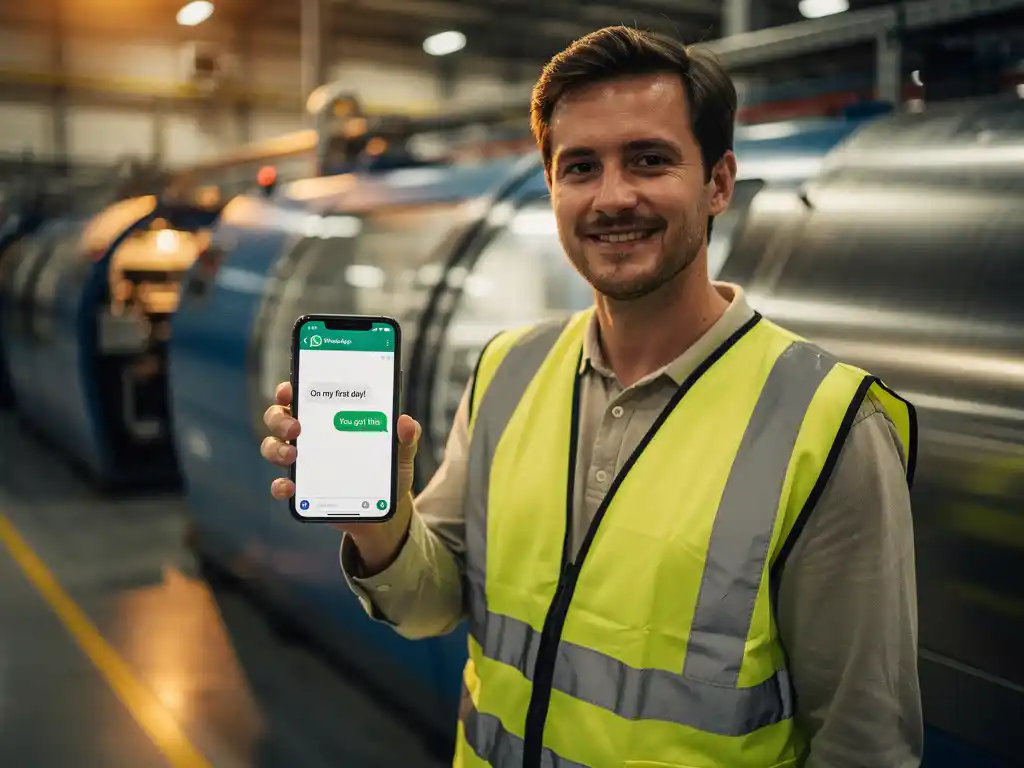
A newer category uses familiar messaging apps like WhatsApp to deliver onboarding content directly to a worker’s personal phone. This approach removes the need for logins entirely and reaches employees through a channel they already use daily. For manufacturing companies with high proportions of deskless, multilingual workers, this format often sees significantly higher completion rates than traditional platforms.
How does WhatsApp-based onboarding work in a production environment?
WhatsApp-based onboarding works by sending structured microlearning modules directly to a new employee’s phone via WhatsApp, without requiring them to download a separate app or create an account. The worker receives a message, completes a short interactive module in three to six minutes, and their progress is automatically recorded in a management dashboard.
In a production environment, this approach fits naturally into the workflow. A new machine operator receives a safety module on their first morning before their shift begins. On day two, they receive a step-by-step work instruction for their specific station. On day five, a short knowledge check confirms they have retained the key information. All of this happens without pulling them into a classroom or asking them to log into a system they have never used before.
The multilingual capability is particularly valuable on the production floor. When a module is sent, the platform can automatically deliver it in the employee’s preferred language, whether that is Dutch, Polish, Arabic, or another language. This removes a common barrier that causes onboarding to be inconsistent or incomplete for non-native speakers. Explore how E-Lia supports knowledge retention beyond the first week of onboarding.
Managers and HR teams monitor completion through a dashboard that shows who has received, opened, and completed each module. If someone has not completed a required module before their shift, a follow-up can be triggered automatically.
Which onboarding software works best for large versus small manufacturers?
Large manufacturers generally benefit most from scalable platforms with strong API integrations, automated workflows, and detailed compliance reporting. Small manufacturers need tools that are fast to set up, affordable, and easy to use without a dedicated IT or L&D team. The right choice depends less on company size and more on workforce characteristics and internal capacity.
For large manufacturers with hundreds or thousands of production employees across multiple sites, the ability to integrate with existing HR systems is critical. Manually managing onboarding data across locations is not viable at scale. Look for platforms that connect automatically with your HRIS or workforce management system so that new hire data triggers onboarding workflows without manual input.
For smaller manufacturers, simplicity and speed of setup matter most. A platform that requires weeks of implementation and a technical team to configure is not practical when you have a small HR function. Tools that let you build and send your first module within a day are a much better fit. The key question is: can your team actually use this without specialist support?
Both large and small manufacturers benefit from mobile-first, low-barrier tools when their workforce is predominantly deskless. Company size is less important than whether the platform matches how your workers actually operate day to day.
How do you measure whether your onboarding software is actually working?
You measure the effectiveness of onboarding software by tracking completion rates, time to productivity, retention in the first ninety days, and knowledge retention scores. These metrics tell you whether new employees are actually receiving, engaging with, and retaining the information they need to perform safely and effectively.
Start with the basics:
- Completion rate: What percentage of new hires complete each required module? A low rate signals that the content is inaccessible, too long, or not reaching employees at the right moment.
- Time to first task: How quickly can a new employee perform their role independently? If onboarding is effective, this window should shorten over time.
- Ninety-day retention: Early turnover is often linked to poor onboarding. Tracking whether new hires stay past ninety days gives you a direct signal of onboarding quality.
- Knowledge check scores: If your modules include questions or quizzes, track average scores to identify where understanding is weakest.
- Manager feedback: Ask team leaders whether new employees arrive on the floor with the knowledge they need. Qualitative input often surfaces problems that metrics miss.
Review these metrics regularly rather than only at the end of a quarter. If completion rates drop for a specific module, investigate whether the content needs updating, the timing of delivery needs adjusting, or the format needs simplifying. Good onboarding software makes this data easy to access so that continuous improvement is practical, not just theoretical.
How E-Lia helps manufacturing companies with onboarding
We built E-Lia specifically to solve the onboarding challenges that manufacturing companies face every day. Our platform delivers structured onboarding and work instructions via WhatsApp, so new employees receive the right information at the right moment, on the device they already use, without any login or app download required.
Here is what using E-Lia for employee onboarding in manufacturing looks like in practice:
- Build modules in 10-15 minutes: Trainers and HR teams can create a complete onboarding module quickly, without technical skills or design experience.
- Reach every worker instantly: Modules are delivered via WhatsApp, meaning even workers without a company email or computer access can complete their onboarding.
- Automatic multilingual delivery: Content is automatically translated so each employee receives their module in their own language.
- Scheduled and triggered sending: Set up a sequence so new hires receive the right module on day one, day three, and day five without any manual follow-up.
- Real-time progress dashboard: See exactly who has completed what, and identify gaps before they become safety or compliance risks.
- API integration: Connect E-Lia with your existing HR systems so onboarding starts automatically when a new hire is added.
We work with organisations in manufacturing, healthcare, logistics, and retail, including partners like Erasmus MC and the University of Utrecht, where we have seen firsthand how accessible, bite-sized onboarding improves both completion rates and early retention. You may also find it useful to explore how E-Lia supports work instructions, workplace inspections, toolbox talks, and HACCP training alongside your onboarding programme. If you want to see how this works for a production environment specifically, plan a free demo and we will walk you through a setup tailored to your team.
Frequently Asked Questions
How long does it typically take to get WhatsApp-based onboarding up and running for a manufacturing team?
Most manufacturing companies can have their first onboarding sequence live within one to two days. Platforms like E-Lia are designed so that HR or Lu0026D teams can build and schedule their first module without technical support or lengthy implementation projects. The key advantage over traditional LMS platforms is that there is no complex infrastructure to configure — if your new hire has WhatsApp, they are ready to receive training.
What if some of our new hires don't use WhatsApp or don't have a smartphone?
This is worth auditing before you select a platform. In most manufacturing workforces, smartphone penetration is high and WhatsApp usage is near-universal, particularly among younger and multilingual workers. For the small minority without a smartphone or WhatsApp, a practical fallback is to have a shared device on the production floor or pair them with a buddy who can complete the onboarding alongside them. It is also worth noting that even workers unfamiliar with digital tools typically find WhatsApp-based onboarding easier to navigate than a traditional LMS login.
How do we handle onboarding content for workers in roles with very different safety requirements?
The best approach is to build role-specific onboarding tracks rather than one generic sequence for all employees. For example, a forklift operator needs different safety modules than someone working on a packaging line. Platforms that support scheduled, triggered delivery make it straightforward to assign the right sequence to each new hire based on their role or department, often automatically via integration with your HRIS. This ensures compliance without burdening HR with manual assignment for every new starter.
Can onboarding software also be used for re-onboarding after long absences or role changes?
Absolutely, and this is an underused application in manufacturing. Workers returning from extended sick leave, parental leave, or those moving to a new station or shift often need a refresher on updated procedures or unfamiliar equipment. Reusing and adapting existing onboarding modules for these situations saves significant time and ensures consistency. The same scheduled delivery and progress tracking features that work for new hires apply equally well to re-onboarding scenarios.
What are the most common mistakes manufacturers make when implementing new onboarding software?
The most frequent mistake is digitising existing onboarding content without adapting it — taking a 40-page PDF handbook and uploading it as-is into a new platform does not improve the experience for frontline workers. Content needs to be broken into short, focused modules that match the microlearning format. A second common mistake is not involving team leaders or floor managers in the rollout; their buy-in is critical because they are often the ones prompting new hires to complete modules and reinforcing what was learned on the job.
How do we ensure our onboarding content stays compliant and up to date as regulations or procedures change?
Choose a platform that makes editing and republishing modules quick and straightforward — ideally something your HR or Lu0026D team can update without relying on an external vendor or technical support. Establish a regular content review cycle, for example quarterly, and assign ownership of each module to a specific person or team. When a safety regulation or machine procedure changes, you should be able to update the relevant module and push the new version to all current and future new hires without rebuilding from scratch.
Is onboarding software worth the investment for manufacturers with very high turnover?
High turnover is actually one of the strongest arguments for investing in structured onboarding software, not a reason to delay. When turnover is high, the cost of slow, inconsistent, or incomplete onboarding compounds rapidly — more safety incidents, longer time to productivity, and higher early attrition all add up. A fast, consistent, and accessible onboarding process has been shown to improve ninety-day retention rates, which directly reduces the volume of new hires you need to onboard in the first place. The ROI is typically clearest in high-turnover environments.