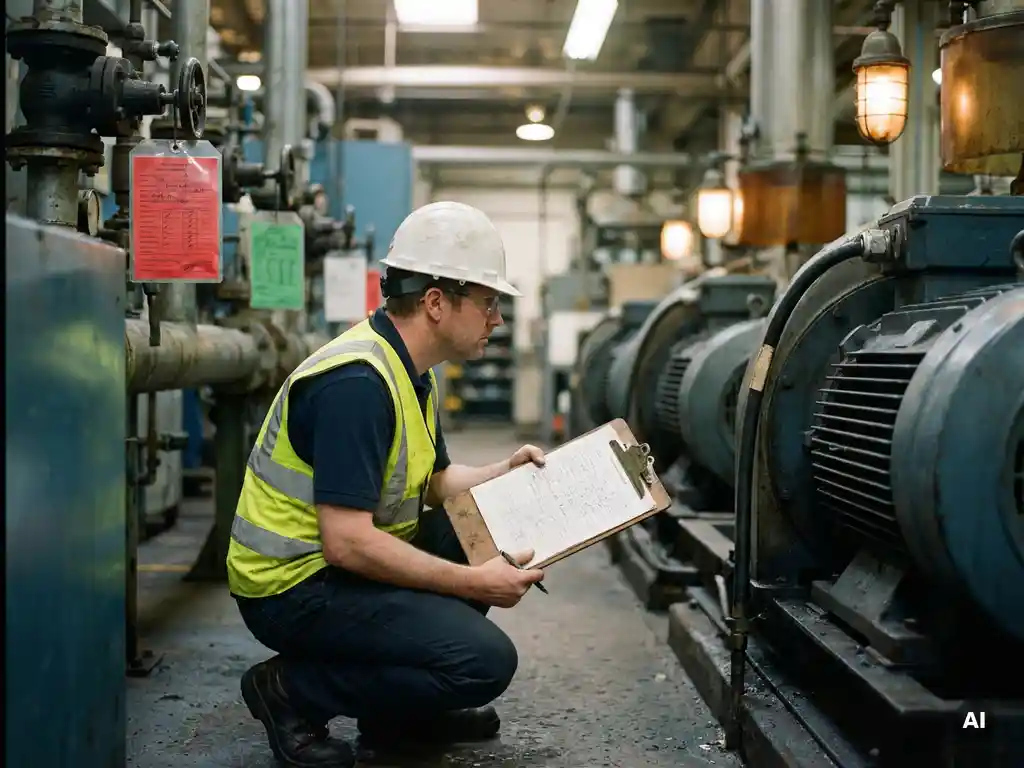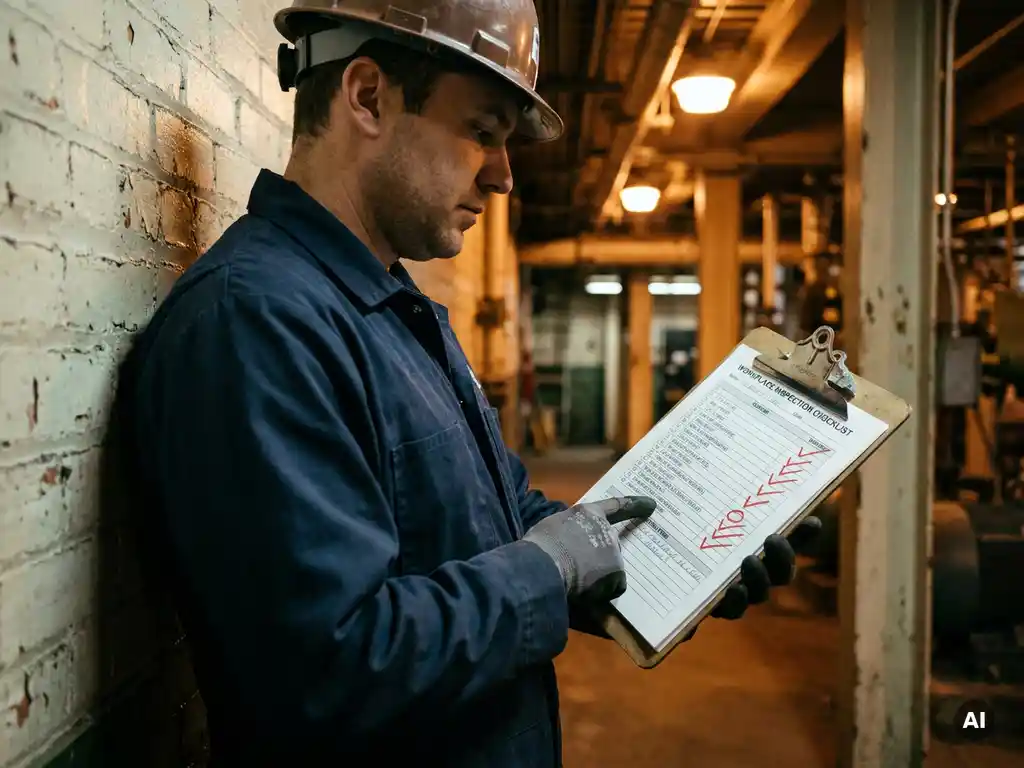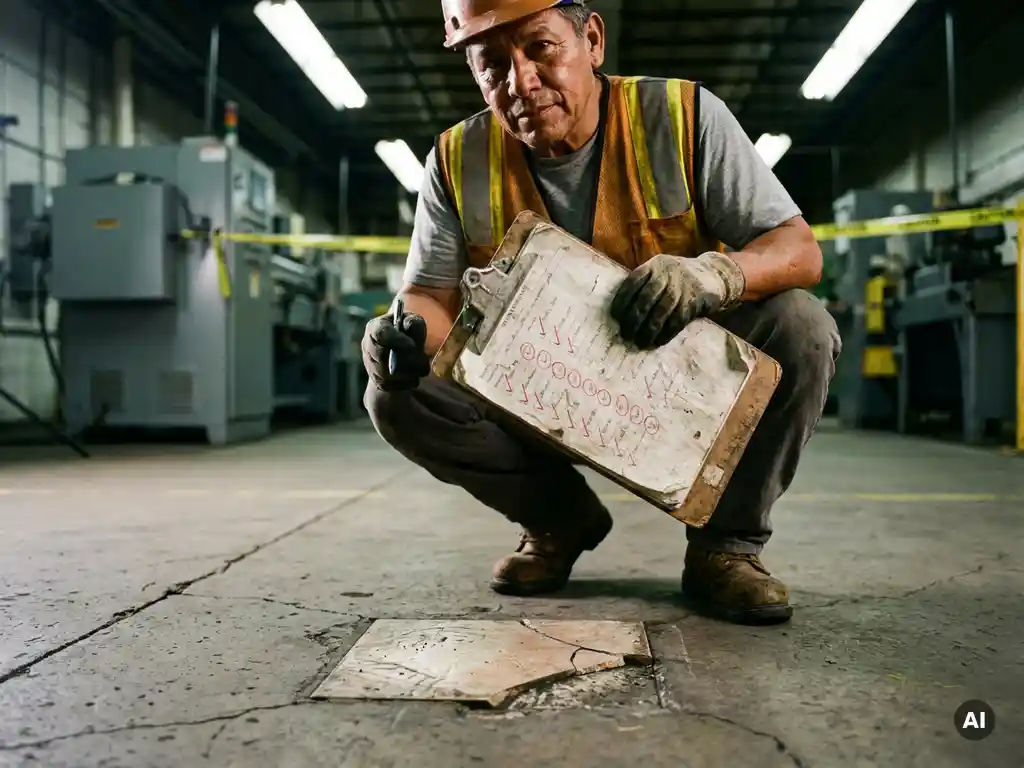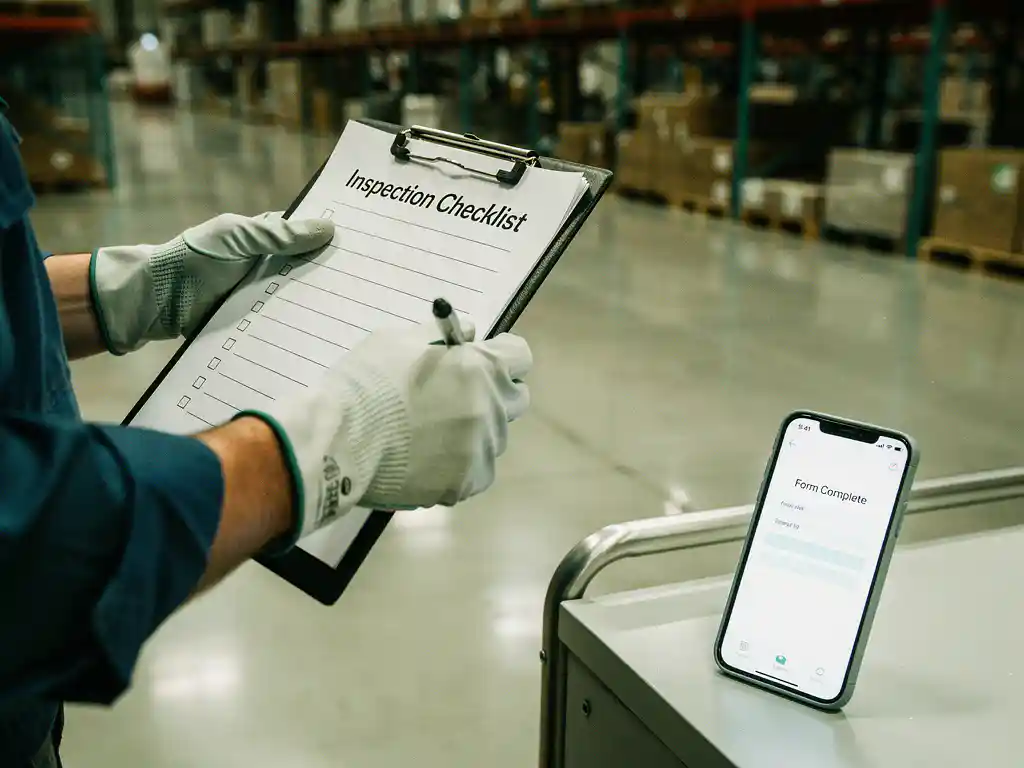
To create a custom workplace inspection form, start by identifying the specific hazards, tasks, and compliance requirements relevant to your workplace, then structure those into a logical checklist with clear response fields and space for corrective actions. A well-built custom inspection form reflects your actual environment rather than a generic template, which makes it far more useful in practice. The sections below walk through every key decision, from what to include to how to make sure inspectors use the form correctly.
What should a workplace inspection form include?
A workplace inspection form should include identification fields (date, location, inspector name), a categorised checklist of inspection items, a response column (yes/no/N/A or a rating scale), a field for observations or deficiencies, a corrective action column, and a sign-off section. These core elements ensure the form captures both findings and accountability in a single document.
Beyond the basics, a strong safety inspection form also includes a reference to the relevant regulation or internal standard next to each checklist item. This helps inspectors understand why something is being checked, not just whether it passes or fails. It also makes the form more defensible during audits or incident investigations.
Consider including a severity or priority rating for each identified issue. When inspectors can flag something as low, medium, or high priority on the spot, it becomes much easier for managers to triage corrective actions after the inspection is complete. A simple three-level scale is usually enough without adding unnecessary complexity.
What’s the difference between a generic and a custom inspection form?
A generic inspection form covers broad, industry-standard safety categories that apply across many workplaces. A custom inspection form is built around your specific site, equipment, workflows, and regulatory obligations. The key difference is relevance: a generic form will include items that don’t apply to your workplace and miss items that are critical to yours.
Generic forms are useful as a starting point or for organisations that lack the resources to build from scratch. However, they often produce inspection results that are difficult to act on because the categories are too broad. Inspectors may tick boxes without engaging meaningfully with the actual conditions in front of them.
A custom workplace inspection checklist solves this by naming specific machines, areas, or processes. Instead of “electrical equipment checked,” a custom form might say “Forklift charging station in Warehouse B: cables inspected for damage.” That level of specificity reduces ambiguity and produces more consistent results across different inspectors and shifts.
How do you identify what to include in your custom form?
To identify what belongs in your custom form, review your incident and near-miss history, conduct a hazard identification walkthrough, consult relevant legislation and industry standards, and involve the workers who perform the tasks being inspected. These four inputs together give you a comprehensive, grounded picture of what actually needs checking.
Start with your incident log. Recurring issues or near-misses point directly to areas where structured inspection adds real value. If a particular piece of equipment or a specific area keeps appearing in incident reports, it belongs prominently in your workplace safety checklist.
Legislation and industry standards provide the compliance floor. Depending on your sector, regulations may prescribe specific inspection frequencies or items. Use these as a baseline, then build upward based on your site-specific risks. Involving frontline workers in this process is particularly valuable because they often know about informal hazards or workarounds that never appear in official documentation.
How do you structure a workplace inspection form for easy use?
Structure your workplace inspection form by grouping related items into logical sections that mirror how an inspector physically moves through the space or completes a task. A well-organised form reduces the chance of items being skipped and makes it easier to compare results over time.
Common structural approaches include organising by physical zone (entrance, production floor, storage area, office), by equipment type, or by hazard category (fire safety, chemical storage, ergonomics, electrical). Choose the structure that best matches how your inspectors already think about the workplace.
Within each section, sequence items from the most critical to the least. Place sign-off fields at the end of each section rather than only at the very end of the form. This creates natural checkpoints and makes partial completions easier to identify when reviewing submitted forms. Keep the language in each checklist item short, specific, and action-oriented. Avoid double-barrelled items like “fire extinguishers present and accessible” because an inspector cannot clearly mark one as a pass and the other as a fail.
What format works best — paper, PDF, or digital form?
The best format for a workplace inspection form depends on your environment, the technical comfort of your inspectors, and what you need to do with the data afterwards. Digital forms are generally the most efficient for tracking, reporting, and follow-up, but paper or PDF forms remain practical in environments where devices are impractical or restricted.
Paper forms
Paper forms work well in environments with no connectivity, high moisture, or where devices would be a safety hazard. They require no training to use and are immediately accessible. The downside is that data must be manually transferred for reporting, and forms can be lost, damaged, or illegible.
PDF forms
Fillable PDF forms offer a middle ground. They can be completed on a device and emailed or saved, but they lack real-time data capture and are harder to analyse at scale. They work well for organisations that need a simple upgrade from paper without investing in dedicated software.
Digital forms and mobile tools
Digital inspection tools allow real-time submission, automatic notifications when issues are flagged, photo attachments, and dashboard reporting. For organisations running multiple sites or frequent inspection cycles, the time saved on data collection and reporting alone justifies the switch. The key is choosing a tool that inspectors will actually use, which means it needs to be fast, simple, and accessible on the devices they already carry.
How do you make sure inspectors actually complete the form correctly?
To ensure inspectors complete the form correctly, provide brief training on each checklist item, use clear and unambiguous language throughout the form, build in mandatory fields where possible, and establish a review process so completed forms are checked and feedback is given. Compliance improves significantly when inspectors understand the purpose behind each item, not just the task of ticking boxes.
One of the most common failure points is inspectors who rush through forms without genuinely observing the conditions. Short, targeted training that explains what each item is looking for, and what a pass or fail actually looks like, makes a measurable difference. If your form includes photos as evidence for certain items, this also creates a natural incentive to actually look at the thing being inspected.
Regular calibration sessions where multiple inspectors assess the same area independently and then compare results help identify inconsistencies in how items are being interpreted. Over time, this improves inter-rater reliability and makes your inspection data much more useful for trend analysis. Reviewing completed forms promptly and following up on flagged items also signals to inspectors that the process matters, which reinforces thorough completion.
How E-Lia helps with workplace inspections and safety training
Once your custom workplace inspection form is in place, the next challenge is making sure your team knows how to use it, understands the safety standards behind it, and stays up to date when procedures change. That is where we come in. We help organisations deliver exactly this kind of practical, role-specific knowledge quickly and without friction, using WhatsApp as the delivery channel so there is no app to download and no login required.
- Microlearning modules in 3 to 6 minutes: We help you turn inspection procedures, safety standards, and corrective action workflows into short, digestible modules that employees complete on their phone.
- No new tools for your team: Modules are delivered via WhatsApp, which means your inspectors and frontline workers engage with training on a platform they already use every day.
- Automatic translations: For multilingual teams, we support automatic translation so every employee receives safety information in their own language.
- Progress tracking via dashboard: You can see exactly who has completed which modules, making it easy to ensure all inspectors are trained before they go live with a new form or updated procedure.
- Fast to build: Creating a new module takes an average of 10 to 15 minutes, so when your inspection form changes, your training can keep pace.
Learn more about how E-Lia supports workplace inspections, toolbox talks, onboarding, retaining and maintaining knowledge, work instructions, and HACCP training. If you want to see how this works in practice for your organisation, plan a demo to explore how we can support your inspection and safety training processes.
Frequently Asked Questions
How often should we update our custom workplace inspection form?
You should review and update your custom inspection form at least annually, and also after any incident, near-miss, equipment change, or regulatory update that affects your workplace. A form that reflected your site accurately 18 months ago may now miss newly introduced hazards or fail to meet updated compliance requirements. Build a scheduled review into your safety management calendar so updates don’t get overlooked.
How many checklist items is too many for a single inspection form?
There is no universal rule, but if a form takes longer than 30–45 minutes to complete thoroughly, it is likely too long and risks becoming a box-ticking exercise rather than a genuine safety check. A practical approach is to split an overly long form into multiple role- or zone-specific forms that different team members complete in parallel. This keeps each form focused and manageable while still achieving full coverage of the workplace.
What's the best way to handle corrective actions identified during an inspection?
Each corrective action should be assigned to a named person with a specific deadline at the point of inspection, not left as an open-ended note to be sorted out later. Using a priority rating (low, medium, high) helps managers allocate resources appropriately and ensures critical issues are addressed first. If you are using a digital inspection tool, automatic notifications to the responsible person as soon as the form is submitted significantly reduce the lag between identifying an issue and resolving it.
Can one inspection form work across multiple sites or departments?
A single form can cover multiple sites or departments only if the hazards, equipment, and workflows are genuinely similar across those locations. In practice, most multi-site organisations benefit from a shared template that covers common compliance items, with site-specific sections appended for local hazards or equipment. This approach maintains consistency in your core data while still reflecting the real conditions at each location.
How do we get buy-in from frontline workers who see the inspection form as extra paperwork?
The most effective way to build buy-in is to involve frontline workers in designing the form from the start, so they can see that it reflects their actual working conditions rather than being imposed from above. Equally important is closing the feedback loop: when inspectors flag an issue and see it get fixed, they understand the form produces real results rather than disappearing into a filing cabinet. Keeping forms concise, clearly purposeful, and free of irrelevant items also reduces the perception that it is unnecessary administrative burden.
What are the most common mistakes organisations make when building a custom inspection form?
The three most common mistakes are: using vague language that different inspectors interpret differently, including too many items so the form becomes unwieldy, and failing to link checklist items to a specific regulation or internal standard. Another frequent issue is building the form without input from the people who will actually use it, which results in items that are ambiguous, impractical, or irrelevant to real working conditions. Running a pilot with a small group of inspectors before rolling out the form organisation-wide is one of the simplest ways to catch these problems early.
Do we need a separate form for contractor or visitor safety inspections?
In most cases, yes. Contractors and visitors typically access a limited part of your site, face a different subset of hazards, and are subject to different induction and compliance requirements than your own employees. A dedicated contractor or visitor inspection form can be shorter and more targeted, focusing on the specific areas they will access and the controls they need to be aware of. This also makes it easier to document that appropriate checks were completed, which is important for liability and audit purposes.