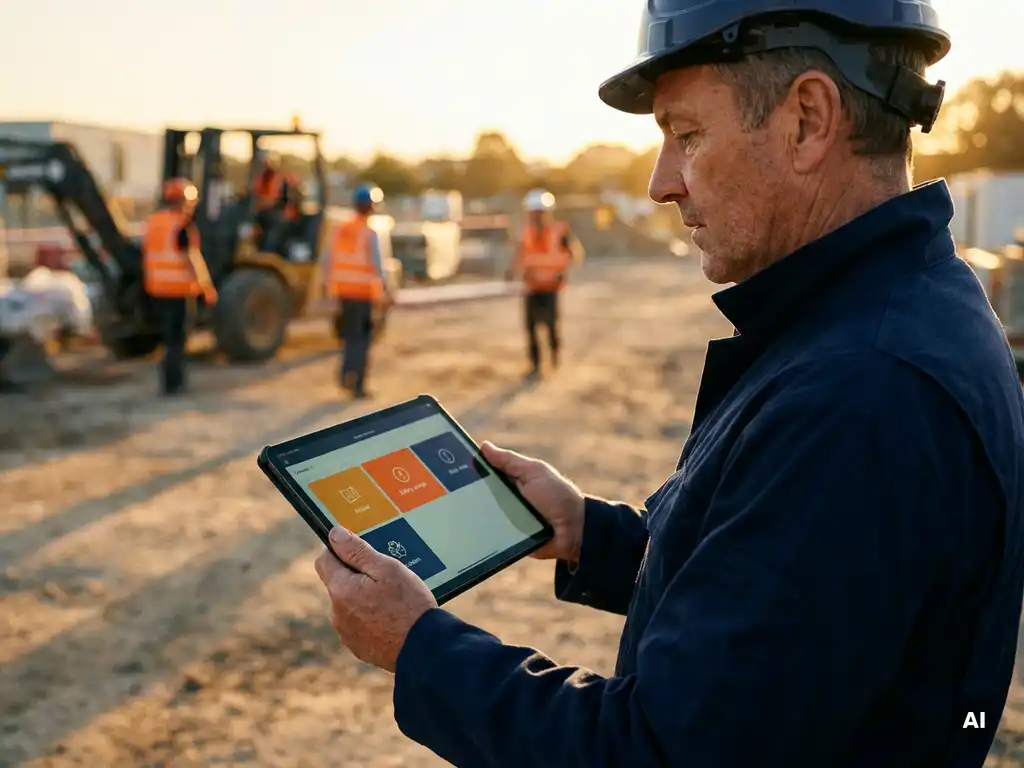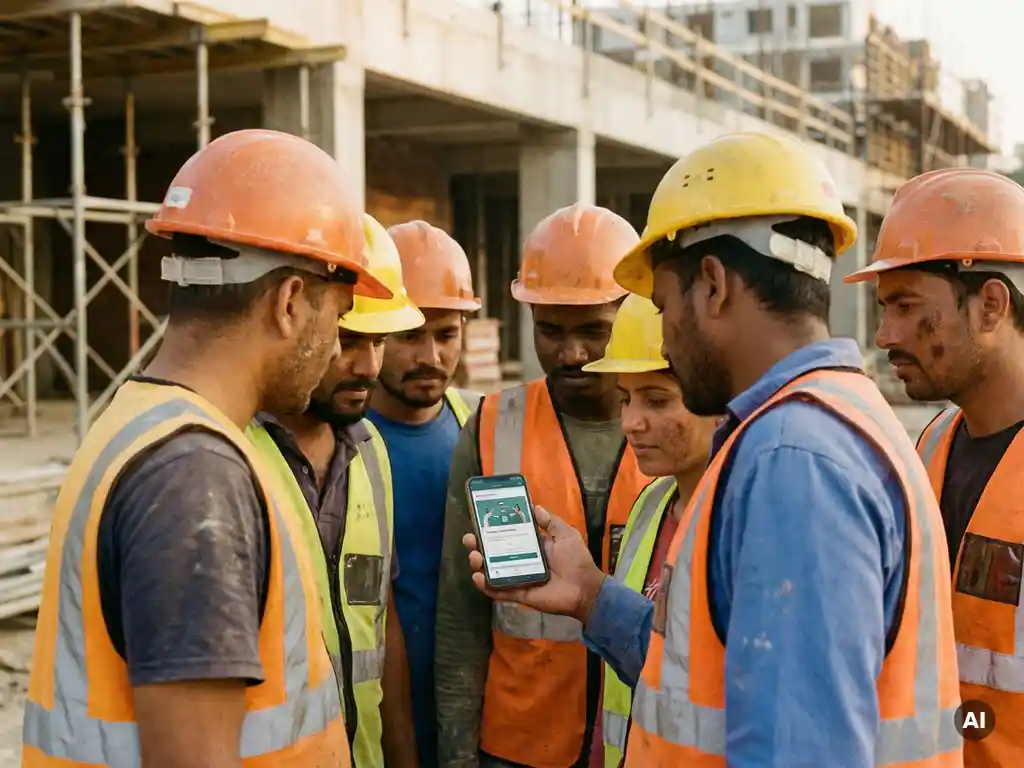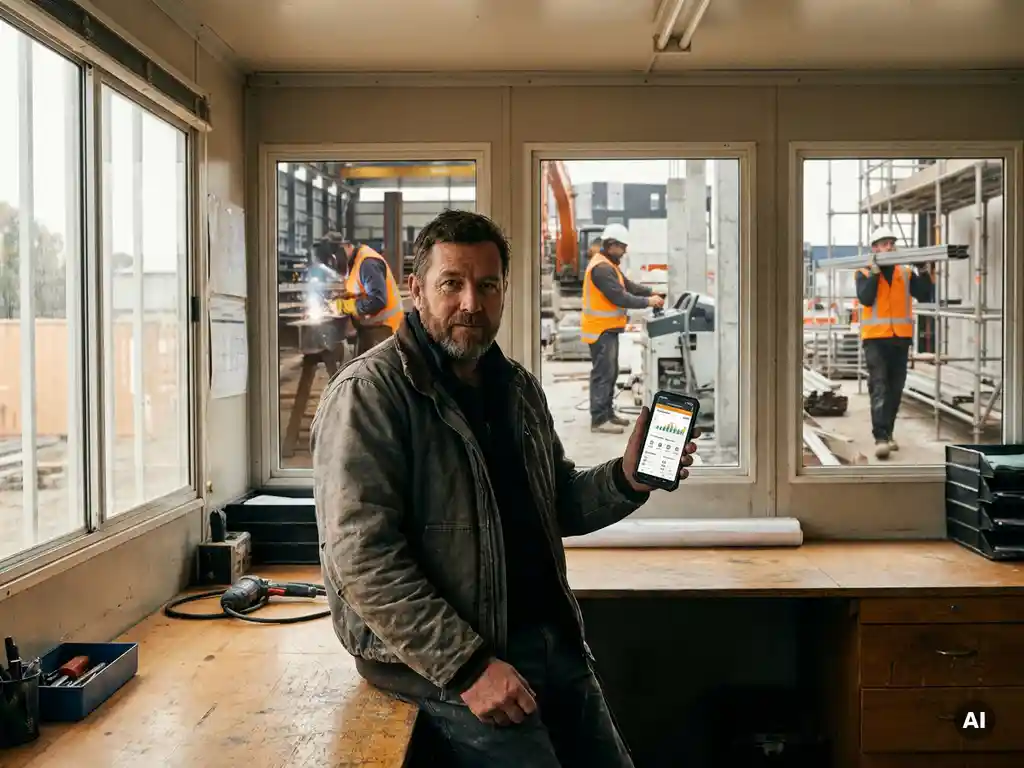
You can manage toolbox talks across multiple locations from one central system by using a digital platform that lets you create content once, distribute it instantly to all sites, and track participation in real time from a single dashboard. Instead of relying on site managers to run separate sessions at each location, a centralised approach puts the coordination in one place. The sections below walk through the most common questions organisations ask when making this shift.
What makes toolbox talks hard to standardise across sites?
The biggest challenge is that toolbox talk delivery has traditionally depended on individual site managers, which means content quality, timing, and record-keeping vary from one location to the next. When each site runs its own version of a safety meeting, you lose consistency across the organisation and make it harder to demonstrate that all workers received the same information.
Several practical problems compound this. Paper sign-in sheets get lost or filled in inconsistently. Managers at different sites interpret topics differently, so workers in one location hear a thorough briefing while workers at another get a two-minute summary. Multilingual teams receive information in a language not everyone understands. And when an audit comes around, pulling together attendance records from ten different sites becomes a significant administrative task.
There is also a timing problem. In sectors like construction and logistics, teams are often spread across project sites that change regularly. Coordinating a single moment when all workers are available for a group safety meeting is genuinely difficult. The result is that some workers miss talks entirely, and there is no reliable way to know who has and has not been reached.
Standardising toolbox talks across multiple locations means solving all of these problems at once: consistent content, reliable delivery, language accessibility, and traceable records. That is why more organisations are moving away from site-by-site coordination toward a single digital toolbox talk system.
What does a centralised toolbox talk system actually include?
A centralised toolbox talk system includes a content library, a distribution mechanism, a participation tracking tool, and a reporting dashboard, all managed from one place. Rather than each site managing its own materials and records, everything flows through a single platform that gives safety managers visibility across all locations simultaneously.
In practice, a well-built system covers the following components:
- Content creation and storage: A place to build, store, and update toolbox talk modules, either using your own materials or a pre-built library of safety topics.
- Targeted distribution: The ability to send specific talks to specific teams, sites, or roles, either immediately or on a scheduled basis.
- Knowledge checks: Short questions embedded in the talk to confirm that workers have understood the content, not just received it.
- Attendance registration: Automatic logging of who completed each talk, replacing paper sign-in sheets.
- Real-time reporting: A dashboard that shows completion rates across all locations so managers can follow up with anyone who has not yet participated.
- Language support: The ability to deliver the same content in multiple languages so every worker receives information they can actually understand.
The key difference between a centralised system and a collection of local tools is that everything is visible from one place. A safety manager overseeing ten sites does not need to chase ten different spreadsheets. They open one dashboard and see exactly where participation stands across the entire organisation.
How do you deliver toolbox talks to workers without smartphones or apps?
The most practical way to deliver digital toolbox talks to workers who do not have company devices or email addresses is through a channel they already use on their personal phones, such as WhatsApp. Workers receive the safety talk directly as a message, complete it in a few minutes, and their participation is automatically recorded, with no app download, no account creation, and no password required.
This matters because a large share of operational workers in construction, logistics, and production do not have a company laptop or a work email address. Traditional e-learning platforms and LMS systems assume workers have a device and login credentials. For frontline teams, that assumption creates a real barrier to participation.
Delivering toolbox talks via a familiar messaging platform removes that barrier. Workers open a message they already know how to use, read or watch the content, answer a short knowledge check, and then they are done. The interaction feels like a normal message exchange rather than a formal training session, which tends to increase completion rates.
For organisations that also run physical toolbox meetings on site, a good digital system can register attendance from those sessions too. This means you are not forced to choose between digital and in-person delivery. You can use both, and all records end up in the same place.
How can managers track attendance across all locations in real time?
Managers can track toolbox talk attendance across all locations in real time through a centralised dashboard that updates automatically as workers complete each session. Instead of waiting for site managers to collect and submit paper records, the system shows live completion data the moment a worker finishes a talk.
This changes how safety managers work in a practical way. Rather than chasing attendance data after the fact, they can see at a glance which sites are on track and which have gaps. If a particular team or location shows low completion, a manager can follow up directly without waiting for the end of the week or the next site visit.
Useful features in a real-time tracking system include:
- Completion rates per site, team, or individual worker
- Timestamps showing when each worker completed a talk
- Knowledge check results to identify where understanding is weaker
- Automatic reminders sent to workers who have not yet completed a session
- Exportable reports for audits or internal review
The shift from paper-based registration to a live digital dashboard also reduces the administrative work involved in compiling records. When an audit or inspection requires attendance documentation, the data is already organised and ready to export, rather than being scattered across site offices in different formats.
What’s the difference between managing toolbox talks via an LMS versus WhatsApp?
The key difference is accessibility. A traditional LMS requires workers to log in through a browser or app using credentials, which creates a barrier for operational workers who do not have company devices or email accounts. WhatsApp-based delivery sends content directly to a worker’s personal phone through a channel they already use daily, with no login required.
Both approaches can deliver structured safety content with knowledge checks and completion tracking. But they serve different audiences in different ways.
Where a traditional LMS works well
An LMS is well suited to office-based or desk workers who have company devices, email addresses, and time set aside for structured learning. It typically offers more complex course structures, detailed progress tracking, and integration with HR systems. For organisations where all workers have a company login, an LMS can be a strong choice.
Where WhatsApp-based delivery works better
For frontline and operational workers, a WhatsApp-based system removes the friction that causes low completion rates on traditional platforms. Workers do not need to remember a password, navigate an unfamiliar interface, or find a computer. The talk arrives as a message, they complete it in a few minutes on their own phone, and the system registers their participation automatically. This approach is particularly effective for teams that are mobile, multilingual, or working across multiple sites.
Many organisations with mixed workforces use both: an LMS for office and management staff, and a WhatsApp-based tool for operational teams. The goal is to match the delivery channel to the worker’s actual situation, not to force all workers through the same system regardless of whether it fits their daily reality.
How do you keep toolbox talk content consistent across languages and teams?
You keep toolbox talk content consistent across languages and teams by creating one master version of each talk and using automated translation to deliver it in each worker’s preferred language, rather than asking local managers to adapt or translate content themselves. This ensures every team receives the same safety information, regardless of where they work or what language they speak.
Manual translation or local adaptation introduces inconsistency. A site manager who speaks limited English may simplify a safety message. A translated handout prepared by a colleague may miss a key point. Over time, workers in different locations end up with different versions of what should be the same instruction.
AI-supported translation tools can now handle this automatically, converting a single piece of content into many languages while preserving the original meaning. Workers receive the talk in their own language without any extra steps from the safety team. This is particularly relevant for organisations with international workforces, where a single site might include workers speaking several different languages.
Beyond translation, consistency also comes from using a shared content library rather than letting each site build its own materials. When all toolbox talks are created and stored centrally, updates happen in one place and roll out to all locations at the same time. There is no risk of one site still using an outdated version of a safety instruction while another has already moved to a newer one.
How E-lia helps you manage toolbox talks across locations
We built E-lia specifically for organisations that need to reach operational workers across multiple locations, without relying on paper processes, extra apps, or complex login systems. Here is what that looks like in practice:
- WhatsApp delivery: Workers receive toolbox talks directly on their personal phones. No app download, no account, no password.
- Centralised content management: Create a talk once and send it to any combination of sites, teams, or individuals, either immediately or on a schedule.
- AI-supported translation: Automatically deliver content in more than 50 languages so every worker receives information in their own language.
- Knowledge checks and live dashboard: Embedded questions confirm understanding, and a real-time dashboard shows completion across all locations at a glance.
- Content library: Access more than 60 ready-made safety topics, updated regularly by a qualified safety professional, or upload your own materials.
- Physical meeting registration: Register attendance from in-person toolbox sessions in the same system, so all records stay in one place.
If you want to see how this works for your organisation, get in touch with us and we will show you a practical demo based on your specific situation.