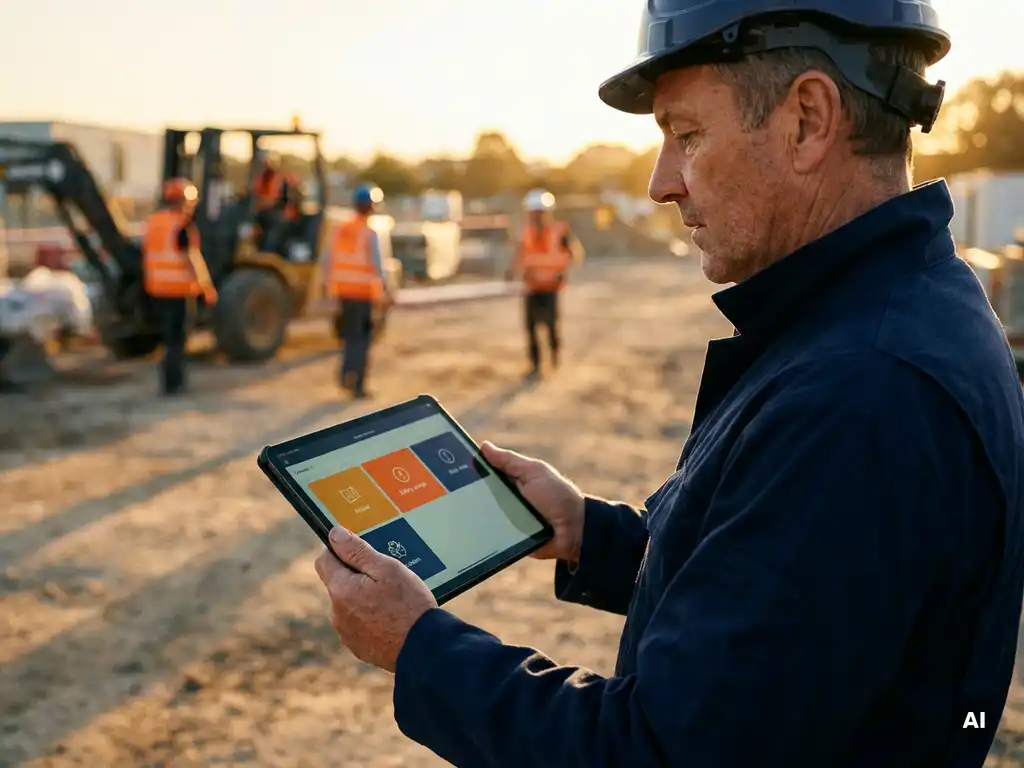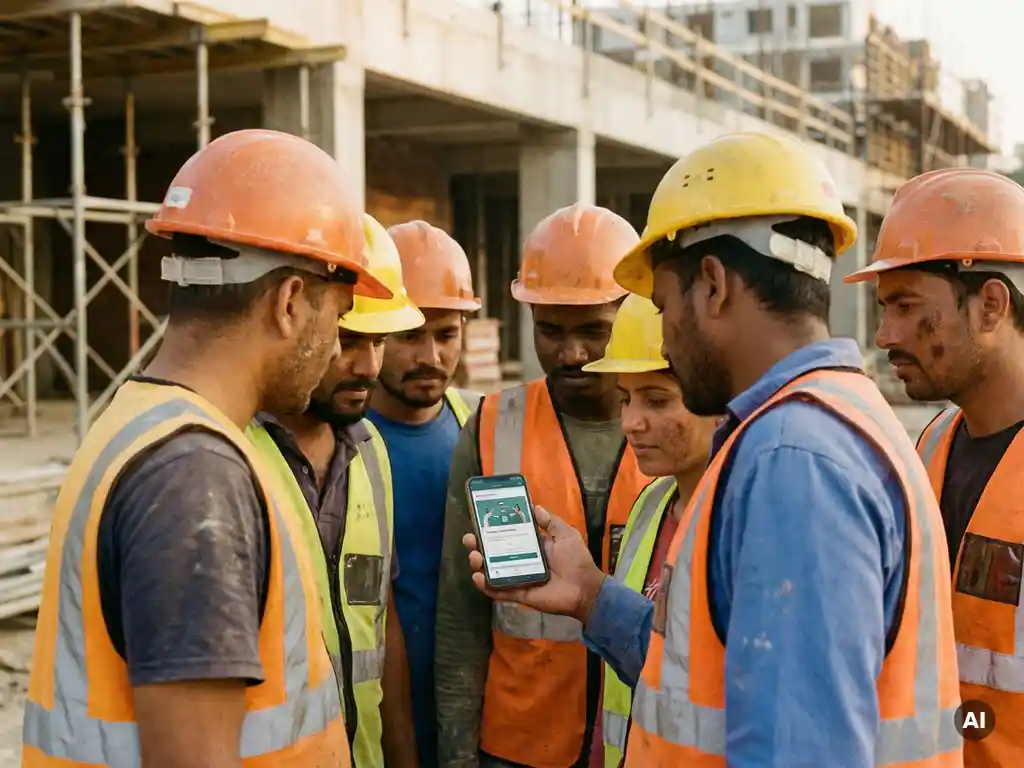
You ensure every employee only receives relevant toolbox talks by segmenting your workforce into groups based on role, location, project, or risk profile and then targeting each group with content that matches their specific work context. A machine operator and a logistics driver face different hazards, so sending them the same safety content wastes their time and reduces engagement. The sections below walk through how to build that targeting system from the ground up.
What makes a toolbox talk relevant to a specific employee?
A toolbox talk is relevant to a specific employee when it addresses hazards, tasks, or procedures that directly apply to their daily work. Relevance is determined by the intersection of job role, work location, current project, and the employee’s experience level. Content that does not connect to an employee’s actual working conditions is less likely to be absorbed or acted on.
Think about what makes a safety topic land well. It is not just the subject matter itself, it is whether the person receiving it can immediately picture a situation in their own workday where that information matters. A toolbox talk about working at height is highly relevant to a scaffolder and largely irrelevant to someone working in a warehouse office. When employees see content that reflects their reality, they engage with it more actively and retain it better.
Several factors determine whether a toolbox talk is a good fit for a specific person:
- Job role and task type: The hazards a forklift driver faces differ significantly from those of a maintenance technician or a food production worker.
- Work location: Employees on a construction site, in a cold storage facility, or on a loading dock each encounter environment-specific risks.
- Current project or phase: A team starting a new phase of work may need updated instructions that do not apply to colleagues on a different project.
- Language and literacy: Relevant content also means content that the employee can actually understand, which includes language accessibility.
- Prior training history: An employee who recently completed a module on chemical handling does not need an immediate repeat, while a new starter does.
Relevance is not a one-time decision. As projects evolve, teams change, and new risks emerge, the content that is appropriate for each employee shifts too. A good targeting approach builds in flexibility to update group assignments and content as circumstances change.
How do you segment employees to target toolbox talk content?
You segment employees for targeted toolbox talks by grouping them according to shared characteristics such as job function, department, work location, project assignment, or risk exposure. Most organizations start with role-based segmentation and then layer in additional criteria like location or language to create more precise groups.
Segmentation does not need to be complex to be effective. Even a basic structure, such as separating operational workers from office staff and then dividing operational workers by site or team, already produces significantly more relevant content distribution than sending the same talk to everyone.
Common segmentation criteria
- Job role or function: Group employees by what they actually do. Drivers, machine operators, cleaners, and supervisors each have distinct risk profiles.
- Department or team: Teams often share the same workspace, equipment, and procedures, making them a natural unit for targeted content.
- Work location or site: Employees at different sites may face different local hazards, regulations, or site-specific rules.
- Project or contract: In sectors like construction or logistics, employees move between projects. Segmenting by current project ensures they receive content tied to where they are working right now.
- Language preference: Multilingual workforces benefit from segmentation that ensures each employee receives content in a language they understand well.
- Seniority or experience level: New starters may need foundational safety content, while experienced employees benefit more from updates on specific changes or advanced topics.
How to build and maintain your segments
Start by mapping your workforce against the criteria above and defining your groups. Keep the number of segments manageable, too many groups create administrative complexity without proportional benefit. Aim for groups that are meaningfully different from each other in terms of risk or task type.
Connect your segmentation to your HR or workforce management system where possible. When an employee changes role or moves to a new site, their group assignment should update automatically rather than requiring manual intervention. This keeps your targeting accurate over time without adding administrative work.
Review your segments regularly, especially when organizational changes happen, new projects start, or regulations affecting a specific group are updated. Segmentation is a living structure, not a one-time setup.
What tools let you send targeted toolbox talks to specific groups?
Tools that support targeted toolbox talk distribution include learning management systems (LMS), safety management platforms, and mobile-first communication tools that allow you to assign content to specific employee groups. The most practical options for frontline and operational workers are platforms that work on a smartphone without requiring employees to download a separate app or create an account.
The right tool depends on your workforce profile. For employees who work at a desk with a company email address, an LMS with role-based content assignment often works well. For operational workers in sectors like construction, logistics, or manufacturing, who may not have a company laptop or email, a tool that reaches them through a channel they already use daily is far more effective.
Key features to look for in a targeting tool:
- Group management: The ability to create, edit, and assign employee groups so that content automatically reaches the right people.
- Scheduled and instant delivery: Options to send content immediately when something urgent comes up, or to schedule it in advance for planned training cycles.
- Multilingual support: Automatic translation or the ability to assign language-specific content to language-based groups.
- Integration with HR systems: Automatic syncing with your employee database so that group assignments stay accurate as your workforce changes.
- Completion tracking: Visibility into who has received, opened, and completed each talk, broken down by group.
- Low-barrier access: For frontline workers, tools that work through familiar channels like WhatsApp remove the friction of logging into a separate system.
A content library is also a practical consideration. Building every toolbox talk from scratch takes time. Platforms that offer a library of ready-made topics, maintained by safety professionals and updated regularly, let you focus on targeting and distribution rather than content creation.
How can you deliver toolbox talks without extra apps or logins?
You can deliver toolbox talks without extra apps or logins by using platforms that send content through communication channels employees already have on their phones, such as WhatsApp. This approach removes the most common barriers to participation: forgetting a password, not having a work email, or not knowing how to navigate an unfamiliar system.
For many operational workers, the expectation that they will download a new app, create an account, and remember login credentials is a significant obstacle. It creates friction before the learning even begins. When a toolbox talk arrives through a channel the employee uses every day, that friction disappears entirely.
WhatsApp-based delivery works particularly well for frontline workforces because:
- Employees do not need a company email address or laptop to participate.
- The interface is already familiar, so there is no learning curve for the tool itself.
- Content can be delivered as interactive microlearning modules, including knowledge checks, directly within the conversation.
- Multilingual employees can receive content automatically in their preferred language.
- Participation is recorded automatically, so there is no need for paper sign-in sheets or manual tracking.
This delivery model is especially relevant in sectors like construction, logistics, food production, and healthcare, where employees are often on the move, working in shifts, or spread across multiple locations. Meeting employees where they already are, rather than asking them to come to a new system, consistently produces higher participation rates.
Physical toolbox meetings can also be supported through the same approach. When a face-to-face session takes place, attendance and completion can be registered digitally through the same platform, keeping all records in one place.
How do you track which employees completed their toolbox talks?
You track toolbox talk completion by using a platform that automatically records when each employee receives, opens, and completes a talk, including any knowledge check responses. A live dashboard then gives you an overview of participation by individual, group, or topic, so you can follow up with anyone who has not yet completed the content.
Manual tracking methods, such as paper sign-in sheets or spreadsheets, create several problems. They are time-consuming to maintain, easy to lose, and difficult to search when you need to demonstrate that a specific employee received a specific instruction on a specific date. Digital tracking solves all of these issues by generating records automatically.
A well-designed tracking system should show you:
- Who received the talk: Confirmation that the content was sent to the intended group.
- Who opened and engaged with it: Evidence that the employee interacted with the content, not just that it was delivered.
- Who completed the knowledge check: Results from any questions included in the talk, showing whether the key messages were understood.
- Who has not yet completed it: A clear view of outstanding completions so you can send reminders or follow up directly.
- Historical records by employee: A full training history for each person, useful during audits or inspections when you need to show what safety content has been communicated and when.
Tracking also supports your segmentation strategy. When you can see completion rates by group, you quickly identify whether a particular team or location consistently has lower engagement, which may signal a content relevance issue, a language barrier, or a process problem worth addressing.
Good documentation helps you demonstrate how safety information has been communicated across your workforce. Whether during an internal review, an external audit, or a conversation with a client or contractor, having clear records of who completed what and when supports a transparent safety culture.
How E-Lia helps you deliver targeted toolbox talks
We built E-Lia specifically for organizations that need to reach operational, frontline, and multilingual employees with safety content, without adding complexity to anyone’s workday. Here is how we support targeted toolbox talk delivery in practice:
- Group-based targeting: You create employee groups based on role, location, project, or any other criteria, and assign toolbox talks directly to those groups. Each employee only receives content that is relevant to them.
- WhatsApp delivery: Toolbox talks are sent directly to employees’ phones via WhatsApp. No app download, no account creation, no password. Employees engage with interactive microlearning modules in a channel they already know.
- AI-powered translations: Content is automatically translated into more than 50 languages, so every employee receives their toolbox talk in a language they understand.
- Knowledge checks and live dashboard: Built-in knowledge checks confirm understanding, and a real-time dashboard shows you exactly who has completed each talk and who still needs a nudge.
- Content library: Access a library of more than 60 practical safety topics, maintained and updated by a qualified safety professional, so you always have relevant, ready-to-use content available.
- HR system integration: E-Lia connects with your existing HR or LMS systems via API, so employee data stays current and group assignments update automatically.
If you want to see how targeted toolbox talk delivery works in practice for your organization, get in touch with us and we will walk you through the platform.