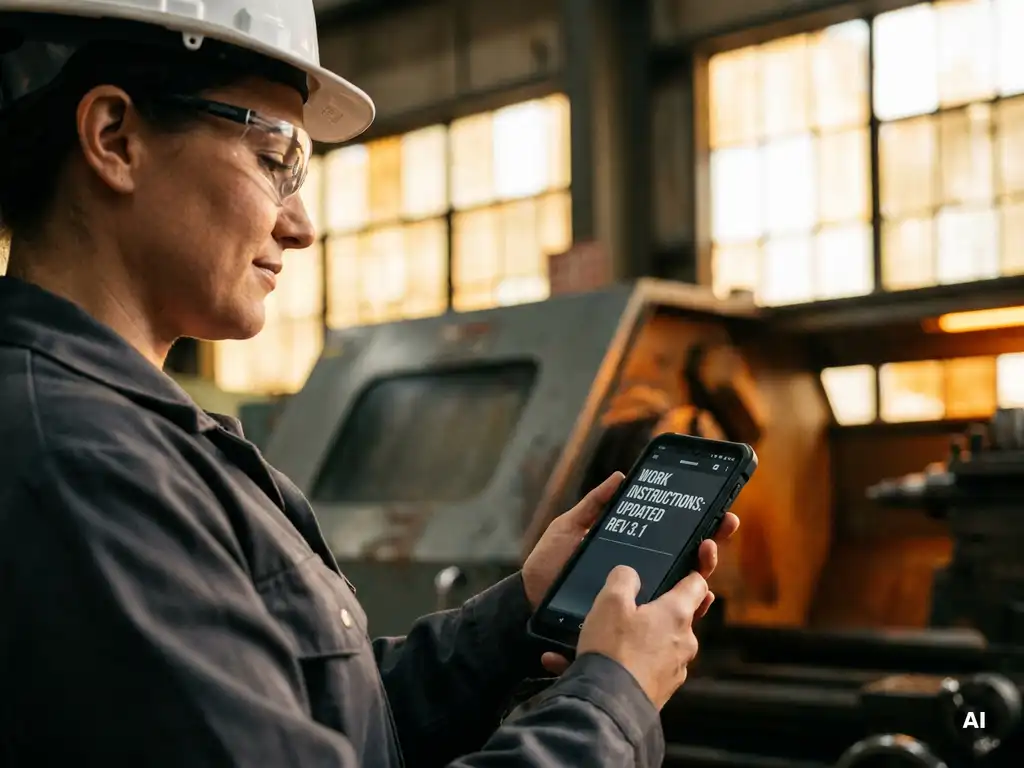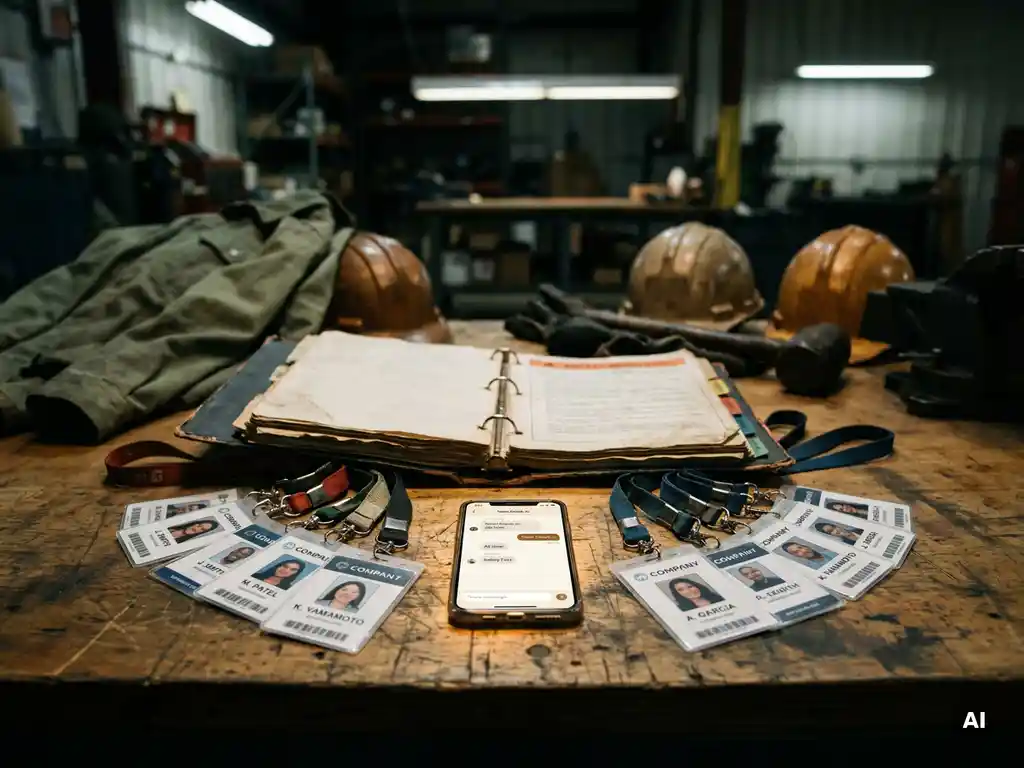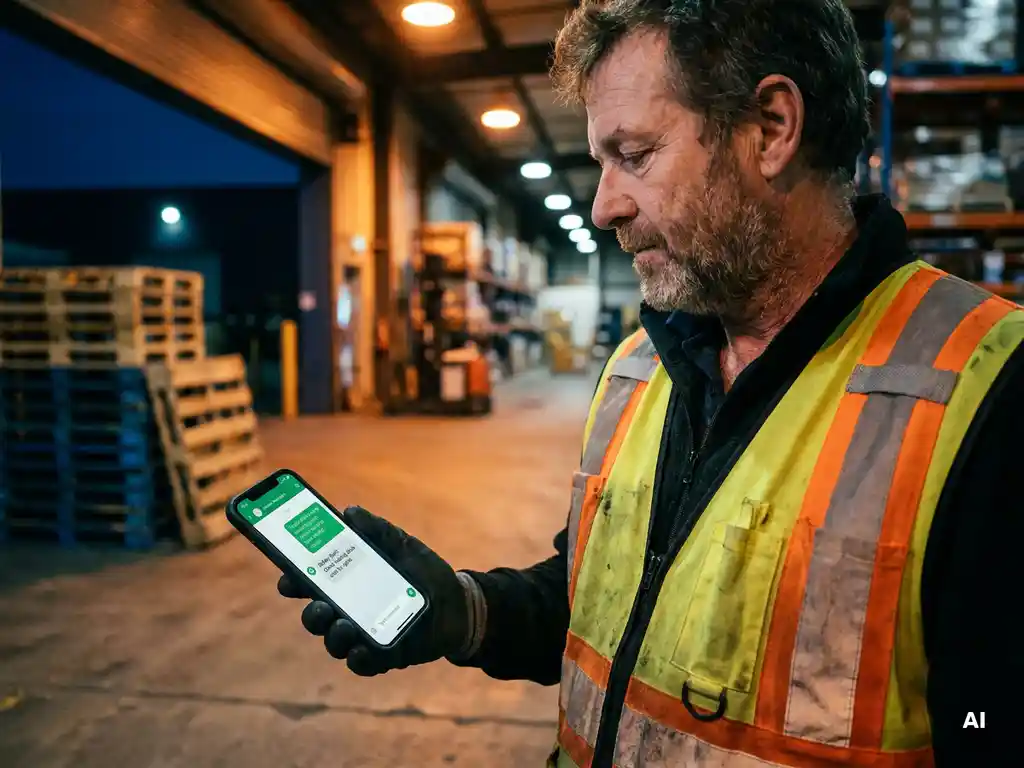
You can give employees a safety update without scheduling a meeting by sending the instruction directly to their phone via a channel they already use daily, such as WhatsApp. This works for teams that work in dispersed locations, operate across varying sites, or do not have a business email address. In this article, we answer the most frequently asked questions about effective safety communication without a meeting, from channel selection to registration.
Why do traditional safety updates fail to reach all employees?
Traditional safety updates often fail because they rely on channels that do not reach all employees. Anyone without a business email address will miss an email. Anyone absent from a briefing will miss the instruction. And anyone with limited language proficiency may not understand the message. This makes physical and written communication vulnerable to gaps.
In the workplace, employees are often on the move. They work across different locations, in rotating shifts, or at client sites. Scheduling a meeting takes time and is not always possible when an update is urgent. Moreover, paper sign-off sheets and verbal instructions are difficult to verify after the fact: you cannot be certain who received what and whether they understood it.
Multilingualism also plays a significant role. In sectors such as construction, logistics, and manufacturing, many employees speak different first languages. A safety instruction in Dutch may reach them, but whether they actually understand it is another matter. When an instruction does not land or is not understood, the likelihood of errors and incidents in the workplace increases.
Which channels are most effective for safety communication in the workplace?
The most effective channels for safety communication in the workplace are those that employees already use, require no additional steps to access, and work on a smartphone. WhatsApp scores highly in this regard, as it is a familiar and accessible way of communicating for many employees, including those without a business email address or company account.
Other channels each have their limitations:
- Email does not reach employees without a business address and often has a low open rate in the workplace.
- Intranet or LMS requires a login and a device with internet access, which presents a barrier for operational employees.
- Physical briefings and toolbox meetings are valuable but time-consuming, difficult to schedule with rotating shifts, and leave little room for registration.
- Posters and printed instructions are passive: the employee must take their own initiative to read the information, and you cannot measure whether that has happened.
The most effective approach is a combination: a digital channel for sending and registering the update, supplemented by a physical moment for more complex topics that require discussion. For quick, urgent safety updates and digital toolbox meetings on the smartphone, a digital channel is the most practical option.
How do you send a safety update via WhatsApp to your entire team?
You send a safety update via WhatsApp to your entire team by using a platform that connects WhatsApp to a structured content environment. You create the instruction as a short module, add a knowledge check, and then send it in one go to all relevant employees. They receive the update directly in WhatsApp, without needing to download an app or log in.
Here is what that process looks like in practice:
- Create the instruction as a short, practical module. Use text, images, or video to make the safety information clear.
- Add a knowledge check so you can measure whether employees have understood the information, not just received it.
- Select the recipients based on team, location, or role, and send the module immediately or schedule it for a specific moment.
- Employees receive the update in WhatsApp and work through the instruction on their own phone, at their own pace.
- Participation is automatically recorded, so you can see in a dashboard who has received, completed, and finished the update.
This also works for multilingual teams. When you create an instruction in Dutch, it can be automatically translated so that employees receive the update in their own language. This improves understanding and reduces the risk of misunderstandings.
How do you know whether employees have read and understood the safety instruction?
You know whether employees have read and understood a safety instruction by recording participation and linking a knowledge check to the instruction. A read confirmation alone says little about comprehension. A knowledge check with targeted questions shows whether the employee has actually processed the information.
Digital registration offers a clear advantage over paper sign-off sheets. With a paper list, you know who has signed, but not whether the instruction was read or understood. With a digital approach, you can see per employee:
- Whether the module has been opened and completed
- Which answers were given in the knowledge check
- Who has not yet finished the instruction
That information is immediately available in a dashboard, so you as a manager or safety coordinator can follow up in a timely manner. Has an employee not yet completed the update? You send a reminder. Has someone not answered the knowledge check correctly? Then you know that additional attention is needed.
This makes safety communication not only faster, but also more demonstrable. Digital recording can help keep track of which instructions have been provided, when that took place, and who participated. This is useful during internal audits, inspections, or as part of a broader approach to safety management.
When is a meeting still the better choice for safety communication?
A meeting is the better choice for safety communication when the topic requires discussion, interaction, or practical demonstration. Think of situations where employees need to be able to ask questions, where a new working method is demonstrated live, or where the emotional impact of an incident calls for discussion. Digital instructions are effective at conveying information, but do not replace the value of direct human contact when dealing with complex or sensitive topics.
Situations where a physical gathering or a live toolbox meeting adds value:
- After an incident or near-miss, where the team discusses the situation together and shares lessons learned.
- When introducing new machinery or working methods where employees need to see or practise the action themselves.
- When there is significant uncertainty or resistance around a safety rule, and direct dialogue is needed.
- In complex risk situations where the context and nuance are difficult to capture in a short module.
In practice, a combination works best. Use digital instructions for routine updates, toolbox meetings, and knowledge retention. Reserve the meeting for moments where interaction genuinely adds something. This saves time without compromising on quality or safety.
How E-lia helps with safety updates without a meeting
With our platform, you send safety instructions and toolbox meetings directly via WhatsApp to your employees, without them needing to download an additional app or create an account. This makes it accessible for everyone in the workplace, including employees without a business email address or laptop.
Here is what you can concretely do with E-lia:
- Create a safety update or toolbox meeting in a few minutes, based on your own company content or from our library of practical topics.
- Send the instruction to your entire team, selected by location, role, or department, immediately or scheduled.
- Add a knowledge check so you know who has understood the instruction, not just received it.
- Receive automatic translations in more than 50 languages, so that employees who speak other languages also receive the update in their own language.
- Track participation in real time via a clear dashboard and send reminders to employees who have not yet completed it.
- Register physical toolbox meetings via the platform as well, so that everything is recorded in one place.
Would you like to see how this works for your organisation? Get in touch with our team and discover how you can make safety updates faster, simpler, and more demonstrable.