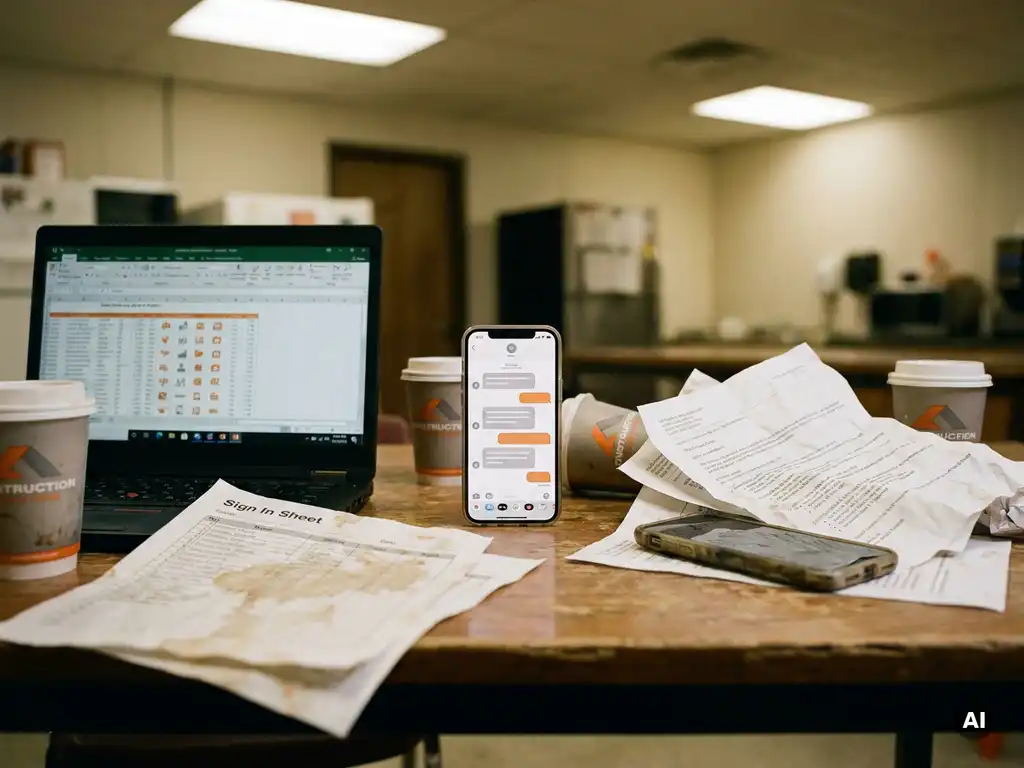
Toolbox talk records end up scattered across Excel, paper, and email because most organisations have no single system for capturing safety meeting documentation. Instead, records accumulate wherever is most convenient at the time: a signature sheet on a clipboard, a follow-up email to a manager, a spreadsheet someone maintains locally. The result is a fragmented paper trail that is difficult to consolidate, verify, or retrieve when you need it most. This article walks through the most common questions teams have about toolbox talk documentation and records, from why fragmentation happens to how digital tools can bring everything into one place.
Why do toolbox talk records end up fragmented across multiple systems?
Toolbox talk records become fragmented when different teams, sites, or managers each handle documentation in their own way, without a shared system or process. Because toolbox talks often happen quickly and informally on the shop floor or construction site, the path of least resistance is to grab whatever is available: a printed attendance sheet, a group email, or a column in a shared spreadsheet. Over time, each location or team builds its own habit, and no one consolidates the results.
Several factors reinforce this pattern. Many operational workers do not have a company email address or laptop, so digital systems designed for office environments simply do not reach them. Managers who run toolbox talks on the go have little time to log into a separate platform after the meeting. And when there is no clear ownership of toolbox talk tracking, the responsibility falls between HR, safety officers, and team leaders, each maintaining their own records in isolation.
The fragmentation also grows over time. A paper signature list from six months ago may be filed in a binder on site, while a more recent session was documented via email and a third was recorded in a spreadsheet that only one person can access. When an audit or incident review requires a complete picture, pulling those records together becomes a significant manual effort.
What are the compliance risks of disorganised toolbox talk records?
Disorganised toolbox talk records create real compliance risk because they make it difficult to demonstrate that safety information was communicated, who received it, and when. During an audit or inspection, incomplete or inconsistent documentation can raise questions about whether safety obligations have been met, regardless of whether the meetings actually took place.
The practical risks include:
- Gaps in attendance records: If you cannot show who attended which session, you cannot confirm that specific workers received relevant safety instructions.
- Inconsistent formats: Records kept in different formats across sites are harder to compare, verify, and present as a coherent body of evidence.
- Lost or damaged paper records: Physical signature sheets can be misplaced, damaged, or simply not transferred to a central location after a session.
- No knowledge verification: A signature confirms attendance but not understanding. Without a knowledge check, there is no record of whether the content was absorbed.
- Difficulty meeting certification requirements: For organisations working toward or maintaining safety certifications, demonstrating a structured and documented approach to safety communication is part of the process. Fragmented records make that harder to support.
It is worth noting that the specific requirements for toolbox talk documentation depend on the applicable regulations, industry, and any certification schemes your organisation participates in. What counts as sufficient documentation varies by context. The consistent thread, however, is that fragmented records make it harder to demonstrate anything at all.
What does a centralised toolbox talk record system look like?
A centralised toolbox talk record system is a single source of truth where all safety meeting documentation is stored, searchable, and accessible to the people who need it. Rather than records living in separate spreadsheets, email threads, or binders across multiple sites, a centralised system captures attendance, content, and participation data in one place, in a consistent format.
The core components of a well-functioning centralised system typically include:
- A shared record of each session: Who ran it, when, where, which topic was covered, and who participated.
- Attendance confirmation: Digital confirmation that each participant received and engaged with the content, rather than a paper list that requires manual filing.
- Knowledge checks: Short questions that confirm understanding, not just presence, with results stored alongside the session record.
- A searchable archive: The ability to filter records by date, location, team, topic, or individual worker, so that relevant records can be retrieved quickly.
- Role-based access: Safety officers, managers, and HR teams can each see the records relevant to their responsibilities without needing to request files from someone else.
A centralised system does not have to mean a complex platform with a steep learning curve. The most effective setups are ones that workers and managers actually use consistently, which means the system needs to fit into existing workflows rather than add a separate step.
How can toolbox talks be documented digitally without extra apps or logins?
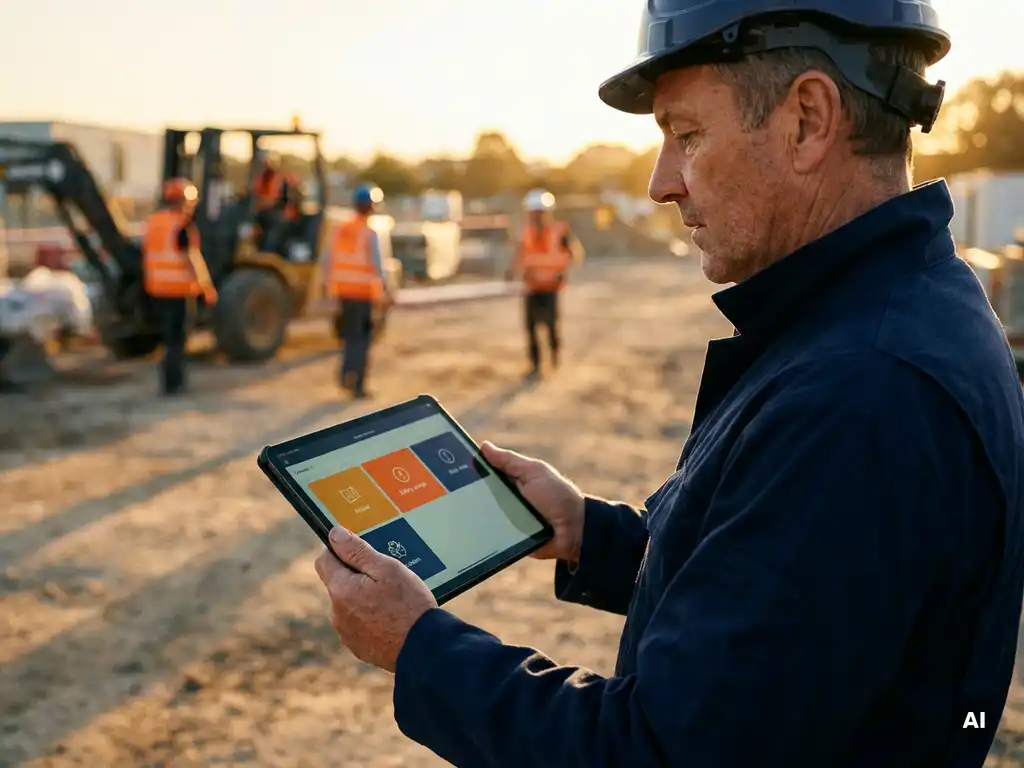
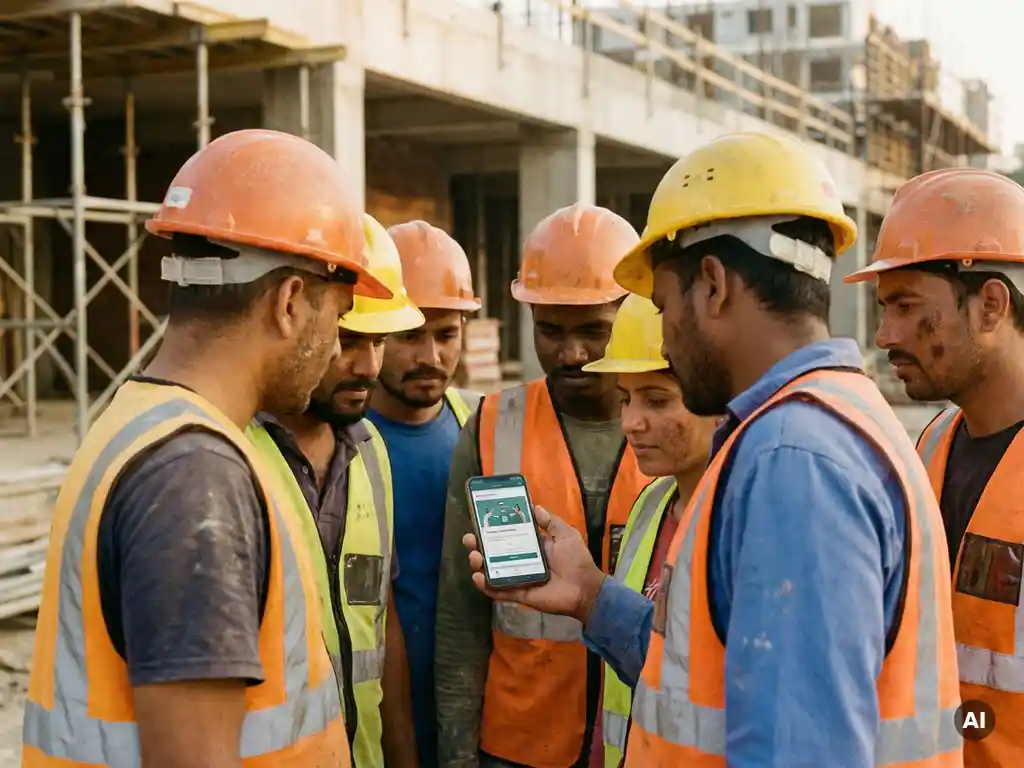
Toolbox talks can be documented digitally without extra apps or logins by delivering and recording them through a channel workers already use every day, such as WhatsApp. Instead of asking workers to download a new application, create an account, or remember a password, the toolbox talk arrives directly on their phone as a message. Participation is recorded automatically as they engage with the content.
This approach works particularly well for operational workers in construction, logistics, manufacturing, and similar sectors, where access to a company laptop or email address is not standard. The barrier to participation drops significantly when there is nothing new to install or learn.
From a documentation perspective, the key advantage is that the system captures participation data in real time. When a worker completes a knowledge check at the end of a toolbox talk, that result is logged immediately. Managers can see who has completed the session and who has not, without chasing anyone for a paper signature or manually updating a spreadsheet.
For organisations with multilingual teams, AI-supported translation means the same toolbox talk content can be delivered in each worker’s preferred language, with participation tracked regardless of which language version they received. This removes a common barrier in sectors where a significant portion of the workforce communicates in a language other than the country’s primary one.
Which teams are responsible for maintaining toolbox talk records?
Responsibility for maintaining toolbox talk records typically sits across three groups: safety officers, operational managers, and HR or learning and development teams. In practice, the exact division depends on how your organisation is structured and what your safety management processes look like.
Safety officers and HSE teams
Safety officers are usually responsible for defining which topics need to be covered, ensuring that content meets relevant safety standards, and overseeing the overall documentation process. They are often the ones who need to retrieve records during audits or inspections, which means they have a direct interest in ensuring records are complete and accessible.
Operational managers and team leaders
Operational managers and team leaders are typically the ones who run toolbox talks on the ground. They are responsible for ensuring that their team members participate and that any physical or digital attendance records are completed at the time of the session. When records are kept manually, the quality of documentation often depends heavily on how consistently individual managers follow the process.
HR and learning and development teams
HR and L&D teams may be responsible for integrating toolbox talk records with broader training histories, onboarding documentation, and compliance reporting. In organisations that use a learning management system, toolbox talk records may need to feed into that system to give a complete picture of each worker’s safety training.
The most common breakdown happens when no single team owns the overall process. When safety, operations, and HR each maintain separate records without a shared system, the result is the fragmentation described earlier. Assigning clear ownership and agreeing on a single format or platform resolves most of this.
How do you retrieve and report on toolbox talk records during an audit?
During an audit, retrieving toolbox talk records is straightforward when all documentation is stored in a centralised, searchable system. You should be able to filter by date range, topic, location, team, or individual worker and export the relevant records in a format that auditors can review. If records are fragmented, retrieval becomes a manual process of gathering files from multiple sources, which takes time and increases the risk of gaps.
Effective audit preparation for toolbox talk documentation typically involves:
- Confirming coverage: Checking that all required topics have been covered within the relevant period and that records exist for each session.
- Verifying attendance: Confirming that the workers who needed to receive specific safety information actually participated, not just that a session was held.
- Reviewing knowledge check results: Where knowledge checks were used, being able to show that workers engaged with the content and demonstrated understanding.
- Exporting a summary report: Producing a consolidated view of all sessions, participants, and outcomes that auditors can review without needing access to the underlying system.
The format of the report matters. Auditors generally want to see who was present, what was covered, and when it happened. If your system can produce this automatically, the audit process is significantly less stressful than if someone has to compile it manually from scattered sources.
It is also worth keeping records for as long as your applicable regulations, certification requirements, and internal policies require. The appropriate retention period depends on the type of record, the sector, and any contractual or certification obligations your organisation has. When in doubt, align with your safety officer or legal team on what applies to your situation.
How we help with toolbox talk documentation
We built E-lia specifically for organisations where workers do not sit behind a desk. Our platform delivers toolbox talks directly via WhatsApp, so there is no app to download, no account to create, and no password to remember. Workers receive the session on their phone, complete a short knowledge check, and their participation is recorded automatically.
Here is what that means in practice for toolbox talk records:
- Every session is logged in real time, with a clear record of who participated and when.
- Knowledge check results are stored alongside attendance data, giving you more than just a signature.
- A live dashboard shows completion rates across teams, sites, and locations, so you can see gaps before they become a problem.
- Physical toolbox meetings can also be registered through the platform, keeping all records in one place.
- AI-supported translations in more than 50 languages mean multilingual teams receive content in their own language, with participation tracked regardless of language version.
- Records are exportable for audits, inspections, and internal reporting, without manual compilation.
If your toolbox talk records are currently spread across Excel files, paper lists, and email threads, we would be happy to show you how E-lia brings everything into one place. Get in touch with our team to see how it works for your organisation.