You combine safety videos, images and knowledge questions in a single instruction by presenting them in a logical sequence: first video to show context and movement, then images to clarify details, and finally knowledge questions to assess understanding. This structure works well for operational employees who have little time and need actionable information quickly. The questions below help you put each step of that process into practice.
Which media types work best in a safety instruction?
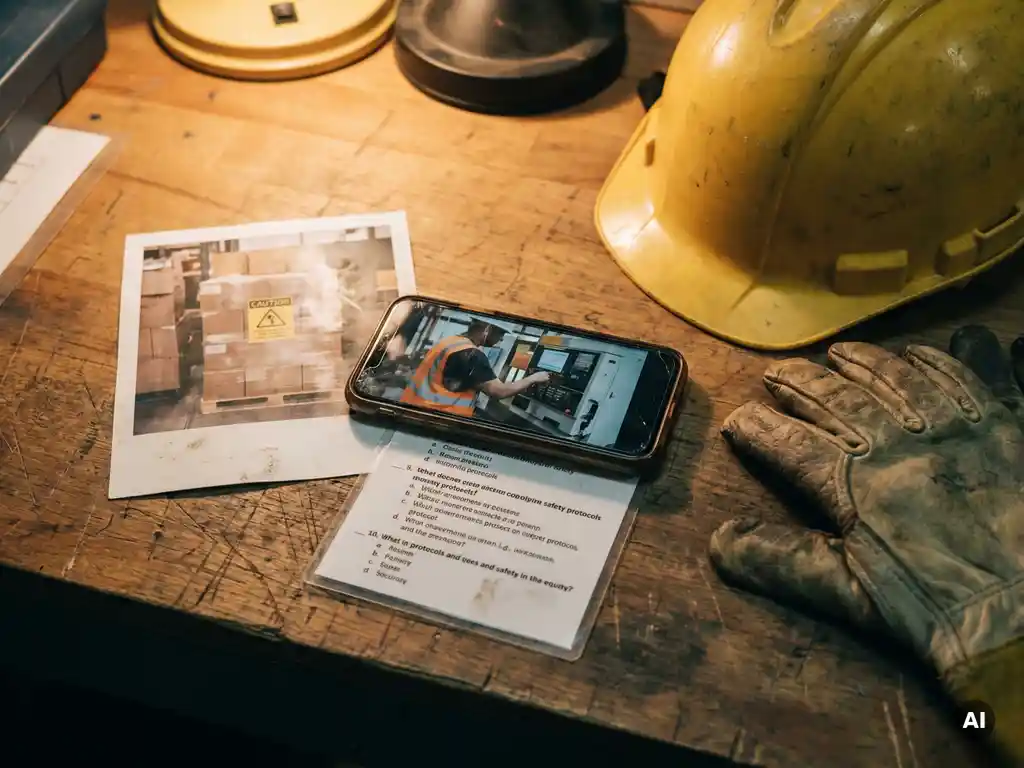
In a safety instruction, video, images and knowledge questions work best, preferably in combination. Video shows movement and context, images highlight details and hazard points, and knowledge questions confirm that the information has been understood. Each media type has its own function and reinforces the others when combined thoughtfully.
The choice of a specific media type depends on what you want to convey. Not every subject calls for video, and not every situation lends itself to a long series of questions. What always applies: keep the instruction short and focused. Employees on the shop floor have little time, and an instruction that takes too long or offers too much information at once quickly loses attention.
- Video: suitable for actions, procedures and situations where sequence and movement are important
- Images: useful for showing hazard points, pictograms, safety markings or the correct equipment
- Knowledge questions: valuable for checking whether the core of the instruction has been understood and for recording participation
- Text: supporting, never the primary carrier of a safety instruction for employees who read little
For toolbox meetings, a combination of two or three media types generally works better than a single format. This provides variety and increases the likelihood that the message is retained.
How do you add a safety video to a microlearning module?
You add a safety video to a microlearning module by choosing or recording a short, focused video that lasts a maximum of two to three minutes and covers exactly one topic. You then link one or more knowledge questions to it to reinforce the content. The video appears at the beginning of the module, so employees first see what they need to know before answering questions.
When putting the video together, a few practical points are important:
- Use footage that is recognisable for the employees’ own work situation, preferably recorded at their own location or in a comparable environment
- Add subtitles, especially when working with multilingual employees or when the video is viewed in a noisy environment
- Ensure the video is also understandable without sound, as many employees use their phone without earphones
- Limit the video to one core message, so that the knowledge questions connect directly to it
A common mistake is using long corporate videos that were made for multiple purposes. These are rarely suitable as instructional material for a toolbox meeting. Instead, choose a short clip or make a specific recording that aligns precisely with the subject of the instruction.
When do you use images instead of video in an instruction?
You use images instead of video when you want to show a static situation, such as the correct placement of a safety sign, the components of personal protective equipment or a hazard point at a workplace. Images are also a good choice when you have no video available or when employees’ connections are too slow to play video smoothly.
Images have a number of advantages over video in specific situations:
- They load faster on a mobile connection
- They are easier to view at your own pace, without having to rewind
- They work well for showing comparisons, such as a correct and an incorrect situation side by side
- They are simpler to update when a situation changes
Use images as a supplement to video as well, not only as a replacement. After a video, you can add one or two images that visually summarise the most important hazard points or actions. This helps employees to retain the information better.
How do you compose effective knowledge questions after a safety instruction?
Effective knowledge questions after a safety instruction are directly linked to the content of the instruction, contain one clear question at a time and have answer options of which only one is correct. They assess understanding, not memory. A good knowledge question requires the employee to think about what they have just seen or read, not about general knowledge.
When composing knowledge questions for an effective toolbox meeting, the following guidelines are useful:
- Link each question to a concrete situation from the instruction, not to abstract concepts
- Use two to four answer options, where the incorrect options are recognisable but clearly wrong
- Avoid double negatives and complex sentence structures, especially with multilingual employees
- Set a maximum of three questions per instruction to keep the module short and manageable
- Provide immediate feedback with the correct explanation after a wrong answer, so the employee still learns
A knowledge question is not an exam. The aim is not to make employees fail, but to confirm that the core message of the instruction has been understood. Keep the questions focused on the two or three most important points from the instruction.
In what order do you combine video, images and questions?
The most effective sequence in a safety instruction is: first video, then supporting images, and finally knowledge questions. This structure follows the way people process information: first understanding the context and the whole picture via video, then anchoring details via images, and finally confirming understanding via questions.
A practical structure for a toolbox instruction looks like this:
- Introductory text (brief): one or two sentences that name the subject and the purpose of the instruction
- Video: a short clip that shows the situation, the risk or the action
- Image(s): one or two images that show a hazard point, the correct equipment or a comparison
- Knowledge questions: two to three questions that connect directly to the video and images
Not every instruction needs all four elements. Sometimes an image and two questions are sufficient. What always applies: the questions always come last, after the employee has received the information. Placing questions at the beginning of an instruction is confusing and leads to frustration.
How do you measure whether employees have understood the instruction?
You measure whether employees have understood a safety instruction by analysing the results of the knowledge questions: how many employees answered the questions, which questions were answered incorrectly most often, and who did not complete the instruction. This data gives you a concrete picture of where understanding is lacking or where the instruction is unclear.
In addition to the direct question results, there are other signals you can use:
- Completion rate: how many employees completed the full instruction
- Time spent: employees who complete the instruction in a few seconds have probably not read or viewed the content properly
- Repeated errors: when many employees answer the same question incorrectly, the instruction may be unclear on that point
- Non-participants: employees who have not received or opened the instruction are a separate point of attention
Measurement is only meaningful when you also take action based on the results. When a large proportion of employees answer a question incorrectly, that is a signal to revise the instruction or send an additional explanation. In this way, the instruction becomes not only a recording tool, but also a means of genuinely improving safety in the workplace.
How we help you build effective safety instructions
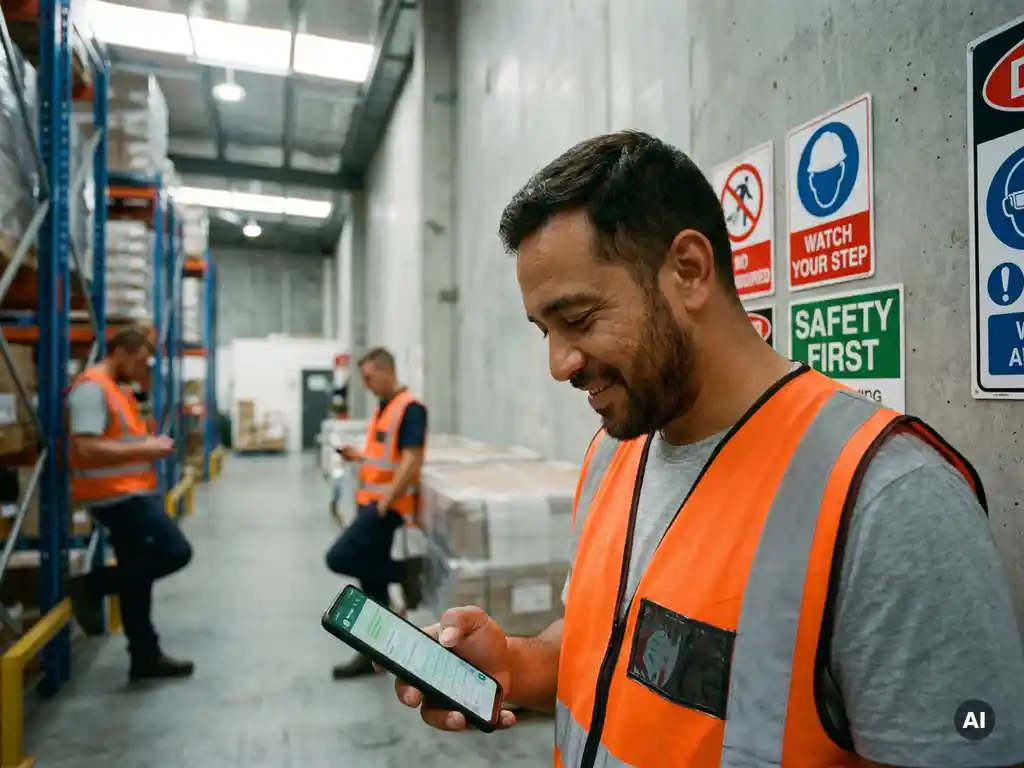
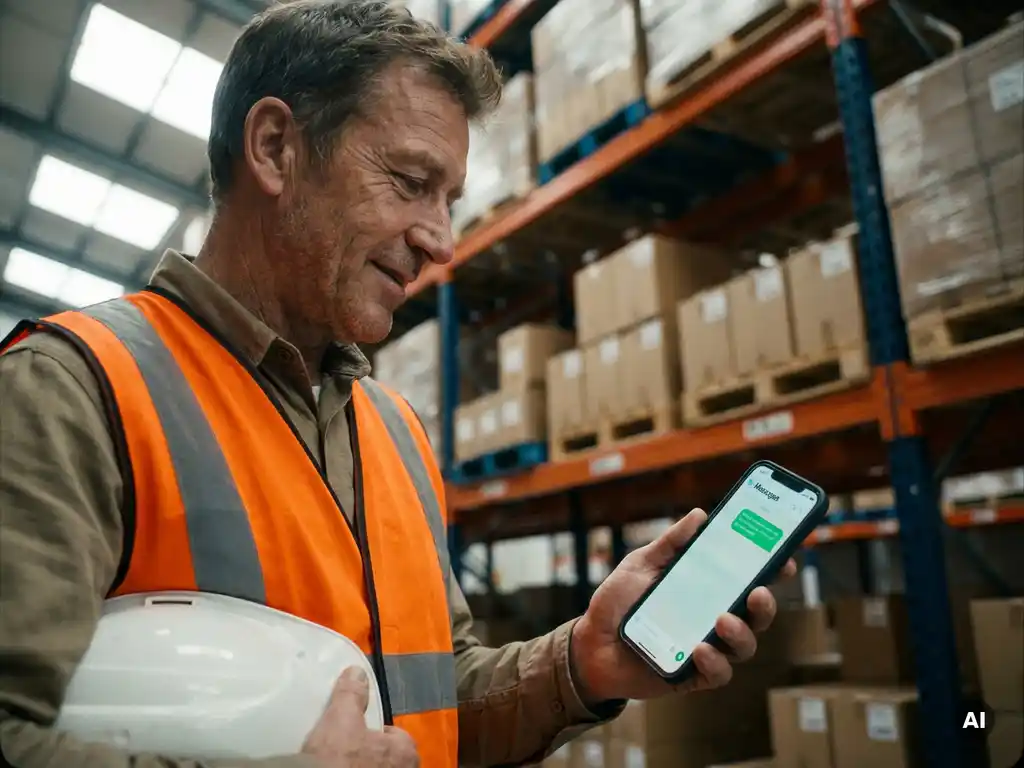
With our platform, you build safety instructions that combine video, images and knowledge questions in a single clear module, directly accessible via WhatsApp. Employees do not need to download an app or log in. They receive the instruction on their phone, in their own language, and can complete it in a few minutes.
- Build a module in a few steps, including video, images and knowledge questions
- Send instructions immediately or scheduled to individual employees or groups
- Track via the dashboard who has completed the instruction and how the knowledge questions were answered
- Use AI translations so that employees who speak other languages also receive the instruction in their own language
- Record participation in a structured way, so that during inspections or audits you can demonstrate which instructions were provided and who participated
Would you like to see how this works for your organisation? Get in touch with us and discover how you can easily use toolbox meetings via WhatsApp for your team.