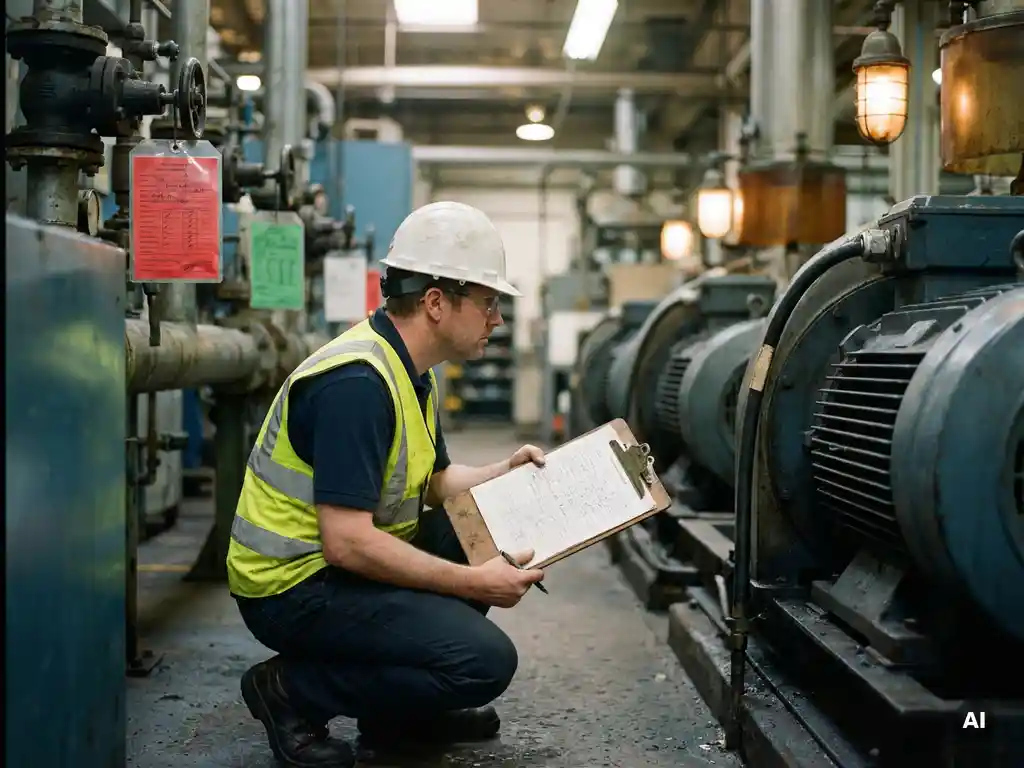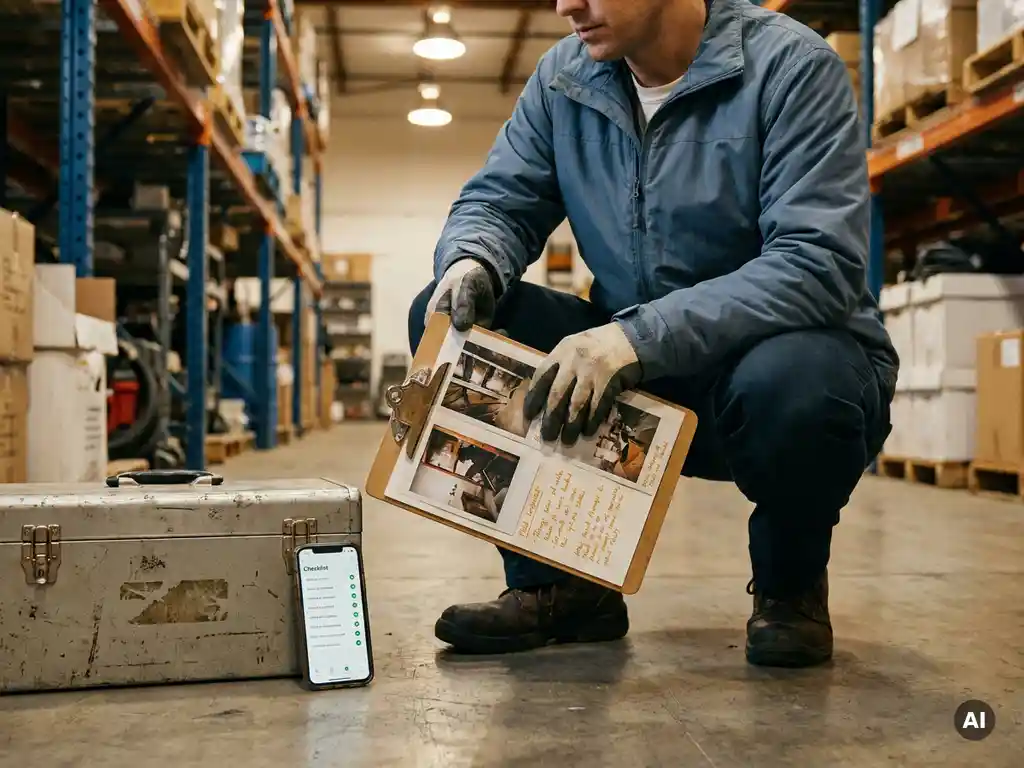
A good inspection report combines observations, photographs and action points in one cohesive document that is immediately usable for follow-up and demonstrability. The strength lies in the structure: each finding receives visual substantiation and a concrete next step, leaving no room for interpretation. In this article, we answer the most frequently asked questions about drawing up an inspection report that works in practice.
What are the fixed components of a good inspection report?
A good inspection report always contains a number of fixed components: location and date details, the name of the inspector, a structured list of observations, accompanying photographs, a risk assessment per finding, and concrete action points with responsible persons and a deadline. Without these elements, a report is difficult to use for follow-up or reporting.
The most effective inspection reports are built around a logical sequence that the inspector can follow on site. Consider the following basic components:
- Identification details: date, time, location, name of the inspector and, where applicable, the project number
- Inspection items: a predetermined checklist of points to be checked, tailored to the workplace or sector
- Observations per item: a description of what was found, including the status (satisfactory, attention required, unsatisfactory)
- Photo documentation: visual evidence linked to the specific observation
- Risk assessment: an estimate of the severity and urgency of the finding
- Action points: who does what and when
- Signature or confirmation: from the inspector and, where applicable, the responsible person on site
A report that consistently contains these components is immediately usable for internal follow-up and can also be used during audits or inspections by third parties. The structure also makes it easier to compare reports over time and identify recurring issues.
How do you link photographs to specific observations in a report?
You link photographs to observations by taking and labelling them at the moment of the inspection with a reference to the corresponding inspection item. The most reliable method is a system in which each photograph automatically receives a timestamp and location tag and is directly linked to the observation in the report, without the need to sort manually afterwards.
In practice, linking photographs to observations often goes wrong when inspectors save photographs separately and later try to match them with their notes. This leads to confusion, missing links, and reports that are difficult to read. A better approach:
- Take the photograph immediately after recording an observation, not afterwards
- Use a system or form in which the photograph is added directly to the relevant inspection item
- Give each photograph a clear description indicating what is visible and why it is relevant
- Avoid using separate galleries or folders with generic file names such as “photo1.jpg”
When inspecting digitally, a mobile solution offers the greatest advantage: the inspector takes the photograph on site and it is saved directly alongside the correct observation. This creates an unbroken chain from finding to visual evidence, without any additional steps afterwards.
How do you convert observations into concrete action points?
You convert an observation into a concrete action point by identifying three elements: what needs to happen, who is responsible for it, and when it must be completed. An observation such as “floor is slippery at the entrance” only becomes a usable action point when you write: “Place anti-slip mat at entrance of hall A, responsible: facilities team, deadline: Friday.”
The difference between an observation and an action point is significant. An observation describes a situation; an action point describes a desired change with a clear owner. Without that translation, findings remain stuck in the report and are not acted upon.
When formulating action points, use the following approach:
- Describe the desired situation, not the problem: write what needs to be in place, not what is wrong
- Assign a responsible person: one individual or role, not a department or team in general
- Set a realistic deadline: based on the urgency of the finding
- Apply a prioritisation: distinguish between immediate action, short-term action, and planned resolution
By consistently translating observations in this way, the inspection report becomes a working document rather than an archival document.
What is the difference between a paper and a digital inspection report?
The most important difference between a paper and a digital inspection report is usability after the inspection. A paper report must be retyped, scanned, or photographed before it can be shared. A digital report is immediately available, shareable, and searchable, without any additional steps.
Paper reports have functioned well for many years, but come with a number of practical drawbacks:
- Handwritten notes are not always legible to others
- Photographs must be stored separately and linked manually
- Reports get lost or are damaged on the worksite
- Following up on action points is difficult to monitor without additional administration
- Comparing reports over time requires a great deal of manual effort
A digital inspection report resolves these issues. Photographs are linked directly to observations, action points are assignable and traceable, and the report can be exported or shared with a single click. Digital records are also easier to consult during an audit or internal review, as everything is stored in one place.
What tools can you use to record inspections digitally?
For recording inspections digitally, various types of tools are available: dedicated inspection apps, form-building tools, LMS platforms with inspection modules, and communication platforms that support inspection forms. The best choice depends on how and where your employees work and which barriers you want to remove.
The most commonly used categories are:
- Inspection apps: built specifically for digital inspections, with checklists, a photo function, and reporting. Drawback: employees must download the app and create an account
- Form-building tools: such as digital forms via a browser. Flexible, but less suitable for offline use or multilingual workers
- LMS platforms with inspection modules: useful if you want to combine inspections with training and knowledge retention, but often complex to use
- WhatsApp-based platforms: suitable for workers without a company laptop or email address, who are already accustomed to mobile communication
When choosing a tool, adoption by employees on the shop floor is an important consideration. A tool that nobody uses does not produce better reports. Therefore, choose a solution for digital workplace inspections that fits the daily working practices of the people carrying out the inspections.
How do you ensure that action points from an inspection report are actually followed up?
Action points are actually followed up when they are visible to the right people, have a clear deadline, and there is a mechanism that serves as a reminder for outstanding items. Reports that are saved without a follow-up process remain dead letters, regardless of how well they have been drawn up.
Following up on action points begins during the preparation of the report itself. Ensure the following conditions are in place:
- Direct notification: the responsible person receives an immediate notification as soon as an action point has been assigned to them
- Central visibility: an overview of all outstanding action points, accessible to the manager or coordinator
- Status updates: the ability to mark an action point as completed, preferably with a photograph as evidence
- Reminder before the deadline: automatic reminders prevent action points from being forgotten
- Periodic review: discuss outstanding action points in a regular meeting, so that they do not remain unresolved
A common mistake is that inspections are carried out and recorded, but follow-up depends on the memory of one individual. A system that supports follow-up makes the difference between a report that changes something and a report that disappears into a folder.
How E-lia helps with workplace inspections
With E-lia, you carry out workplace inspections directly via WhatsApp, the channel that employees already use on a daily basis. That means no app to download, no account to create, and no login procedure. The inspection starts directly on the phone of the project manager or technician, at the place where the work is being done.
What E-lia concretely offers for inspection reports:
- Digital inspection forms that are digitised on a one-to-one basis from existing paper checklists
- Photographs are linked directly to the corresponding observation, including a timestamp
- Action points are immediately assignable and traceable via the dashboard
- Reports can be exported with a single click for internal use or external review
- AI-supported translations in more than 50 languages, so that multilingual employees can also carry out the inspection independently
- Everything is stored centrally and immediately accessible
Would you like to see how workplace inspections via WhatsApp work in your organisation? Get in touch with us and discover what E-lia can do for your team.