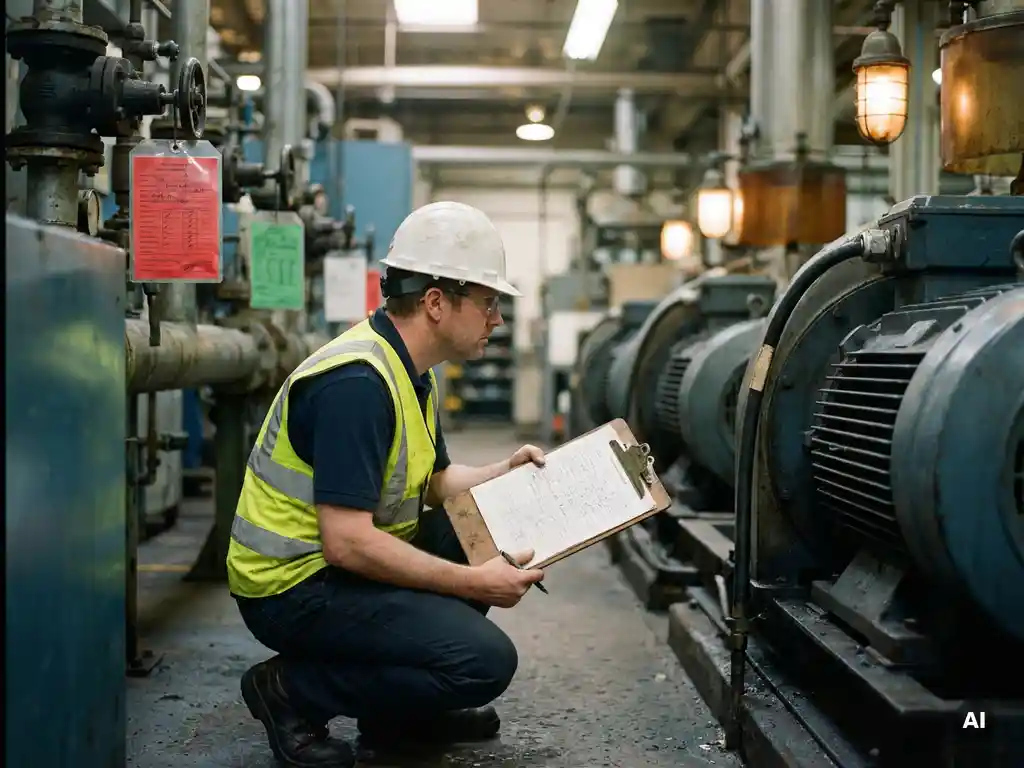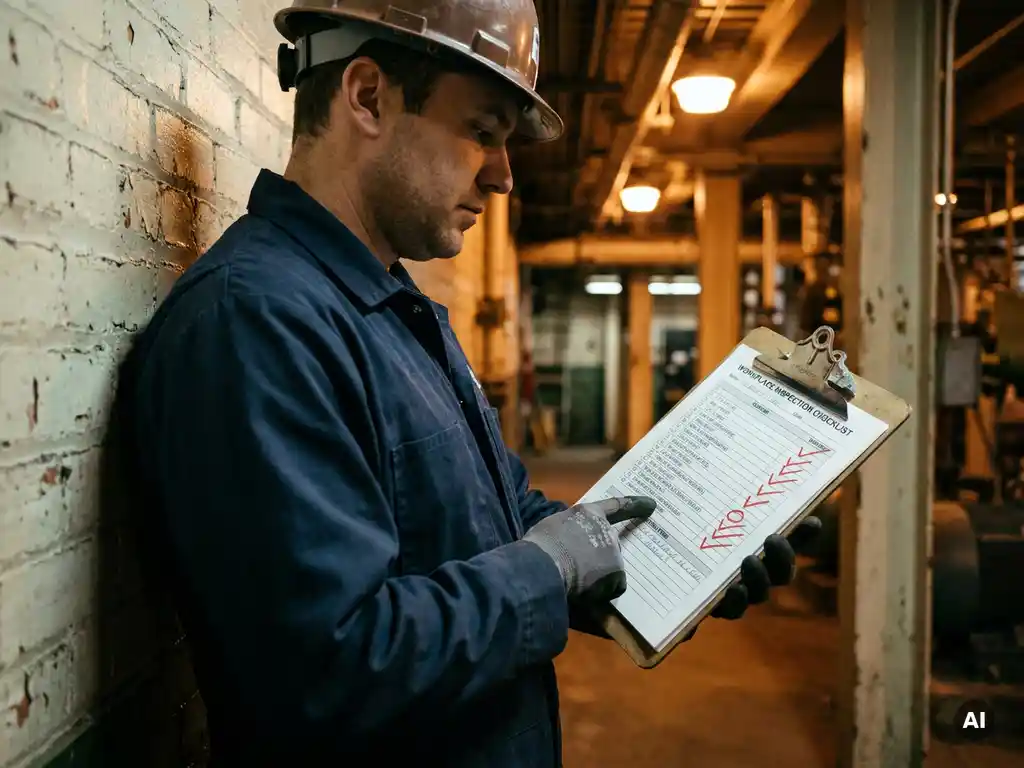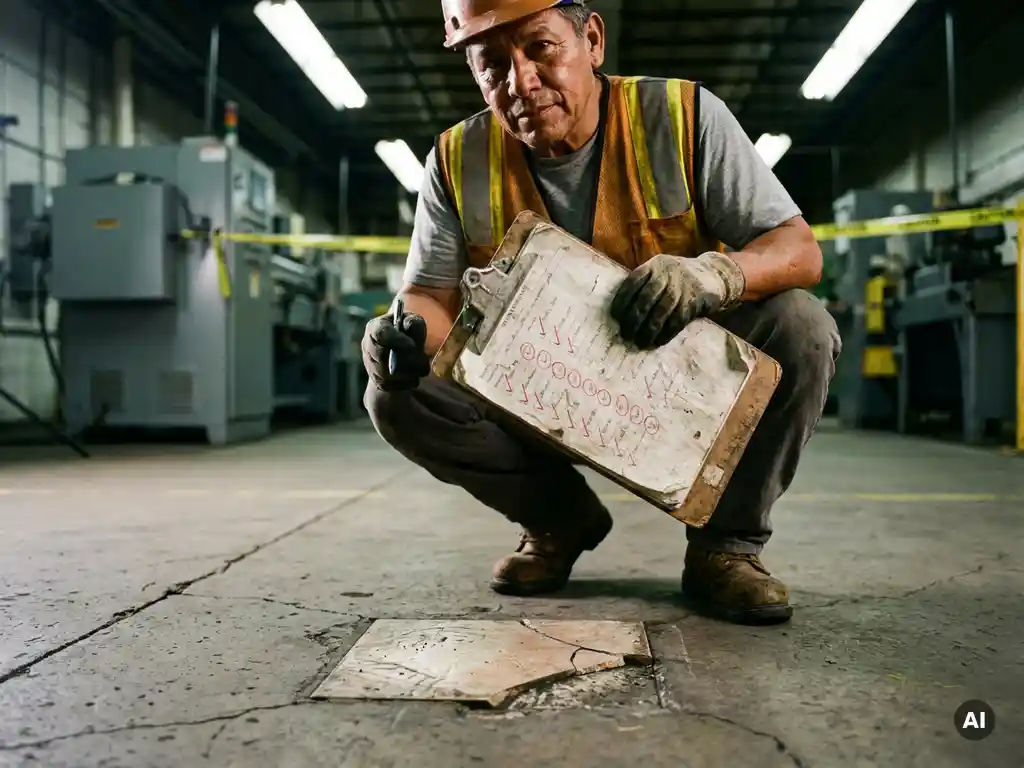
A toolbox talk shows employees how to work safely. A workplace inspection then checks whether those agreements are actually followed in practice. Together they form a practical cycle of instructing, checking and improving. This article covers what belongs on a workplace inspection form, how to move from paper to digital, and how to follow up on findings in a way you can prove.
What is a workplace inspection?
A workplace inspection is a periodic check of the shop floor or site to assess whether work is being carried out safely and healthily. The aim is to spot risks and unsafe situations early — such as faulty machinery, blocked escape routes or missing protective equipment — and fix them straight away.
What should a workplace inspection form include?
A workplace inspection form is a tool for assessing safety systematically. Think of:
- Observations: an overview of the risks identified, such as hazardous situations or unsafe actions.
- Actions and follow-up: space to record findings, along with concrete corrective actions, who carries them out and by when.
From paper checklist to digital inspection
A paper checklist sounds simple, but in practice it often creates extra work. Forms have to be retyped, filed and followed up manually. On top of that, it’s not always clear straight away whether an action point has actually been completed.
With a digital inspection, you fill in the form on the spot using a phone or tablet. Photos, findings and action points are saved immediately and assigned to the right person. Nothing gets lost, and follow-up stays easy to track.
Inspecting and following up with proof
During an audit, or after an incident, you need to be able to show that you don’t just spot risks — you actually resolve them. With digital records, every finding is immediately linked to an owner, a priority and a deadline.
From finding to targeted instruction
With E-lia you send findings straight over WhatsApp, with no separate app or new login details required. That way you can turn an identified risk into a targeted toolbox talk in minutes, and keep tracking whether the required corrective action is actually carried out.
Ready to modernise your toolbox talks and inspections?
See how easily you can organise instructions, inspections and follow-up in one place.