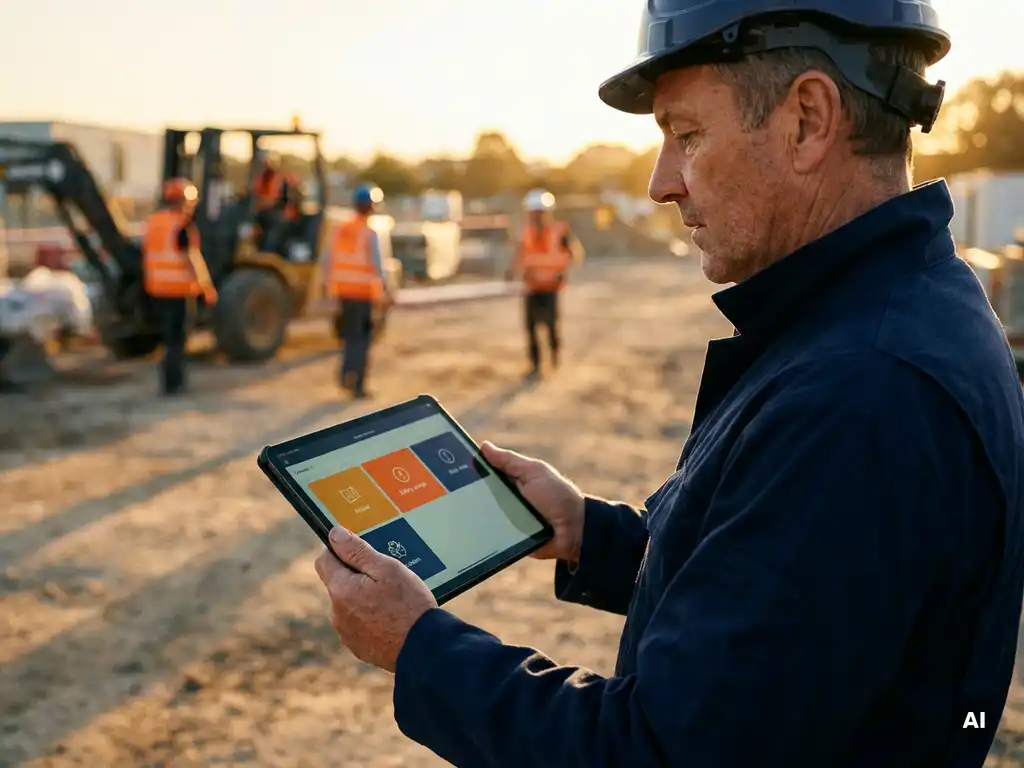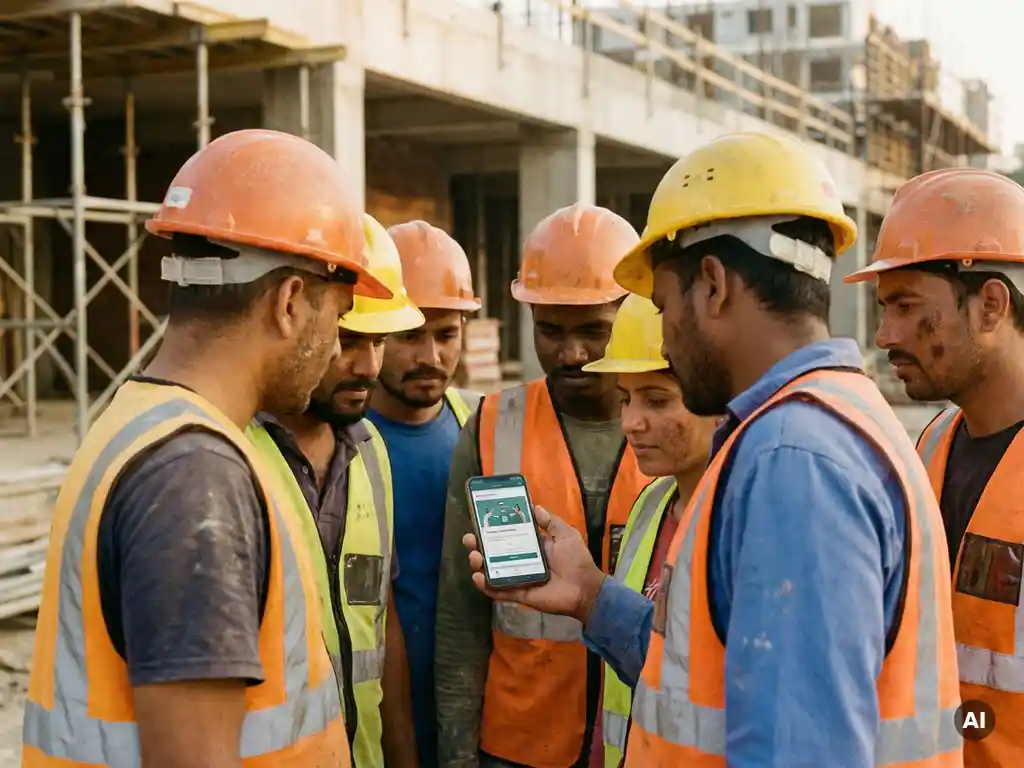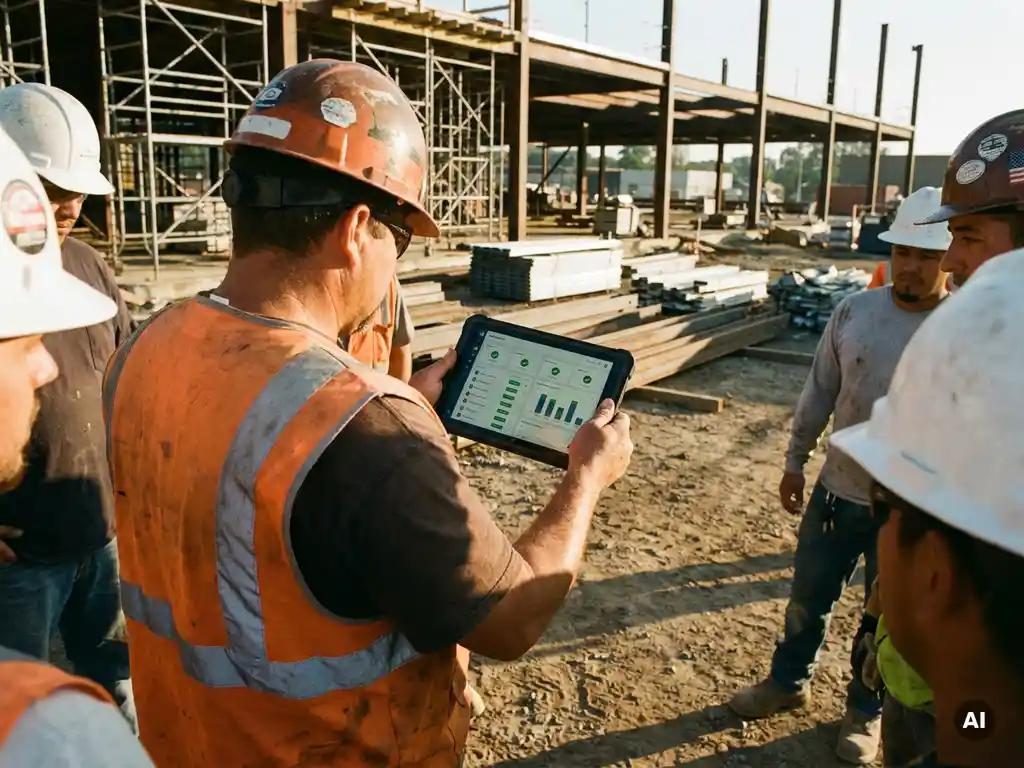
You can combine online and physical toolbox talk attendance in one overview by using a digital platform that registers both formats under a single dashboard. When a worker completes a digital toolbox talk via their phone, their participation is logged automatically. When a physical session takes place, attendance is recorded through the same system. The result is one unified view of who has participated, when, and in which format.
This approach matters most for organizations where some teams work on-site together while others are spread across locations, shifts, or projects. The sections below walk through the most common questions about making this work in practice.
Why is tracking toolbox talk attendance so difficult?
Tracking toolbox talk attendance is difficult because physical and digital sessions produce records in completely different formats, and most organizations have no single system that handles both. Paper sign-in sheets from on-site meetings end up in folders or filing cabinets, while digital participation data lives in a separate tool. Combining the two manually takes time and creates room for errors.
Several practical challenges make this worse:
- Paper records get lost or damaged before they can be filed or digitized.
- Workers on multiple sites may attend sessions in different locations, making it hard to build a complete picture per person.
- No standardized format means physical sheets and digital logs use different fields, dates, or identifiers.
- Manual consolidation into spreadsheets is time-consuming and prone to duplication or gaps.
- Multilingual teams add another layer of complexity when records need to reflect who received instructions in which language.
For organizations in construction, logistics, or production, where toolbox talk registration is part of broader safety management, these gaps can make it difficult to demonstrate what has been communicated and to whom. The core problem is not a lack of effort but a lack of a shared system that treats both formats as equal inputs.
What counts as valid toolbox talk attendance – online or in person?
Both online and in-person toolbox talk attendance can be valid, provided the participation is documented in a way that clearly shows who was present, what topic was covered, and when the session took place. The format of delivery matters less than the quality of the record and whether the content actually reached the worker.
What makes a toolbox talk registration meaningful, regardless of format, comes down to a few consistent elements:
- Identification: The record must be linked to a specific person, not just a headcount.
- Content: It should be clear which topic or instruction was covered.
- Date and context: When the session took place and, where relevant, on which project or location.
- Confirmation: Some form of acknowledgment that the worker received the information, whether a physical signature or a digital confirmation.
For in-person sessions, a signed attendance list has traditionally served this purpose. For digital toolbox talks, automatic registration of completion provides the same function, often with more detail. A knowledge check built into a digital module can also show that a worker did not just open the content but actually engaged with it.
The key is consistency. If your organization uses different standards for what counts as valid attendance depending on the format, your overall toolbox talk overview will be uneven and harder to rely on when you need it.
How do you create a single attendance overview for both formats?
You create a single toolbox talk attendance overview by routing all participation data, from both physical and digital sessions, into one central system. This means deciding on a shared data structure upfront and making sure every session, regardless of format, produces a record that fits that structure.
Here is a practical approach to building that unified overview:
- Define a common record format. Decide which fields every attendance record must contain: worker name or ID, session topic, date, location or project, and format (online or physical).
- Digitize physical attendance immediately. After an in-person session, enter the sign-in data into your central system the same day. The longer you wait, the more likely records are to get lost or forgotten.
- Use a platform that auto-registers digital participation. When workers complete a digital toolbox talk, their participation should be logged automatically without any manual step.
- Link records to your existing worker database. Connecting attendance data to your HR or workforce system means you can filter by team, location, contract type, or any other relevant dimension.
- Set up a live dashboard. A real-time view of participation rates, per topic and per worker, makes it easy to spot who has not yet completed a session and follow up proactively.
The goal is to make the format of the session invisible in the final overview. Whether a worker attended a physical meeting on a Monday morning or completed a digital module on their phone during a break, both show up in the same place with the same level of detail.
What tools can combine online and offline toolbox talk registrations?
Tools that can combine online and offline toolbox talk registrations include dedicated safety management platforms, learning management systems with attendance modules, and communication platforms that support digital delivery and automatic logging. The right choice depends on how your workers are reached and how your physical sessions are currently documented.
When evaluating tools for combined toolbox talk tracking, look for these capabilities:
- Digital delivery without barriers: Workers should be able to receive and complete a toolbox talk without downloading a new app or creating an account. Platforms that work through channels workers already use, such as WhatsApp, remove friction and increase actual participation.
- Manual input for physical sessions: The tool should allow coordinators to log in-person attendance directly, so that both formats feed into the same database.
- Real-time reporting: A dashboard that shows participation across all sessions, filterable by date, topic, team, or location.
- Knowledge check integration: The ability to attach short questions to a toolbox talk confirms that workers engaged with the content, not just that they opened it.
- Integration with HR or workforce systems: Connecting attendance data to your existing employee records avoids double administration and keeps your overview accurate as your workforce changes.
Spreadsheets and paper-based systems can technically store both types of records, but they require significant manual effort to maintain and make real-time oversight nearly impossible. A purpose-built platform handles the consolidation automatically.
How do you get workers to actually confirm their attendance digitally?
Workers confirm their digital toolbox talk attendance most reliably when the confirmation step is simple, familiar, and built into a channel they already use. The biggest barrier to digital confirmation is not unwillingness but friction: if a worker has to download an app, log in, or navigate an unfamiliar interface, many will not complete the step.
Practical ways to increase digital confirmation rates include:
- Use a familiar channel. Sending toolbox talks via WhatsApp means workers interact with content in an app they already have and use daily. There is no login, no new interface, and no password to remember.
- Keep the confirmation step short. A single tap, a brief knowledge check, or a yes/no acknowledgment is enough. The longer the confirmation process, the more drop-off you will see.
- Send content in the worker’s own language. Workers are far more likely to engage with and confirm receipt of content they can actually understand. Automatic translation into a worker’s preferred language removes a significant barrier for multilingual teams.
- Follow up with non-responders. A system that shows you in real time who has not yet confirmed makes it easy to send a targeted reminder, rather than chasing the whole team.
- Explain the purpose clearly. Workers who understand why confirmation matters, for their own safety record as much as for the organization’s documentation, are more motivated to complete it.
Physical sessions can also feed into digital confirmation by having workers scan a QR code or respond to a short message after the meeting. This bridges the gap between in-person attendance and digital registration without requiring workers to do anything complex.
How do you use combined attendance data to prove compliance?
Combined toolbox talk attendance data supports compliance by giving you a documented record of which safety topics were communicated, to which workers, and when. When all participation, from both digital and physical sessions, is stored in one system, you can produce a complete and organized overview at any point without scrambling through paper files or multiple spreadsheets.
To make your attendance data genuinely useful for compliance purposes, focus on these practices:
- Keep records linked to individuals, not just sessions. An overview that shows 20 people attended a session is less useful than one that shows exactly which 20 people, by name or ID, were present.
- Document the content covered. Your records should show not just that a toolbox talk took place but which topic was addressed. This is especially relevant when you need to demonstrate that specific safety information reached specific workers.
- Store records in a retrievable format. Digital records that can be exported, filtered, and shared are far easier to use during an audit or inspection than physical files. Keep records for as long as your applicable requirements and organizational policies specify.
- Use knowledge check results as supporting evidence. If your digital toolbox talks include short questions, the results show not just that a worker received the content but that they engaged with it. This adds a layer of depth to your documentation.
- Generate reports by project, team, or period. Being able to show participation rates across a specific project or time window helps you identify gaps and demonstrate consistent safety communication over time.
Good documentation can make it easier to show how safety information has been communicated and who has received it. It does not replace a broader safety management approach, but it is a meaningful part of one.
How E-lia helps you combine toolbox talk attendance in one overview
We built E-lia specifically for organizations where workers are spread across locations, work without a company laptop or email address, and need safety information in a format they can actually act on. Our platform brings online and physical toolbox talk registration together in one place, without adding complexity for workers or administrators.
Here is what that looks like in practice:
- Digital toolbox talks via WhatsApp – workers receive interactive safety content directly on their phone, with no app to download and no account to create. Participation is registered automatically the moment they complete the module.
- Physical session registration in the same system – in-person attendance can be logged directly in the platform, so both formats appear in the same dashboard without any manual consolidation.
- Real-time overview per worker, team, or project – the live dashboard shows you exactly who has participated, in which format, and on which topic, so you can follow up on gaps immediately.
- Knowledge checks built in – short questions after each toolbox talk confirm that workers engaged with the content, adding depth to your participation records.
- Automatic translation into 50+ languages – multilingual teams receive content in their own language, which increases both participation and genuine understanding.
- Integration with HR and workforce systems – attendance data connects to your existing employee records, keeping your overview accurate as your team changes.
If you want to see how a unified toolbox talk overview works in your organization, we are happy to show you. Get in touch with us and we will walk you through the platform together.