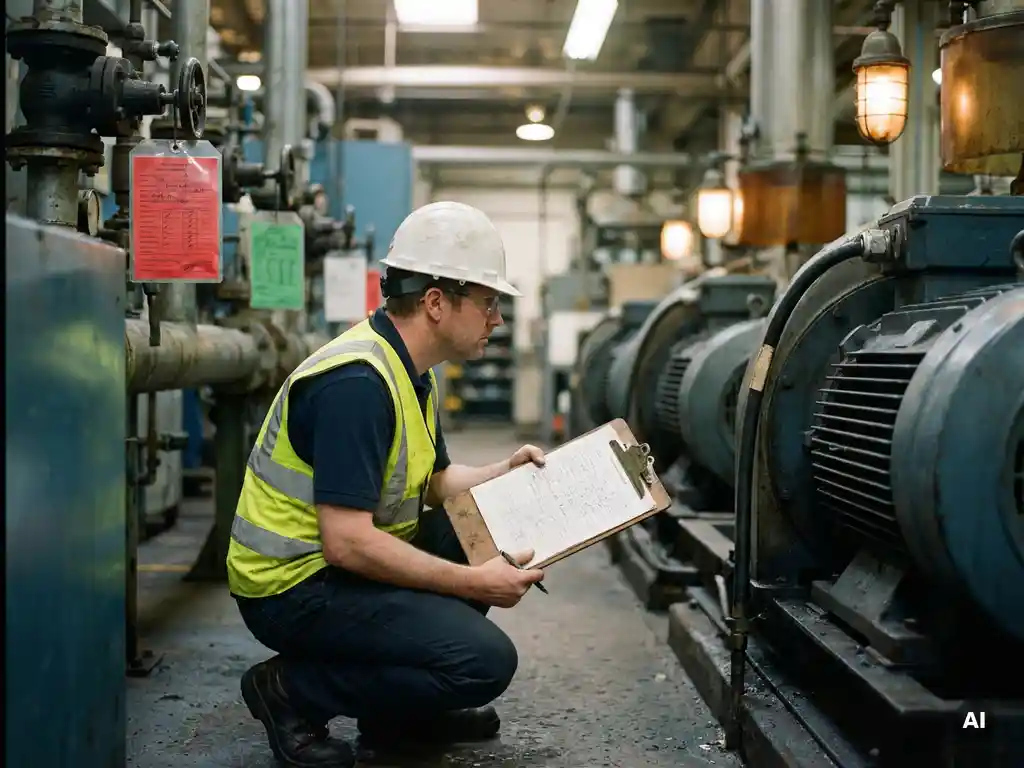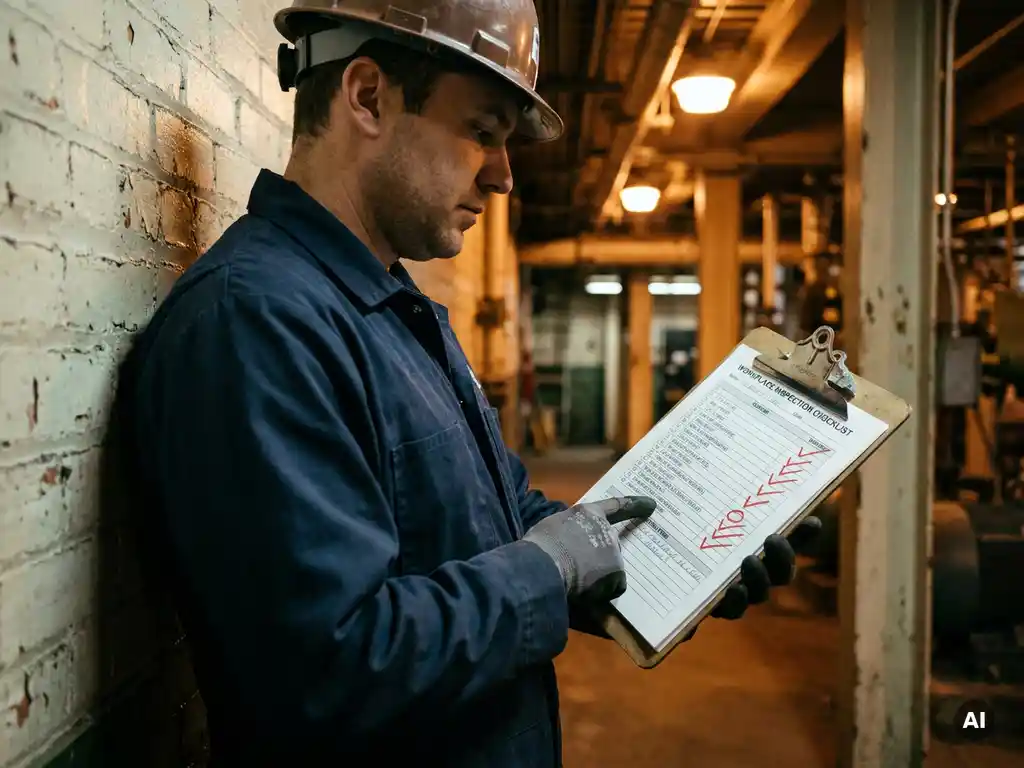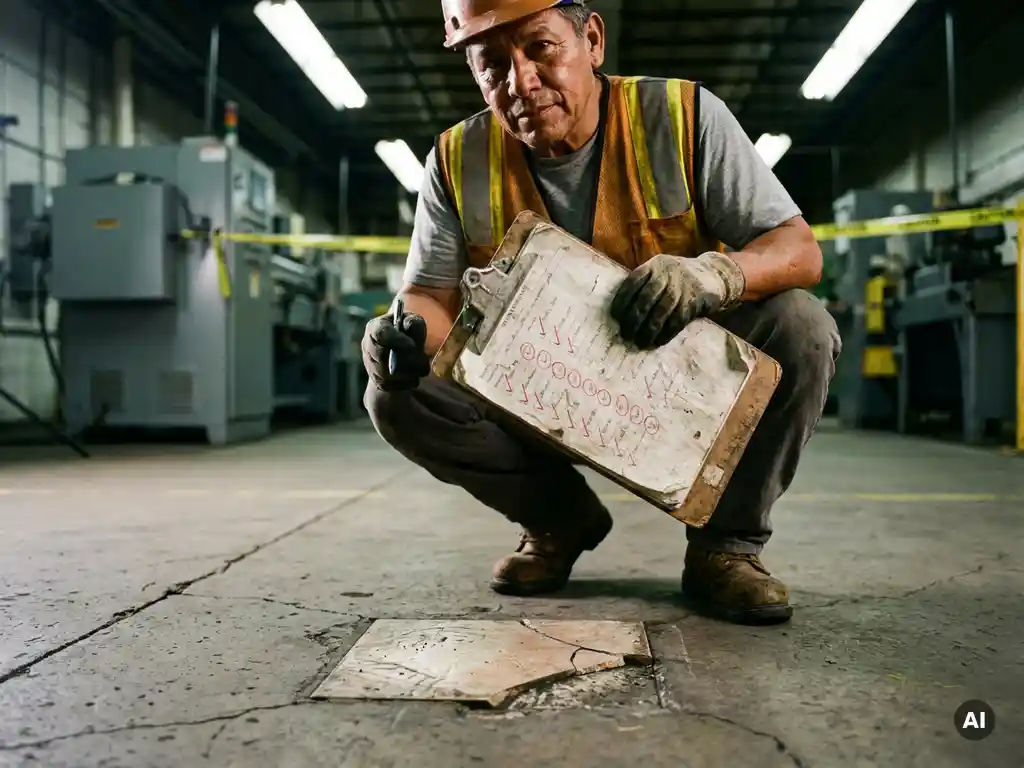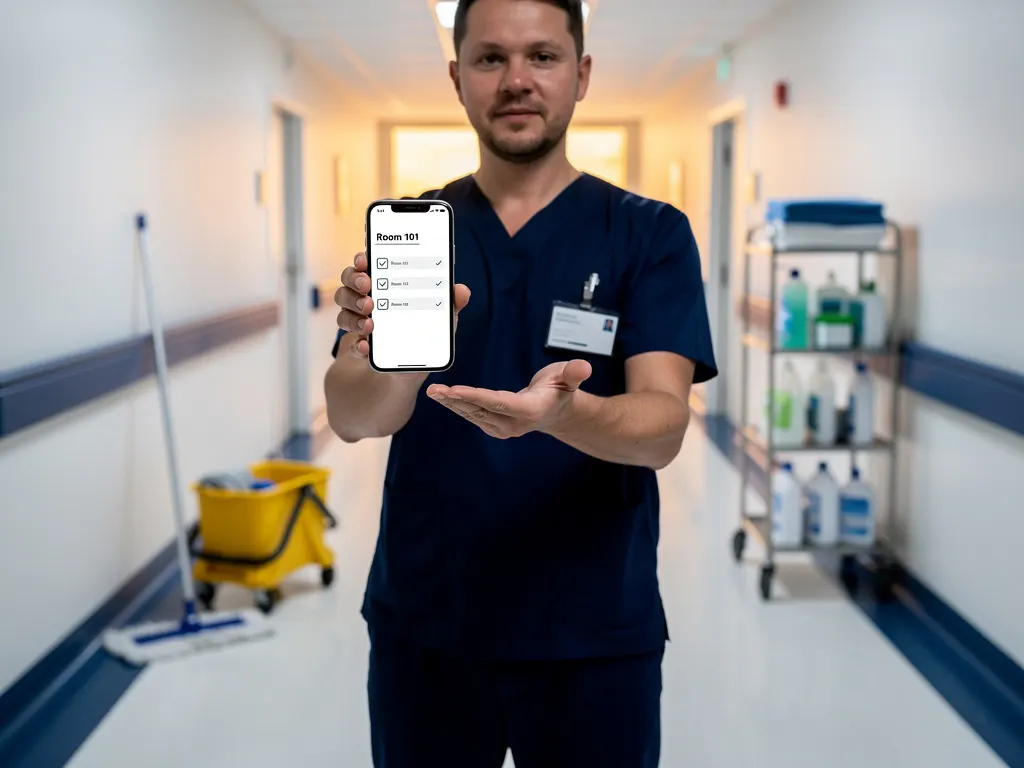
A digital workplace inspection is a structured safety or compliance check carried out using digital tools, such as apps, software platforms, or cloud-based checklists, instead of paper forms. Rather than filling out physical documents on a clipboard, inspectors complete standardised digital checklists on a tablet, smartphone, or computer. The result is a faster, more accurate, and more actionable process that connects inspection data directly to follow-up workflows. This article walks through how digital workplace inspections work, what they involve, and how to make them stick across your teams.
How does a digital workplace inspection differ from a paper-based one?
A digital workplace inspection replaces physical forms with electronic checklists that can be completed on any connected device, with results stored, shared, and analysed instantly. The core difference is not just format but functionality: digital inspections enable real-time reporting, automatic escalation of issues, photo documentation, and trend analysis, none of which are practical with paper.
With paper-based inspections, completed forms often sit in a filing cabinet or get lost in transit. Data entry is manual, errors are common, and spotting patterns across multiple inspections requires significant administrative effort. A digital inspection tool changes this entirely. Results are captured in a central system the moment the inspection is submitted, making them immediately visible to managers and safety officers.
Digital inspections also enforce consistency. A paper checklist can be skipped, abbreviated, or interpreted differently by different people. A digital checklist can require answers before allowing submission, prompt inspectors with guidance notes, and flag incomplete sections automatically. This standardisation is especially valuable in high-turnover environments or workplaces with multilingual teams.
What are the main components of a digital workplace inspection?
A digital workplace inspection typically consists of a digital checklist, a mobile or web interface for completing it, a reporting dashboard, and a workflow for assigning and resolving issues. Together, these components turn a one-time check into an ongoing safety management process.
- Digital checklist: The structured set of questions, tasks, or observations that define what is being inspected. These are usually built from regulatory requirements, internal standards, or industry best practices.
- Completion interface: The app, browser, or platform through which the inspector works through the checklist. This may include photo capture, signature fields, and conditional logic that shows or hides questions based on previous answers.
- Issue flagging and assignment: When a problem is identified, the system can automatically create a corrective action, assign it to a responsible person, and set a deadline for resolution.
- Reporting and analytics dashboard: A centralised view of all completed inspections, outstanding issues, trends over time, and compliance scores across locations or departments.
- Audit trail: A timestamped record of who completed which inspection, when, and what was found, which is essential for regulatory compliance and internal accountability.
How does a digital workplace inspection actually work, step by step?
A digital workplace inspection follows a clear sequence: a checklist is prepared and assigned, an inspector completes it on a device, findings are submitted and reviewed, issues are assigned for resolution, and results feed into broader reporting. The entire cycle can happen within hours rather than days.
- Prepare the checklist: A manager or safety officer builds or selects a digital checklist tailored to the inspection type, whether that is a fire safety audit, equipment check, hygiene inspection, or workplace hazard assessment.
- Assign the inspection: The checklist is assigned to a specific inspector with a scheduled date and time. Automated reminders can be sent to ensure it is not overlooked.
- Complete the inspection on-site: The inspector works through the checklist on their device, answering questions, adding photos where relevant, and noting observations in real time.
- Submit and review: Once submitted, the completed inspection is immediately available to supervisors and safety managers. Any flagged items are visible right away.
- Assign corrective actions: Issues identified during the inspection are turned into tasks, assigned to the relevant person, and tracked until resolved.
- Analyse and improve: Over time, the data from multiple inspections reveals patterns, recurring issues, and areas where processes or training need to improve.
What types of workplaces benefit most from digital inspections?
Workplaces with high safety risk, large or dispersed teams, regulatory compliance requirements, or frequent operational changes benefit most from digital workplace inspections. Industries such as manufacturing, logistics, healthcare, construction, and retail are among the strongest use cases.
In manufacturing and logistics, inspections happen frequently and across multiple shifts. A digital inspection tool ensures that every shift completes the same checks in the same way, and that nothing falls through the cracks when one team hands over to another.
In healthcare settings, compliance with hygiene, equipment, and safety protocols is critical and often legally mandated. Digital checklists create the audit trail needed to demonstrate compliance during external reviews or accreditation processes.
Retail and hospitality environments benefit from the speed and simplicity of digital inspections, particularly when teams are large, part-time, or frequently rotating. A digital checklist that takes three minutes to complete on a smartphone removes the friction that causes paper-based inspections to be skipped or rushed.
Any workplace where multiple languages are spoken also gains significantly from digital inspections. Modern digital inspection tools often support automatic translation, meaning the same checklist can be completed accurately by team members regardless of their native language.
What tools and software are used for digital workplace inspections?
Digital workplace inspection tools range from dedicated safety management platforms to mobile checklist apps and integrated workplace management systems. The right tool depends on the complexity of your inspection needs, the size of your team, and how the data needs to connect to other systems.
Common categories of digital inspection software include:
- Dedicated safety and compliance platforms: Tools built specifically for workplace safety inspections, often including features like incident reporting, corrective action tracking, and regulatory templates.
- Mobile checklist apps: Lightweight tools that allow teams to create and complete checklists on smartphones or tablets, often with offline capability for areas with poor connectivity.
- Integrated EHS (Environment, Health and Safety) systems: Enterprise-level platforms that connect inspection data with broader risk management, training records, and compliance reporting.
- Messaging-based tools: Platforms that deliver inspection prompts and checklists through familiar channels like WhatsApp, reducing the need for staff to learn new interfaces.
When evaluating tools, look for ease of use for frontline workers, flexibility to customise checklists, integration with existing HR or operations systems, and the quality of reporting features available to managers.
How do you ensure staff actually complete digital workplace inspections?
Staff complete digital workplace inspections consistently when the process is simple, expected, and reinforced through clear accountability structures. The biggest barriers to completion are complexity, unfamiliarity with the tool, and a lack of follow-through when issues are found.
The most effective strategies for driving consistent completion include:
- Use familiar technology: If staff need to download a new app or log into an unfamiliar system, adoption drops. Delivering inspection prompts through a channel people already use, such as WhatsApp, removes this barrier entirely.
- Keep checklists short and focused: A checklist that takes three to five minutes to complete is far more likely to be done thoroughly than one that takes twenty. Separate different inspection types into distinct, focused checklists rather than combining everything into one long form.
- Set clear expectations and schedules: Automated reminders and scheduled assignments make it clear when an inspection is due and who is responsible for completing it.
- Close the loop on findings: When staff see that flagged issues are actually addressed, they understand that inspections matter. If nothing changes after a problem is reported, motivation to complete future inspections falls quickly.
- Train staff before rollout: Even a brief five-minute walkthrough of how the digital checklist works dramatically improves first-time completion rates and reduces errors in submitted data.
Visibility also matters. Sharing completion rates with team leaders and recognising teams that consistently complete inspections builds a culture where the workplace safety inspection is treated as a normal, valued part of the working day rather than an administrative burden.
How E-Lia helps with digital workplace inspections
We at E-Lia make it straightforward for organisations to embed digital inspection habits into their teams, without asking staff to download new apps or learn unfamiliar systems. By delivering checklists, safety reminders, and workplace audit prompts directly through WhatsApp, we meet employees where they already are. Here is what we offer for organisations running digital workplace inspections:
- WhatsApp-based checklists: Inspection prompts and digital checklists delivered through WhatsApp, so staff can complete them on any device with no login required.
- Fast module creation: Build a new inspection checklist in 10 to 15 minutes, and staff can complete it in 3 to 6 minutes, keeping inspections efficient for everyone.
- Automatic translations: Checklists are automatically translated so multilingual teams can complete inspections accurately in their own language.
- Progress tracking dashboard: Managers get a clear overview of who has completed which inspections, what was flagged, and where follow-up is needed.
- Scheduled and instant delivery: Send inspection prompts immediately or schedule them in advance to align with shift patterns and operational rhythms.
Whether you are onboarding new staff or running recurring workplace safety inspections, we help make the process consistent, accessible, and easy to manage. Learn more about how E-Lia supports digital workplace inspections, explore our approach to staff onboarding, or see how we help teams with toolbox talks, work instructions, knowledge retention, and HACCP training. Ready to see it in action? Book a demo to find out how E-Lia fits your organisation.
Frequently Asked Questions
How long does it take to set up a digital workplace inspection from scratch?
For most organisations, a basic digital inspection checklist can be built and deployed within a day. Platforms like E-Lia allow you to create a new inspection module in 10 to 15 minutes, and more complex setups involving integrations with existing HR or EHS systems may take a few days to a week. The key is to start with one inspection type, get staff familiar with the process, and then expand from there rather than trying to digitise everything at once.
What if some of our staff don't have smartphones or reliable internet access on-site?
This is a common concern, especially in manufacturing, warehousing, or outdoor environments. Many digital inspection tools offer offline functionality, allowing inspectors to complete checklists without a connection and sync results once they are back online. Alternatively, tools that work through widely available platforms like WhatsApp can significantly reduce device and connectivity barriers, since most frontline workers already have the app on a personal or shared device.
How do we know which inspection checklists to start with?
A practical starting point is to identify your highest-risk or most frequently inspected areas, such as fire safety, equipment checks, or hygiene compliance, and digitise those first. Review any existing paper checklists you already use, cross-reference them with relevant regulatory requirements for your industry, and build from there. If you are unsure, many digital inspection platforms provide industry-specific templates that can be customised to your specific workplace.
Can digital inspection data be used as evidence during regulatory audits or legal proceedings?
Yes, and this is one of the strongest advantages of digital inspections over paper-based ones. A digital audit trail includes timestamped records of who completed each inspection, what was found, what corrective actions were assigned, and when they were resolved. This level of documented accountability is far more defensible during regulatory audits, accreditation reviews, or legal proceedings than handwritten forms that may be incomplete, undated, or difficult to retrieve.
What's the most common mistake organisations make when rolling out digital workplace inspections?
The most common mistake is over-engineering the checklists at the start. Organisations often try to capture everything in a single, lengthy form, which leads to low completion rates and superficial answers. A better approach is to keep individual checklists short and focused, ideally completable in under five minutes, and to separate different inspection types into distinct checklists. Equally important is ensuring that flagged issues are visibly followed up on, as staff quickly disengage if they feel their reports lead to no action.
How should we handle corrective actions that aren't resolved within the set deadline?
Most digital inspection platforms allow you to configure automatic escalation rules, so if a corrective action is not resolved by its deadline, it is flagged to a senior manager or safety officer automatically. It is good practice to define escalation paths before rollout so everyone knows what happens when deadlines are missed. Regularly reviewing overdue actions in your reporting dashboard and discussing them in team meetings also reinforces accountability and prevents issues from being quietly ignored.
Is it possible to run different types of inspections on the same platform, or do we need separate tools for each?
Most modern digital inspection platforms are designed to support multiple inspection types within a single system, whether that is daily equipment checks, monthly fire safety audits, hygiene walkthroughs, or onboarding compliance checks. Running everything through one platform keeps your data centralised, makes cross-inspection reporting much easier, and reduces the number of tools your team needs to manage. When evaluating software, confirm that it supports multiple checklist templates and can assign different inspection types to different teams or locations.