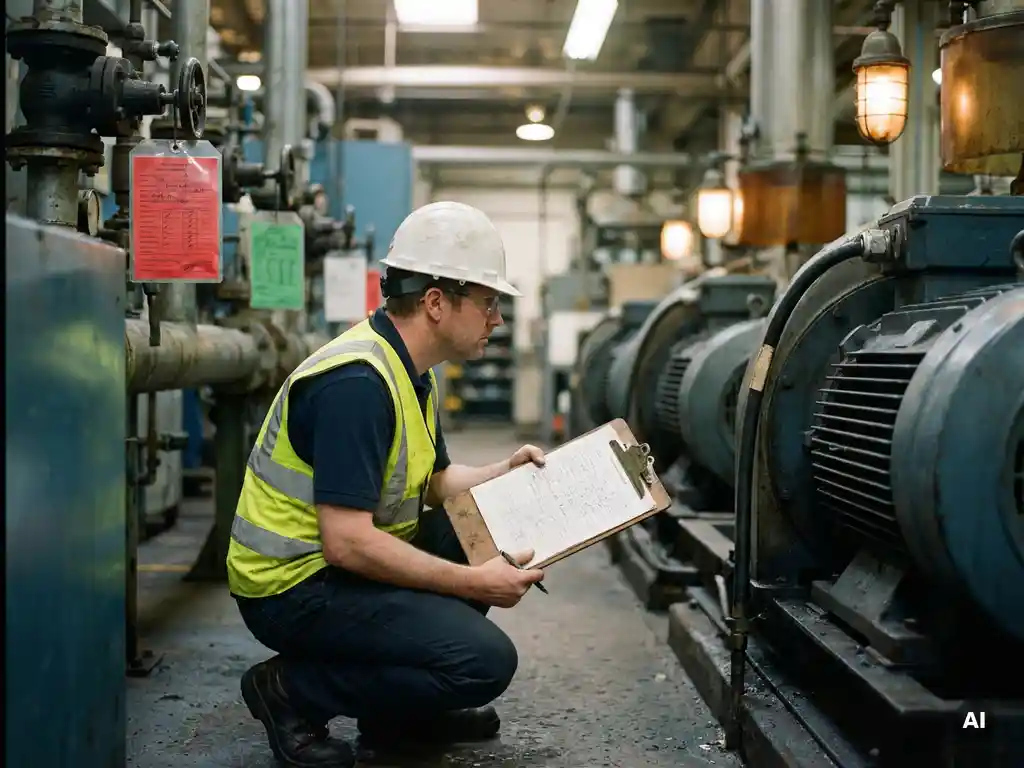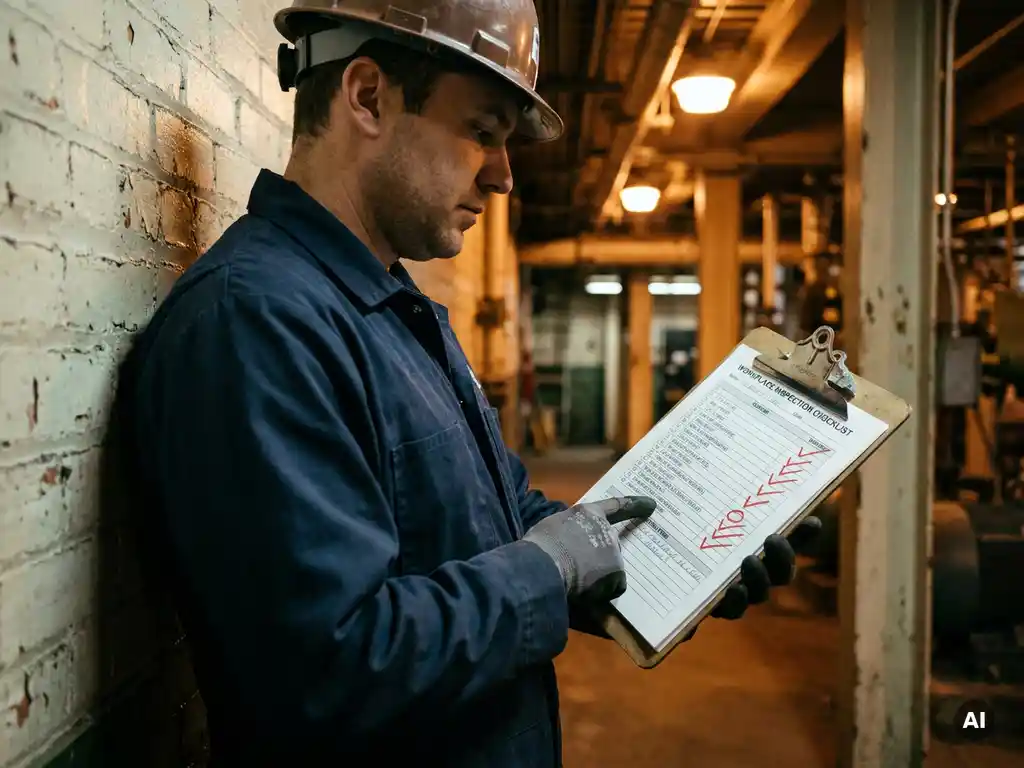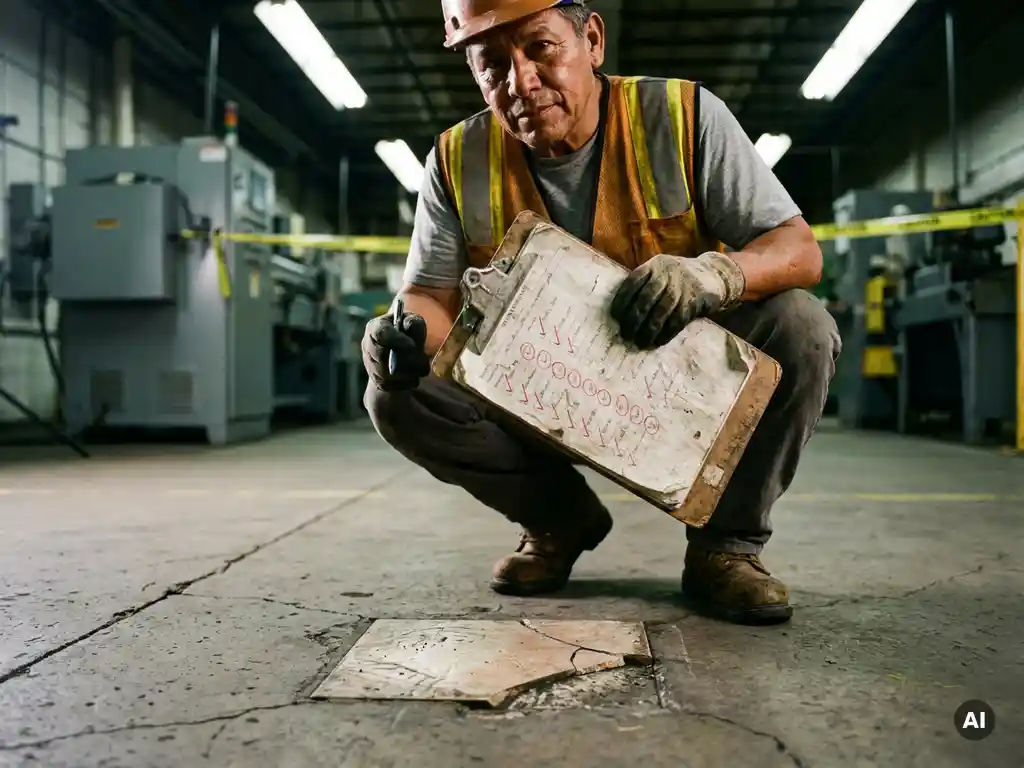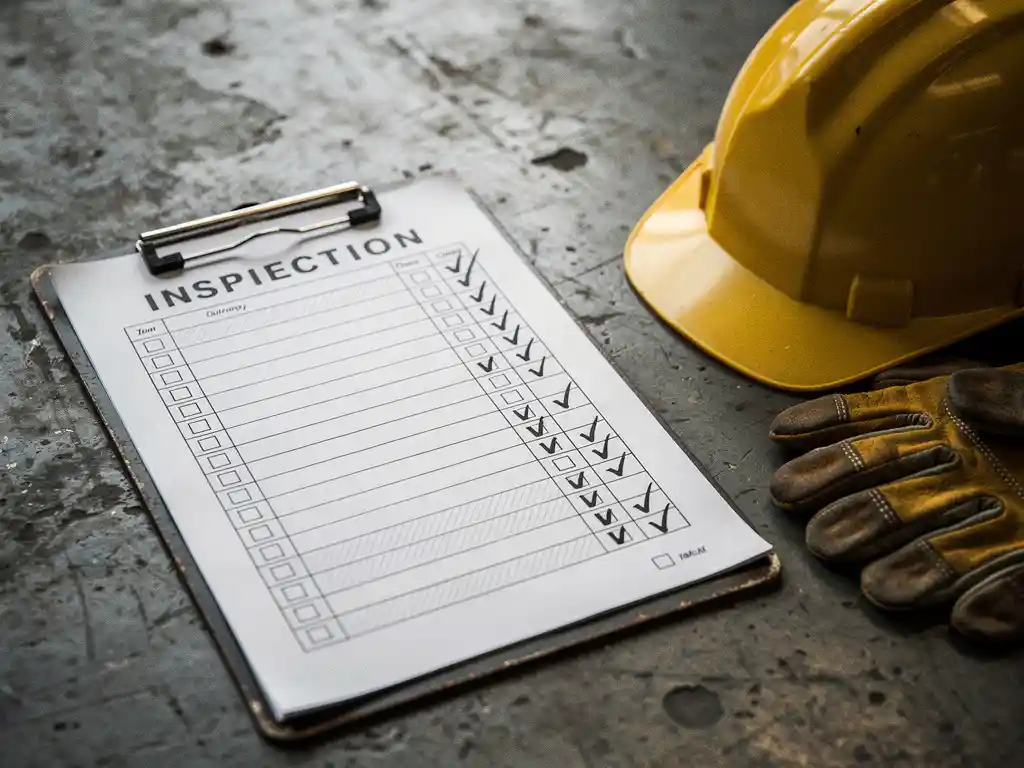
A completed workplace inspection form example typically shows a structured checklist where each item is marked as compliant, non-compliant, or not applicable, followed by a hazard rating and a corrective action entry for any issues found. The form also includes inspector details, the date and location of the inspection, and signatures from the responsible parties. The sections below walk through every component in detail, from how hazards are rated to who should sign off.
What sections does a workplace inspection form typically include?
A standard workplace inspection form includes a header section, an inspection checklist, a hazard rating column, a corrective action section, and a sign-off area. These components work together to give a complete picture of the site’s safety status at the time of inspection. Most safety inspection form templates follow this same logical order regardless of industry. Learn more about how digital workplace inspections can streamline this process.
Here is what each section typically contains:
- Header: Date, location, department, inspector name, and the inspection type (routine, follow-up, post-incident)
- Inspection checklist: A list of specific items or areas to assess, grouped by category such as fire safety, equipment condition, PPE availability, or housekeeping
- Status columns: Tick boxes or dropdown options for compliant, non-compliant, or N/A next to each checklist item
- Hazard rating: A risk classification for each non-compliant item, usually on a scale from low to critical
- Corrective action: Space to describe what needs to be done, who is responsible, and by when
- Sign-off: Signatures from the inspector, supervisor, and sometimes a health and safety representative
Some forms also include a summary section at the end where the overall inspection result is noted and any outstanding items from previous inspections are tracked.
How is each hazard rated on a workplace inspection form?
On a completed inspection form, each identified hazard is rated based on two factors: the likelihood of the hazard causing harm and the severity of the potential consequence. Most workplace safety inspection forms use a simple three- or four-tier rating system, such as Low, Medium, High, and Critical, though some organisations use a numerical risk matrix instead.
A practical example of how ratings work in practice:
- Low: A minor housekeeping issue, such as a cluttered storage shelf, that poses minimal immediate risk
- Medium: A worn floor mat near an entrance that could cause a slip if not replaced soon
- High: A missing machine guard that exposes an operator to moving parts during normal use
- Critical: A blocked fire exit that would prevent evacuation in an emergency
The hazard rating directly determines the urgency of the corrective action. Critical and high-rated items typically require immediate action, or the area must be taken out of service, whilst medium and low items are assigned a deadline of days or weeks. Consistent rating criteria across your team ensures that inspections are comparable over time and that priorities are set fairly.
What does the corrective action section look like when filled in?
A completed corrective action section on a workplace inspection form contains four pieces of information for each non-compliant item: a description of the issue, the action required to fix it, the name of the person responsible, and a target completion date. This level of detail turns the inspection from a passive record into an active task list.
A filled-in example might look like this for a single finding:
- Issue identified: Fire extinguisher in Warehouse B is past its annual service date
- Corrective action required: Arrange a service inspection with a certified provider
- Responsible person: Facilities Manager
- Target completion date: Within 7 days
- Status at follow-up: Completed / In progress / Overdue
The follow-up status column is often overlooked but is one of the most valuable parts of the form. It creates accountability and makes it easy to see whether previous findings have been resolved before the next inspection cycle begins. Without this column, organisations often find the same hazards appearing on successive inspection forms with no clear resolution trail.
What’s the difference between a workplace inspection form and a safety audit form?
A workplace inspection form is an operational tool used regularly to check whether physical conditions and behaviours in a specific area meet safety standards at that moment in time. A safety audit form is a deeper, systematic review of whether the organisation’s entire safety management system is functioning correctly. Inspections are frequent and task-focused; audits are periodic and system-focused.
The key distinctions side by side:
- Frequency: Inspections may happen daily, weekly, or monthly; audits typically occur annually or bi-annually
- Scope: Inspections cover a specific location or process; audits review policies, procedures, records, and culture across the organisation
- Output: An inspection form produces a list of hazards and corrective actions; an audit report produces findings about systemic gaps and recommendations for improvement
- Who conducts it: Inspections are usually done by supervisors or team leaders; audits are often conducted by internal safety professionals or external auditors
Both documents are important and complementary. Regular inspections feed data into audits, and audit findings often improve the quality and focus of future inspection checklists.
Who should complete and sign a workplace inspection form?
A workplace inspection form should be completed by a person who has direct knowledge of the area being inspected and has received basic safety inspection training. This is typically a supervisor, team leader, or designated safety representative. The form should then be signed by that inspector and countersigned by a manager or health and safety officer to confirm the findings have been reviewed.
In practice, the right person depends on the type of inspection:
- Routine daily checks: Often completed by the team leader or shift supervisor responsible for that area
- Formal periodic inspections: Completed by a trained safety officer or a joint inspector and employee representative pairing
- Post-incident inspections: Completed by a manager or safety professional, sometimes with an external specialist
Involving employees in the inspection process alongside supervisors improves both the quality of findings and the safety culture of the team. Workers who perform tasks daily often spot hazards that periodic visitors miss. The sign-off requirement from a manager ensures that findings are not filed away without anyone in a position of authority taking responsibility for follow-up.
How can digital tools simplify completing workplace inspection forms?
Digital tools simplify workplace inspection forms by replacing paper checklists with structured, guided workflows that are faster to complete, easier to track, and impossible to lose. Instead of manually transferring findings into a report, digital forms capture data in real time, assign corrective actions automatically, and generate dashboards that show outstanding issues at a glance.
The practical benefits of going digital include:
- Pre-built inspection checklist templates that can be customised to your site or process
- Photo capture to document hazards directly within the form
- Automatic notifications to the responsible person when a corrective action is assigned
- Progress tracking so managers can see which findings have been resolved
- Historical records that make it easy to identify recurring hazards over time
- Multi-language support for teams with diverse language backgrounds
For organisations where inspectors are not desk-based, tools that work on a mobile device without requiring a login or app download remove a significant barrier to consistent use. The simpler the tool is to access, the more likely inspections will be completed on time and recorded accurately.
How E-Lia helps with workplace safety inspections and training
We at E-Lia understand that completing a workplace inspection form is only one part of a broader safety process. The real challenge is making sure every employee understands the standards they are being inspected against, and that new team members are up to speed from day one. That is where we come in.
With E-Lia, organisations can deliver workplace safety training and inspection guidance directly via WhatsApp, with no app download or login required. Here is what that looks like in practice:
- Build a microlearning module on how to complete a safety inspection form in as little as 10 to 15 minutes — supported by our work instructions and toolbox talks features
- Send inspection procedures, hazard rating guides, and corrective action instructions directly to employees’ phones
- Support multilingual teams with automatic translations so every employee receives training in their own language
- Get new team members inspection-ready from day one with structured onboarding flows
- Help employees retain and maintain knowledge over time through spaced repetition and microlearning
- Track completion and comprehension through an easy-to-use dashboard
- Integrate with HR systems and LMS platforms via API for seamless data exchange
Organisations in healthcare, logistics, production, and retail already use our platform to make safety knowledge accessible and consistent across their teams. If you want to see how it works for your organisation, plan a demo and get in touch with us directly.
Frequently Asked Questions
How often should workplace inspections be carried out?
The right frequency depends on the risk level of the environment. High-risk workplaces such as construction sites, warehouses, or manufacturing facilities typically require daily or weekly inspections, while lower-risk office environments may only need monthly or quarterly checks. Regulatory requirements in your industry or country may also set a minimum frequency, so it is worth checking the relevant legislation alongside your internal risk assessment.
What should I do if a critical hazard is found during an inspection?
A critical hazard requires immediate action — do not wait until the form is submitted or reviewed. The affected area or equipment should be taken out of service, isolated, or cordoned off right away, and the relevant manager or safety officer must be notified in person or by phone before anything else. The finding should still be documented in full on the inspection form, including the immediate action taken, so there is a clear record of how and when the hazard was addressed.
Can the same inspection form be used across different departments or sites?
A generic form can serve as a useful starting point, but a one-size-fits-all checklist often misses hazards that are specific to a particular process, piece of equipment, or physical environment. Best practice is to use a master template as the foundation and then customise the checklist items for each department or site. This ensures inspections remain relevant and that nothing critical to a specific area is overlooked simply because it was not on the standard list.
What are the most common mistakes people make when filling in a workplace inspection form?
The most frequent mistakes include marking items as compliant without physically checking them, leaving the corrective action section blank for non-compliant findings, and failing to assign a named responsible person or a realistic deadline. Another common error is inconsistent hazard rating — where the same type of hazard is rated differently by different inspectors — which makes it difficult to prioritise actions fairly. Training all inspectors on the rating criteria and reviewing a few completed forms together as a team goes a long way toward fixing these issues.
How should completed inspection forms be stored and managed?
Completed forms should be stored in a secure, organised system — whether digital or physical — that allows you to retrieve past records quickly and track trends over time. Digital storage is strongly preferred because it enables searchable records, automatic reminders for overdue corrective actions, and easy reporting for audits or regulatory inspections. If paper forms are still in use, they should be filed by date and location, with a designated person responsible for following up on outstanding actions before the next inspection cycle.
Do employees need formal training before they can conduct a workplace inspection?
Inspectors do not necessarily need a formal qualification, but they should receive structured training that covers how to use the checklist, how to apply the hazard rating scale consistently, and what to do when a serious hazard is found. Without this foundation, inspections can become a tick-box exercise rather than a genuine safety tool. Short microlearning modules — covering hazard identification, rating criteria, and corrective action processes — are an effective and time-efficient way to get inspectors up to speed without taking them off the floor for a full day.
How do I make sure corrective actions from inspections are actually followed up on?
The most effective way to ensure follow-up is to assign every corrective action a named owner and a specific deadline at the time of the inspection, rather than leaving it as a general team responsibility. A follow-up review should be built into the next inspection cycle so that outstanding items are checked before new ones are added. Using a digital tool that sends automatic reminders to the responsible person and flags overdue actions to a manager significantly reduces the risk of findings being forgotten or deprioritised.