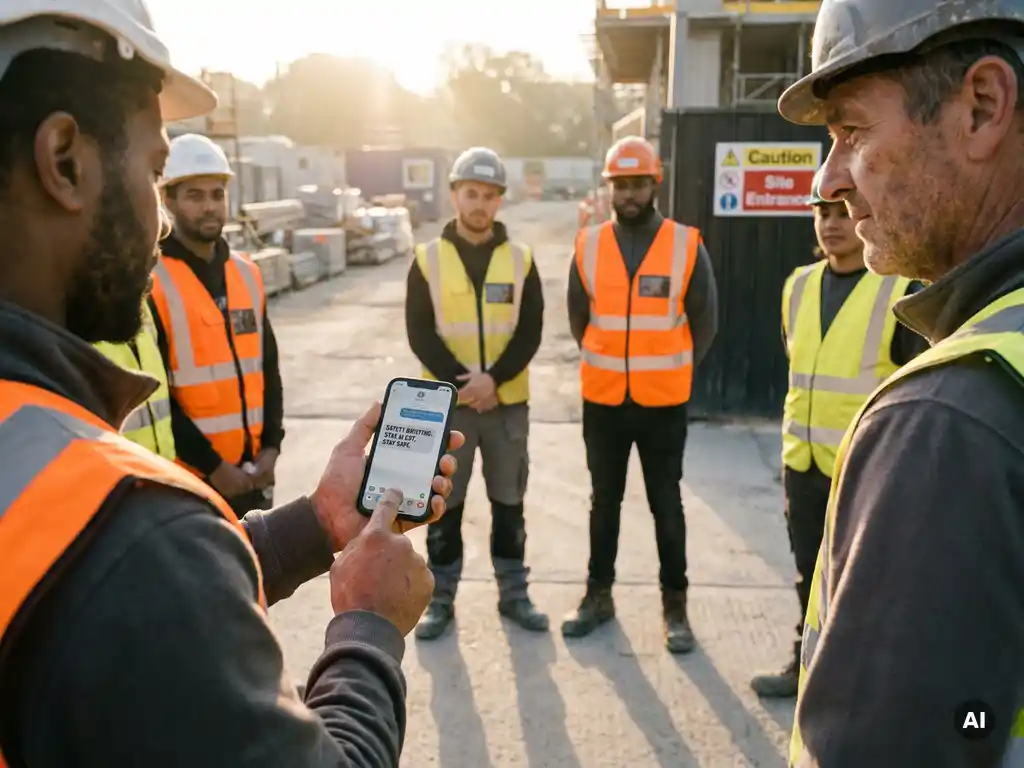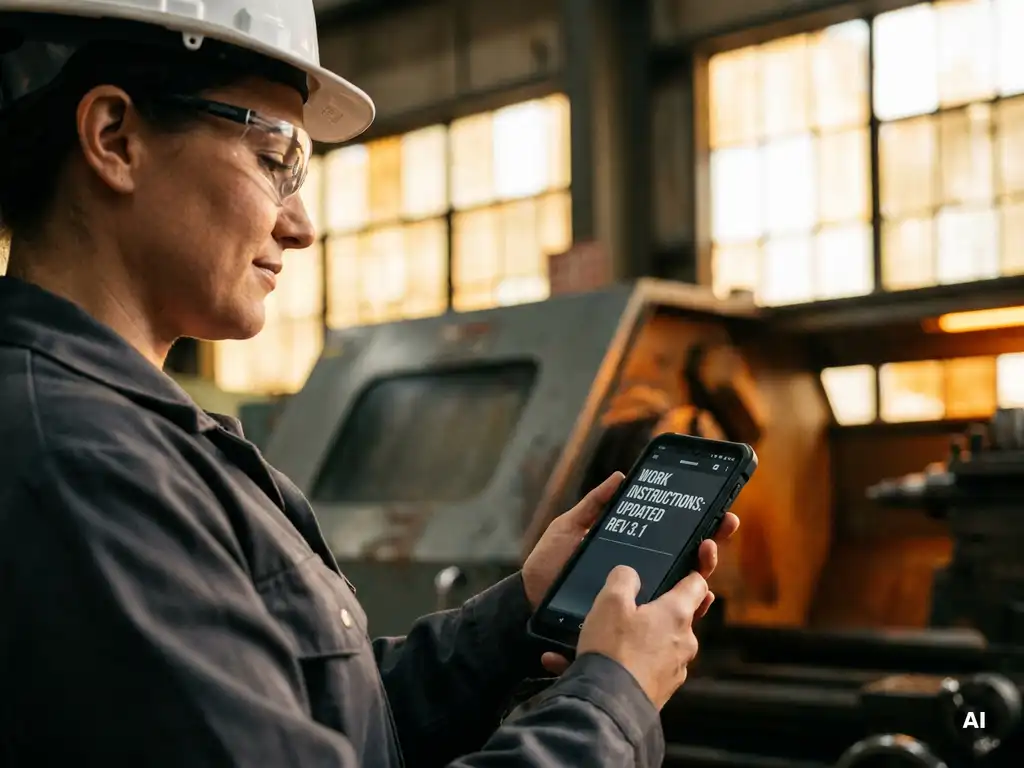
Making safety instructions accessible via mobile phone means translating them into short, interactive microlearning modules that employees receive through a channel they already use every day. For operational employees in construction, logistics and manufacturing, this means in practice: instructions via WhatsApp, without an extra app or login procedure. The questions below guide you step by step through implementing this in your organisation.
Why do traditional safety instructions fail to reach employees?
Traditional safety instructions fail to reach employees because they rely on channels that a large proportion of the workforce simply does not use. Paper handouts end up in a drawer, intranet pages go unvisited by employees without a business email address, and classroom-style toolbox talks are difficult to schedule for shift workers or dispersed teams.
The core of the problem is a mismatch between the channel and the target audience. Employees in construction, logistics or manufacturing do not work at a desk. They do not have a business laptop and do not start their day by opening a learning environment. Safety information delivered through those channels simply reaches them too late or not at all.
On top of that, paper records and spreadsheets demand considerable administrative capacity, are prone to errors and are difficult to verify during audits. If an employee has signed a form but has not understood the content, that signature offers little assurance. Effective safety communication requires more than attendance registration: it requires demonstrable understanding.
What makes a mobile channel suitable for safety instructions?
A mobile channel is suitable for safety instructions when it aligns with employees’ everyday behaviour, presents no barrier to getting started and offers the ability to record participation and understanding. For many employees, the mobile phone is the most familiar means of communication, including on the shop floor.
What distinguishes a mobile channel from traditional methods is the combination of accessibility and low threshold. Employees do not need to create an account, remember a password or install a separate app. They receive the instruction directly, at the moment it is relevant, and can complete it in a few minutes.
In addition, a well-configured mobile channel offers the ability to add knowledge checks. This means you know not only who received the instruction, but also who understood the content. That makes the record substantively stronger than a signature on a paper list. For organisations that work with toolbox talks, this is a meaningful step forward: participation is automatically recorded and made visible through a dashboard.
How do you convert a safety instruction into a microlearning module?
You convert a safety instruction into a microlearning module by isolating the core of the instruction, translating it into a short sequence of screens or steps, and closing with a knowledge check. A good module focuses on one topic, can be completed in a few minutes and contains no superfluous information.
Follow this straightforward step-by-step approach:
- Define the learning objective: What should the employee know or be able to do after completing the module? Formulate this in one sentence.
- Select the core content: What information is truly needed to achieve that learning objective? Remove everything that does not directly contribute.
- Choose a suitable format: Consider a short video, a series of images with explanations, or a step-by-step text. Visual aids can make safety information more accessible and easier to understand.
- Add a knowledge check: Close with two to four questions that test whether the employee has understood the key points.
- Keep it short: A module that can be completed in three to six minutes fits into the working day without disrupting the schedule.
Building a module does not have to be complicated. With the right tool, you can quickly convert existing instructions, work instructions or toolbox topics into an interactive format, without technical knowledge or lengthy lead times.
Which safety instructions are best suited to mobile delivery?
Safety instructions best suited to mobile delivery are topics that recur regularly, have a clearly defined subject and are directly relevant to employees’ day-to-day work. Think of the use of personal protective equipment, hazardous substances, manual handling and ergonomics, or reporting near-misses.
Topics that work well as mobile microlearning:
- Toolbox topics such as fall protection, working with machinery or exposure to hazardous substances
- Work instructions for specific tasks or workplaces
- Onboarding modules for new employees, including basic safety rules
- HACCP instructions in the food industry
- Workplace inspection checklists that employees can complete themselves
- Updates when procedures change or new hazards arise on the shop floor
Topics less suited to a short mobile module include complex procedures that require a great deal of context, or situations where physical demonstration is irreplaceable. These can be supported with a mobile module as preparation or follow-up, but cannot be fully replaced by one.
How do you ensure employees actually complete the instructions?
You ensure employees complete safety instructions by delivering them at the right moment, through a channel that presents no barrier, and by keeping the module short and relevant. Automatic reminders and real-time insight into progress help you to intervene promptly when someone has not yet participated.
A few practical measures that increase completion rates:
- Send at the right moment: An instruction about working at height is most relevant just before a project where that is required, not weeks in advance.
- Keep the module short: The shorter and more focused the module, the greater the likelihood that employees will actually complete it.
- Use a familiar channel: Employees who receive an instruction via an app they do not recognise are more likely to drop off than when the instruction arrives through a channel they use every day.
- Make progress visible: A live dashboard showing who has participated and who has not enables managers to follow up in a targeted way.
- Send automatic reminders: A friendly reminder after a day or two increases the completion rate without requiring manual follow-up.
Engagement also begins before the first working day. When new employees receive safety information during the pre-onboarding phase, they build familiarity with the format and content before they set foot on the shop floor.
How do you translate safety instructions for multilingual teams?
You translate safety instructions for multilingual teams by using AI-assisted translation tools that automatically convert the content into the employee’s native language, without having to manually produce a separate version for each language. This ensures that every employee understands the instruction, regardless of their language background.
Language is one of the most underestimated barriers in safety communication. An employee who does not properly understand an instruction cannot properly follow it either. In sectors such as construction, logistics and the food industry, teams with multiple nationalities are common. Delivering instructions in the employee’s native language increases the likelihood that the content will genuinely be retained.
When translating safety instructions, pay attention to the following:
- Check the translation for technical terminology: Automatic translations provide a good starting point, but safety terms deserve extra attention. Have a native speaker or subject-matter expert review the translation where possible.
- Use visual support: Images, pictograms and short videos bridge language barriers and reinforce understanding regardless of language.
- Record by language version: Ensure you can demonstrate which employee received and completed which version, so that participation can be made visible per team.
How E-lia helps make safety instructions accessible
We developed E-lia specifically for organisations that want to reach employees on the shop floor with safety instructions, toolbox talks and work instructions, without requiring an extra app, an account or a password. Everything runs via WhatsApp, the channel employees already know and use every day.
What you can do with E-lia:
- Send toolbox meetings digitally and automatically record participation, including knowledge checks
- Build microlearning modules in an average of ten to fifteen minutes, based on your own company content or our library of practical safety topics
- Automatically translate instructions into more than fifty languages, so that employees who speak other languages also receive the content in their own native language
- View progress and participation in real time via a clear dashboard, so you can intervene promptly
- Record physical and digital toolbox meetings in the same system
Would you like to see how this works for your organisation? Get in touch with us or request a demo and discover how to make safety instructions accessible to every employee, at every location.