Providing safety instructions to teams working across multiple locations requires an approach that does not depend on fixed meeting rooms, paper lists, or a stable internet connection at the office. The solution lies in combining digital accessibility, clear communication, and smart record-keeping, so that every employee receives the right instruction regardless of where the work takes place that day. The questions below offer practical answers to the most common challenges.
What challenges make safety instructions at changing locations so difficult?
The biggest challenge is that employees working across multiple locations are rarely in the same place at the same time. As a result, classic approaches such as a plenary toolbox meeting or a printed instruction folder miss a large part of the team. Anyone who was not there that morning simply does not receive the information.
A number of practical problems compound this:
- Location-specific risks change constantly. A construction site in its early stages presents different hazards than the same site three weeks later. Instructions must therefore be current and capable of being rolled out quickly.
- Employees are difficult to reach through traditional channels. Not everyone has a business email address or a laptop. Intranets and email simply do not reach a large proportion of operational employees.
- Record-keeping is time-consuming and error-prone. Signature sheets get lost, are not filled in, or cannot afterwards be traced back to a specific location or date.
- Changing team compositions. In construction, logistics, or technical services, rotating shifts, agency workers, or subcontractors are common. Not everyone is equally visible.
The combination of geographical spread, limited digital infrastructure, and a dynamic team composition makes maintaining safety instructions on site one of the most challenging operational issues for managers and safety coordinators.
How do you ensure that every employee actually receives the instructions?
Ensure that safety instructions are delivered through a channel employees already use every day, without requiring them to download an additional app or create an account. The lower the barrier to opening the instruction, the greater the likelihood that employees will actually do so.
A number of concrete measures help with this:
- Choose a channel that reflects the reality of the workplace. Many operational employees have a smartphone but no business email address. Communication via a familiar messaging app fits their daily habits.
- Send instructions proactively rather than publishing them on a platform. When an employee actively receives a message, the likelihood of it being seen is far greater than when they have to navigate to an intranet or portal themselves.
- Time instructions appropriately. Send a safety instruction preferably just before the start of a new phase, a new project, or a new location — not after the fact.
- Follow up on who has not yet opened the instruction. Without insight into receipt status, you do not know who still needs to be reached. A live overview of participation enables targeted follow-up.
Toolbox meetings that are sent digitally and registered automatically give managers immediate insight into who has received the instruction and who has not. This allows you to take targeted action without manually tracking who was present.
What is the best way to make safety instructions understandable for multilingual teams?
The best way to make safety instructions understandable for multilingual teams is to offer them in the employee’s native language. Safety information that is not properly understood is not applied either. Translation is therefore not an added service but a prerequisite for effective instruction.
In addition to translation, there are further ways to make instructions more accessible:
- Use plain language and short sentences. Even in one’s own language, avoiding technical jargon and formulating instructions as concretely as possible is helpful.
- Add visual aids. Images, pictograms, and short videos support comprehension, even when language proficiency is limited.
- Offer instructions as short, self-contained modules. A lengthy PDF in a foreign language is not something anyone reads in full. A short module of a few minutes with a clear focus is easier to process.
- Use AI-assisted translations for speed and scalability. Manually translating every instruction is time-consuming. Automatic translations into multiple languages make it possible to act quickly even when changes occur rapidly.
In sectors such as construction, logistics, and manufacturing, teams frequently include employees from different countries. An approach in which instructions are automatically available in the recipient’s language significantly lowers the barrier and increases the likelihood that the information is genuinely understood and retained.
How do you demonstrate that employees have understood the safety instructions?
You can demonstrate that employees have received and processed safety instructions by combining knowledge checks with a digital record of participation. Receipt alone is not sufficient. A short quiz or question after the instruction shows whether the content has also been understood.
Practical ways to record comprehension:
- Add knowledge checks to every instruction. A few targeted questions after a toolbox meeting or work instruction provide insight into whether the employee has grasped the key points. They also encourage active processing of the material.
- Register participation automatically. When an employee completes an instruction and fills in a knowledge check, this is recorded without anyone having to maintain a list manually.
- Store results in a central dashboard. An overview per employee, per instruction, and per location makes it easy to see quickly who has not yet participated or who has not completed a knowledge check.
- Use the data for targeted follow-up. If it becomes apparent that multiple employees answer a particular question incorrectly, this is a signal that the instruction needs to be clearer on that point.
Digital record-keeping can help to document safety instructions in a structured way and make them transparent for internal review or external inspection. This is more valuable than a paper signature sheet, which only proves attendance and says nothing about comprehension.
When is microlearning suitable for safety training on site?
Microlearning is suitable for safety training on site when the information needs to be current, location-specific, or regularly repeated, and when employees have little time to complete lengthy training sessions. Short modules of a few minutes fit the reality of the workplace, where learning takes place between tasks.
Microlearning works well in the following situations:
- At the start of a new phase or location. A brief instruction covering the specific risks of that situation is more relevant and easier to retain than a generic hour-long training session.
- As a supplement to an in-person toolbox meeting. Not everyone is always present at a plenary session. A digital microlearning ensures that employees who were absent still receive the content.
- For refreshing foundational knowledge. Safety information that employees already know is retained more effectively through regular brief exposure rather than one comprehensive training session per year.
- During onboarding of new employees. New colleagues can receive basic instructions even before their first working day, so that they are better prepared from day one.
Microlearning is less suitable for complex skills training that requires practice and guidance, such as operating specific machinery or carrying out emergency procedures. In those cases, a combination of a short digital module and a practical exercise on site is a better approach.
How do you integrate safety instructions into existing HR and planning systems?
You integrate safety instructions into existing HR and planning systems by using connections via APIs, through which employee information is automatically exchanged between systems. This means you no longer need to manually track who is working where, and instructions can be sent automatically based on planning data or contract events.
Concrete integration options include:
- Automatically starting onboarding upon employment. When a new employee is registered in the HR system, the onboarding process starts automatically, including safety instructions relevant to the role or location.
- Integration with planning software. When an employee is assigned to a new location or shift, a location-specific instruction can be sent automatically.
- Centralised reporting across systems. By linking registration data from the learning platform to HR data, you gain a complete picture of who has received and completed which instructions, without having to search across multiple systems.
- Managing employee information in one place. Changes to role, location, or language are applied automatically, ensuring employees always receive the right instructions in the right language.
Good integration prevents duplication of effort and reduces the risk of errors. Managers no longer need to manually track who has received which instruction, and safety coordinators always have an up-to-date overview available.
How we help with safety instructions across changing locations
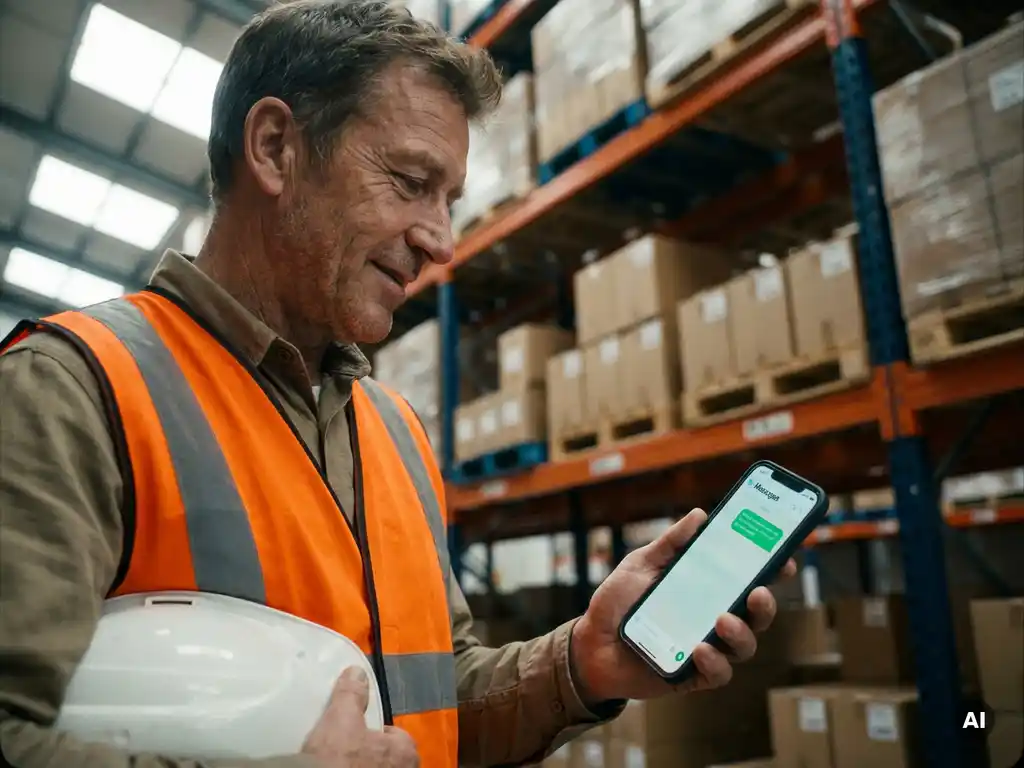
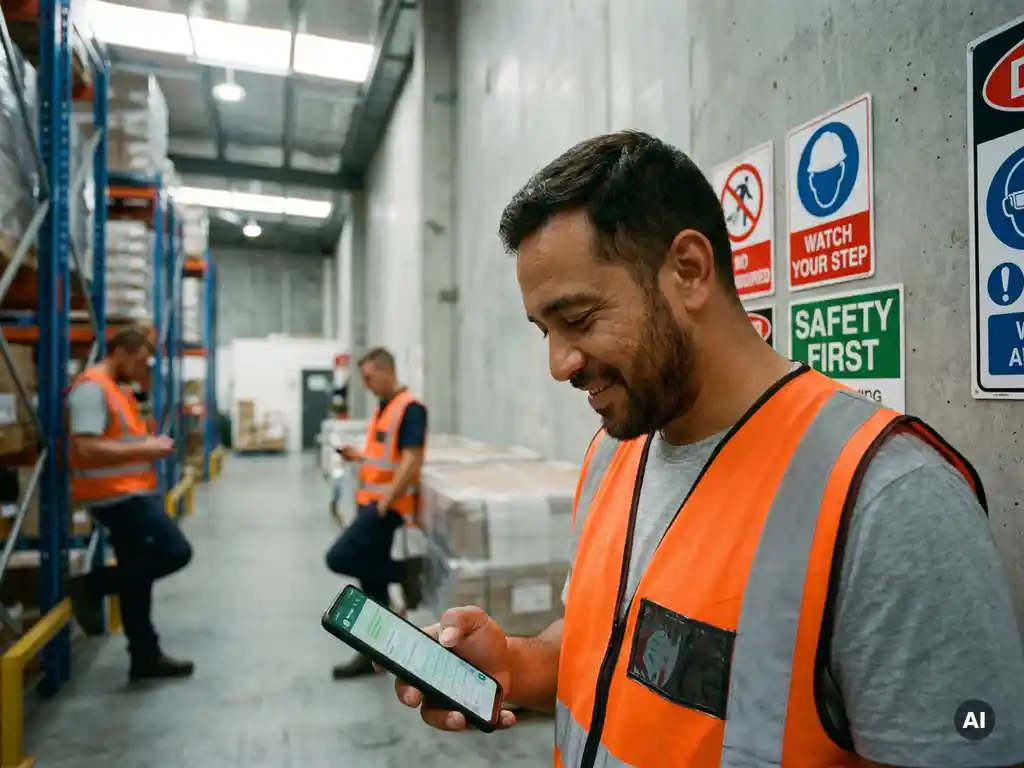
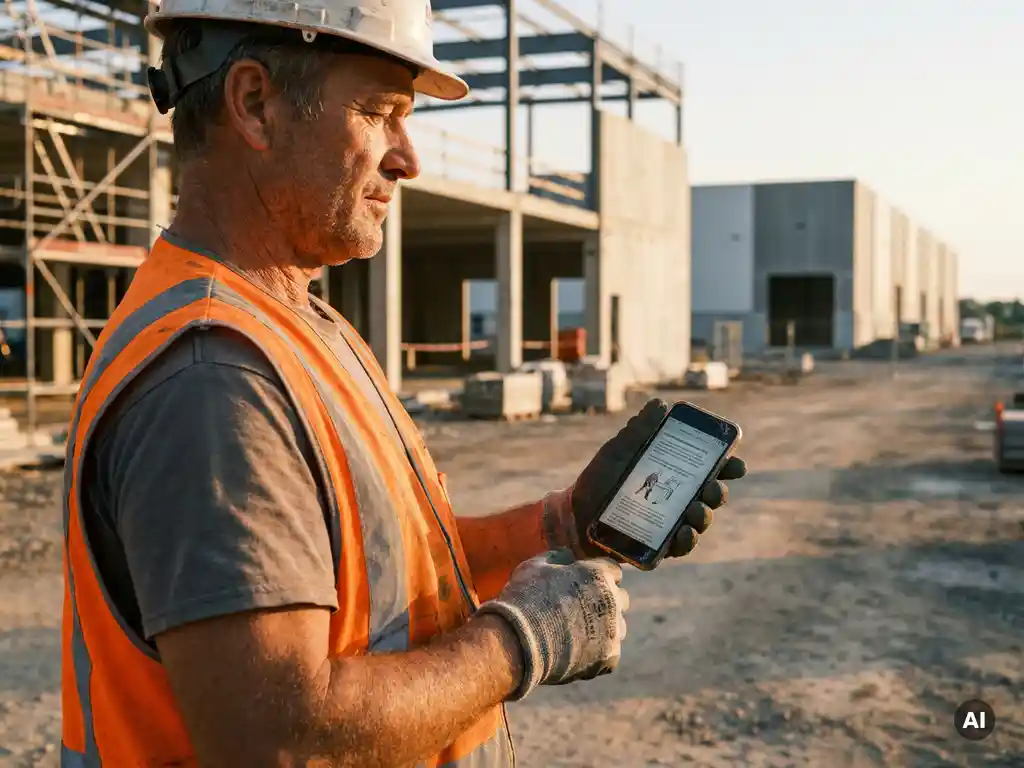
We developed E-lia specifically for organisations where employees do not sit at a desk and do not have a business email address. Via WhatsApp, we send safety instructions, toolbox meetings, and work instructions directly to the employee’s phone, without requiring them to download an additional app or remember a password.
What you can do with E-lia:
- Send toolbox meetings and safety instructions digitally and register them automatically, including knowledge checks
- Offer instructions in more than 50 languages via AI-assisted translations, so that multilingual teams also receive the right information in their own language
- Track participation and comprehension in real time via a clear dashboard, per employee and per location
- Integrate with existing HR and LMS systems via APIs, so that employee information is kept up to date automatically
- Start onboarding before the first working day, so that new employees are already familiar with basic safety instructions before they arrive on site
Would you like to see how this works for your organisation? Get in touch with us or request a demo and discover how to make safety instructions accessible, understandable, and measurable for every team, at every location.