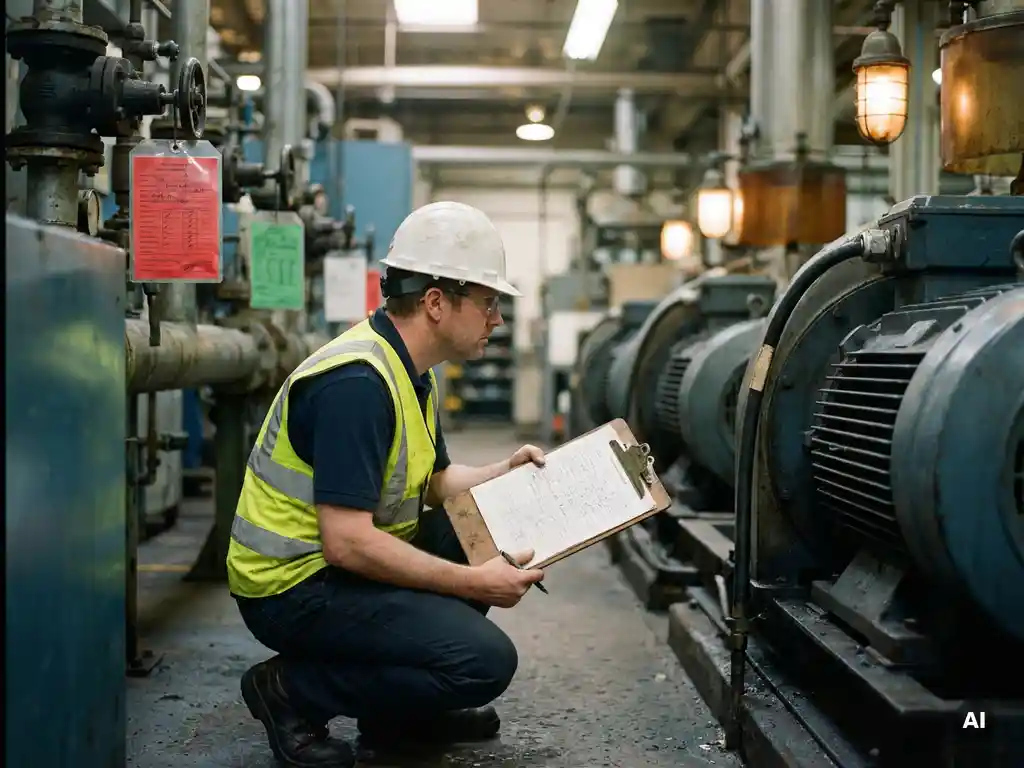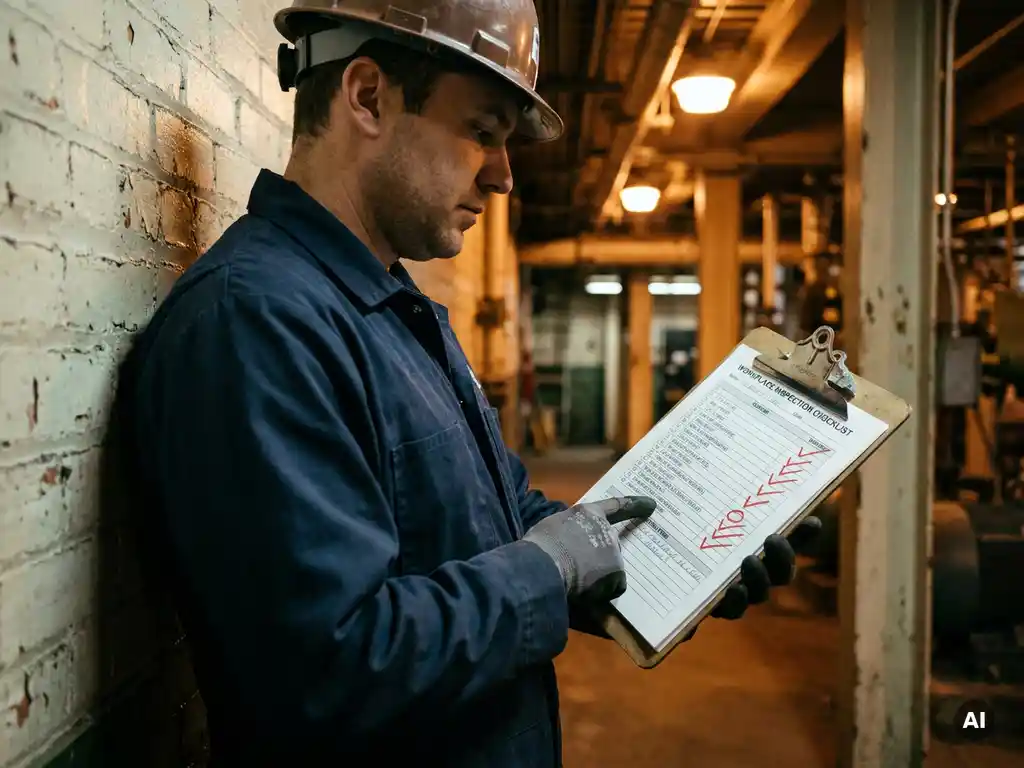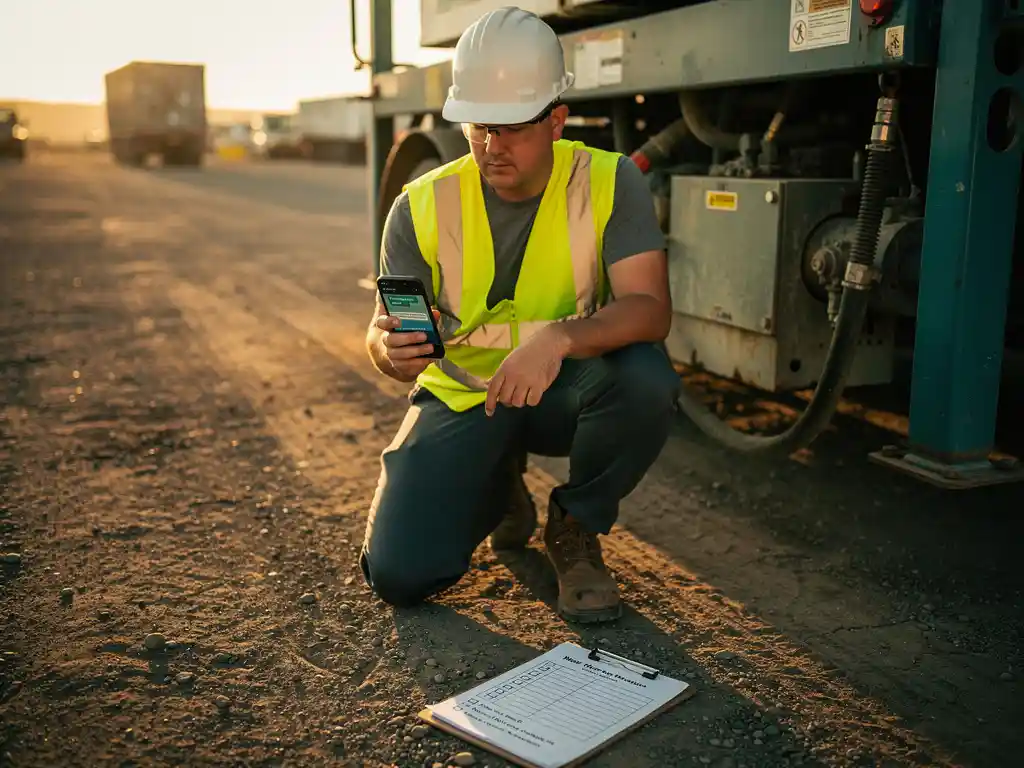
You can use WhatsApp for workplace inspections at remote locations by sending structured checklists, photo requests, and step-by-step inspection prompts directly through chat. Inspectors or on-site workers respond in real time, share images, and confirm completed checks without needing a separate app or login. This approach works especially well for teams spread across multiple sites, warehouses, construction zones, or care facilities where access to desktop tools is limited.
The following questions break down exactly how this works in practice, from the types of inspections that translate well to WhatsApp to who manages the process and what reporting you can expect.
What types of workplace inspections can be done remotely via WhatsApp?
A wide range of workplace inspections can be conducted remotely via WhatsApp, including safety walkthroughs, hygiene checks, equipment condition reports, fire safety verifications, and compliance audits. Any inspection that relies on a checklist, a visual confirmation, or a short set of yes/no or photo-based responses is a strong candidate for a WhatsApp-based approach.
In practice, the most common use cases across industries include:
- Safety inspections: Confirming PPE availability, hazard identification, and emergency exit access at warehouses or production floors
- Hygiene and sanitation checks: Used in healthcare, food processing, and hospitality settings where daily compliance is critical
- Equipment and vehicle inspections: Pre-shift checks for forklifts, delivery vehicles, or machinery in logistics and manufacturing
- Facility condition reports: Checking lighting, signage, and physical infrastructure at retail locations or care homes
- Onboarding compliance checks: Verifying that new employees at remote sites have received required safety briefings or materials
The common thread is that these inspections involve structured, repeatable tasks that do not require a trained inspector to be physically present for every step. WhatsApp acts as the communication layer between the person on-site and the process owner managing oversight remotely.
How does WhatsApp replace traditional inspection forms and checklists?
WhatsApp replaces traditional paper forms and digital inspection tools by delivering inspection prompts directly to the worker’s phone as a conversation. Instead of printing a checklist or logging into a separate platform, the inspector receives a sequence of questions, confirms each step, and uploads photos or notes, all within a familiar messaging interface.
Traditional inspection forms have several well-known friction points. Paper forms get lost, are illegible, or arrive at head office days after the inspection. Digital forms hosted on dedicated platforms require logins, training, and often a stable internet connection with a full browser. Both approaches create barriers that reduce compliance, especially among frontline workers who are not desk-based.
WhatsApp removes those barriers by meeting workers where they already are. The inspection flow can be designed as a series of messages with clear instructions, multiple-choice responses, or photo upload prompts. Workers respond naturally, just as they would in any conversation. The responses are captured automatically, timestamped, and available for review without any manual data entry.
This shift also speeds up the feedback loop. A manager overseeing remote location inspections can see responses as they come in rather than waiting for a batch of completed forms to be processed at the end of the day or week.
What are the biggest challenges of running inspections at remote locations?
The biggest challenges of running inspections at remote locations are inconsistency in how checks are performed, limited oversight of whether inspections actually happen, communication delays, and the difficulty of reaching workers who do not use traditional office tools. Distance amplifies every gap in a process that is already loosely defined.
These challenges tend to cluster into three areas:
Consistency and standardisation
When inspectors at different sites interpret a checklist differently, the quality of inspection data becomes unreliable. Without a consistent prompt structure, one site might report a hazard that another would overlook simply because the question was framed differently or the inspector used their own judgement about what to include.
Accountability and visibility
At remote locations, it is genuinely difficult to know whether an inspection was completed thoroughly or at all. Paper-based systems offer no real-time visibility. Even many digital tools only show a completed or not-completed status without capturing the quality of responses or the time taken. Managers end up chasing updates rather than acting on findings.
Technology access and adoption
Many frontline workers at remote sites do not use laptops or have reliable access to company systems. Asking them to log into a new platform, remember a password, or download an unfamiliar app creates resistance. Tools that require onboarding before they can be used for the inspection itself add unnecessary friction to a process that should be straightforward.
How do you standardise inspection procedures across multiple remote sites?
You standardise inspection procedures across multiple remote sites by building a single, centrally managed inspection template and delivering it consistently to every location through the same channel. When all sites receive identical prompts in the same sequence, the resulting data is comparable, and deviations become visible rather than hidden in inconsistent paperwork.
Standardisation through WhatsApp works in practice by designing a master inspection flow, which is a fixed sequence of questions, photo requests, and confirmation steps, and then deploying that flow to all relevant contacts or groups on a set schedule. Because the prompts are controlled centrally, no individual site can skip a step or reinterpret a question. Every worker sees the same instruction in the same format.
Automatic translation support adds another layer of consistency for organisations with multilingual teams. Workers at different sites can receive the same inspection prompts in their own language, which reduces misunderstandings without requiring separate versions of the inspection to be managed manually. The underlying data structure remains identical regardless of the language used.
Scheduling inspections in advance also reinforces standardisation. Rather than relying on a manager to remember to send the checklist each week, the system dispatches it automatically at the right time, to the right people, across all locations simultaneously.
Who is responsible for managing WhatsApp-based inspection workflows?
Responsibility for managing WhatsApp-based inspection workflows typically sits with a health and safety manager, operations manager, or learning and development lead, depending on the type of inspection. The person who owns the inspection process in your organisation should own the WhatsApp workflow that supports it.
In practical terms, this means one person or team is responsible for building and updating the inspection template, scheduling when it goes out, monitoring responses as they come in, and acting on any flags or incomplete submissions. This is not a technical role. Most WhatsApp-based inspection tools are designed so that non-technical managers can build and update workflows without developer support.
On the ground, the person completing the inspection is typically a frontline worker, a team leader, or a site supervisor. Their role is simply to respond to the prompts honestly and upload any required evidence. They do not need to understand how the system works behind the scenes, which is one of the reasons adoption tends to be high. The tool asks them a question; they answer it.
For organisations running inspections across multiple sites, it is worth designating a local point of contact at each location who can flag technical issues or questions, even if the central workflow is managed remotely. This creates a clear escalation path without adding bureaucracy to the inspection process itself.
What data and reporting can you get from WhatsApp inspections?
From WhatsApp inspections, you can collect timestamped responses, photo evidence, completion rates by site or individual, response patterns over time, and flagged issues that require follow-up. The exact reporting available depends on the platform managing the inspection workflow, but the underlying data is rich because every response is captured automatically.
Key data points that digital inspections for remote teams typically generate include:
- Completion status: Who completed the inspection, when, and from which location
- Response content: The actual answers to each checklist item, including any free-text notes or uploaded photos
- Non-compliance flags: Items where a worker indicated a problem, allowing managers to prioritise follow-up
- Trends over time: Whether the same issue recurs at the same site or with the same team
- Language and accessibility data: Which workers completed the inspection in which language, useful for evaluating whether communication is reaching everyone effectively
This data is most valuable when it feeds into a dashboard that gives managers a live view across all sites rather than requiring them to manually review individual conversations. Progress tracking and reporting at the aggregate level transforms inspection data from a compliance record into an operational insight tool.
Compared to paper or email-based inspections, WhatsApp-based systems reduce the time between an issue being identified on-site and a manager becoming aware of it. That speed matters in environments where a safety hazard or equipment failure needs an immediate response.
How E-Lia helps with WhatsApp workplace inspections
We built E-Lia specifically to make structured communication and learning via WhatsApp simple for organisations managing distributed teams. For workplace inspections, this means you can design inspection flows in 10 to 15 minutes, schedule them to go out automatically across multiple locations, and track responses in a central dashboard without chasing anyone for paperwork.
Here is what using E-Lia for remote inspections looks like in practice:
- Build a standardised inspection checklist as a WhatsApp microlearning module, no coding required
- Schedule inspections to go out at the right time to the right people, automatically
- Workers complete the inspection in 3 to 6 minutes directly in WhatsApp, with no app download or login needed
- Automatic translation ensures every worker receives prompts in their own language
- Responses, photos, and completion data are captured in a dashboard for real-time oversight
- Non-completions and flagged issues are immediately visible so managers can act quickly
E-Lia is already used by organisations in healthcare, logistics, production, and retail to standardise processes and keep frontline teams informed and compliant. You may also find these resources useful: Toolbox Talks, Onboarding, Retain and Maintain Knowledge, Work Instructions, and HACCP Training. If you want to see how it works for your inspection workflows, plan a demo and we will walk you through a live example.
Frequently Asked Questions
How do I get started with WhatsApp inspections if my team has never used a structured workflow like this before?
Start with a single inspection type at one location before rolling it out across all sites. Choose a short, repeatable checklist — such as a daily safety walkthrough or equipment pre-shift check — and build it as a simple sequence of questions with yes/no responses and one or two photo prompts. Once your team is comfortable responding in WhatsApp, you can expand the scope and add more locations. The key is to keep the first workflow simple enough that workers can complete it in under five minutes with no guidance needed.
What happens if a worker doesn't complete their inspection on time?
Most WhatsApp-based inspection platforms, including E-Lia, flag non-completions automatically in the manager’s dashboard, so you don’t need to manually track who has or hasn’t responded. You can also set up automated reminders that are sent to workers who haven’t completed the inspection by a certain time. This removes the need for managers to chase individuals and creates a clear audit trail showing when reminders were sent and whether the inspection was eventually completed.
Is WhatsApp secure enough for workplace inspection data, including photos and compliance records?
WhatsApp uses end-to-end encryption for all messages and media, which means the content of conversations is protected in transit. However, for compliance-sensitive inspections, the more important question is how the platform managing your inspection workflow stores and handles the data it collects. When using a dedicated tool like E-Lia, responses and photos are captured and stored in a secure dashboard rather than sitting in a personal WhatsApp chat, which gives you proper data governance, access controls, and an exportable audit trail.
What if some workers at remote sites have limited mobile data or an unreliable internet connection?
WhatsApp is specifically designed to function on low-bandwidth connections and compresses images automatically, which makes it far more resilient in areas with patchy connectivity than browser-based inspection platforms. Workers can also respond to inspection prompts when they have a signal and the responses will be captured and timestamped when they send. For locations with genuinely severe connectivity issues, it is worth identifying those sites in advance and considering whether a scheduled offline window or a local point of contact can bridge any gaps.
Can WhatsApp inspections hold up as evidence in a regulatory audit or legal situation?
Yes, provided the data is properly captured and stored outside of the WhatsApp chat itself. Timestamped responses, photo evidence, and completion records held in a central dashboard can serve as a reliable audit trail for regulatory purposes. The key requirement is that the data is exportable, traceable to a specific worker and location, and stored securely. Before using WhatsApp-based inspections for high-stakes compliance purposes, it is worth confirming with your legal or compliance team that the data format and retention policy meets the specific requirements of your industry regulator.
How do you handle inspections that require a worker to flag a serious safety issue mid-checklist?
A well-designed inspection workflow should include a clear escalation path built directly into the flow. For example, if a worker responds that an emergency exit is blocked or a piece of equipment is unsafe, the next prompt should instruct them on the immediate step to take — whether that is stopping work, contacting a supervisor, or following a specific protocol. Simultaneously, the flagged response should appear immediately in the manager’s dashboard so that action can be taken without waiting for the inspection to be fully completed. The combination of an in-chat prompt and real-time dashboard visibility ensures serious issues are never buried in a batch of completed forms.
Can the same WhatsApp inspection workflow be used for both routine checks and one-off audits?
Yes, and this is one of the practical advantages of a template-based system. You can build a master inspection flow that covers your standard recurring checks and schedule it automatically, while also having the ability to trigger a one-off version of the same or a modified flow when an unplanned audit or incident review is needed. Because the workflow is centrally managed, you can adjust the question set, target a specific site or individual, and deploy it immediately without rebuilding from scratch. This flexibility means the same infrastructure supports both day-to-day compliance and exception-based investigations.
Related Articles
- How do you inform subcontractors about site-specific safety rules?
- What mistakes are most commonly made when onboarding production employees?
- What specific points require attention during workplace inspections in construction?
- What are the 3 forms of security?
- How do you ensure safety instructions stick?