You can digitalise recurring safety moments by replacing paper-based processes with digital instructions that employees receive directly on their phone, without additional apps or login procedures. This makes safety information more accessible, faster to distribute, and easier to record. The questions below give you a concrete picture of how to approach this, from the first step to everyday practice.
What are the disadvantages of paper-based safety moments?
Paper-based safety moments take up a great deal of time and are difficult to record reliably. Signature lists get lost, are not searchable, and provide no insight into who actually understood the information. During checks or audits, it is difficult to quickly demonstrate which instructions were given, when, and to whom.
In addition to the administrative burden, there are practical problems with paper-based toolbox sessions. Employees working at a different location, off sick, or on a different shift miss the session entirely. There is no straightforward way to reach that group without scheduling an additional meeting. This leads to gaps in participation that only become visible when it is too late.
The language barrier also plays a role. In sectors such as construction, logistics, and manufacturing, many employees have different native languages. Paper instructions are rarely available in multiple languages, meaning a portion of employees do not fully understand the content. Safety information that is not understood has no effect.
How does a digital safety moment work in practice?
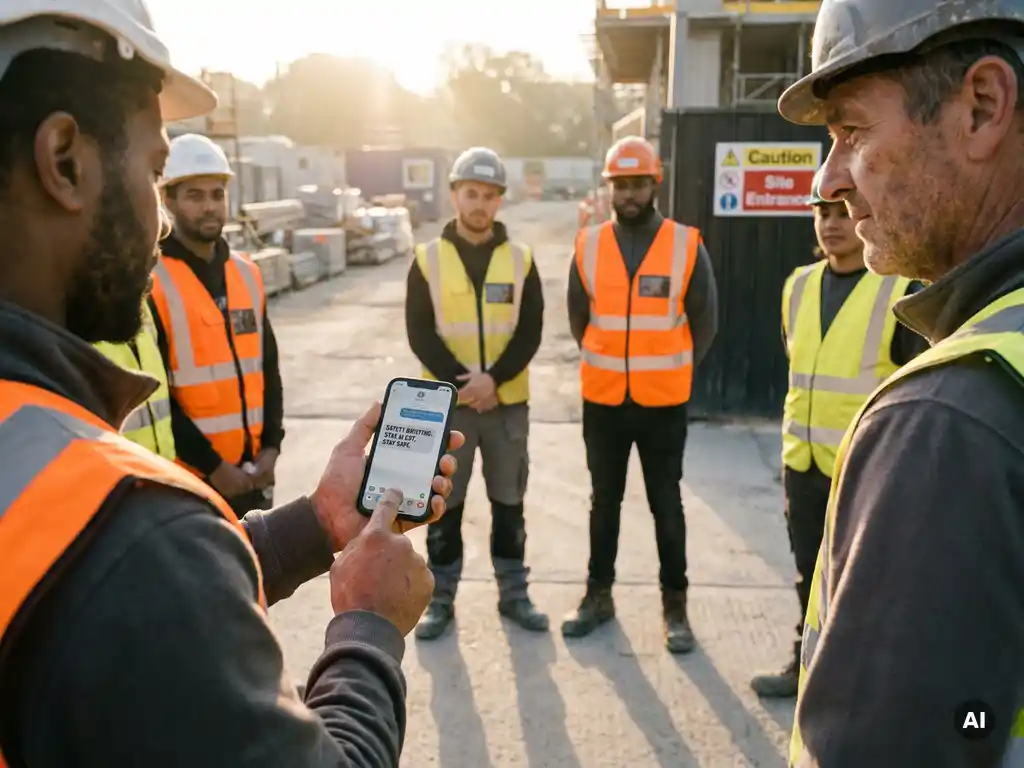
A digital safety moment works by sending a short, interactive instruction directly to the employee’s phone, via a channel they already know and use daily. The employee opens the message, works through the instruction, and answers a knowledge check. Participation is automatically recorded and immediately visible in a dashboard.
In practice, this looks as follows: a manager or safety coordinator puts together a module, selects the target group, and schedules the time of delivery. Employees receive the instruction on their phone, read or view the content, and answer one or more questions to confirm they have understood the information. All of this takes an average of a few minutes.
The main advantage over a physical meeting is that the employee’s time and location are irrelevant. Whether someone is on a construction site, working in a warehouse, or at home: the instruction reaches them at the same moment. Managers can see in real time who has participated and who has not, so they can follow up in a targeted way.
Which safety moments are best suited to digitalisation?
Safety moments that recur regularly, have a fixed structure, or need to reach a broad group of employees are best suited to digitalisation. Think of toolbox sessions, work instructions, onboarding modules, and knowledge retention around specific risks or procedures.
Concrete examples of safety moments that work well digitally:
- Toolbox meetings: short safety discussions about current risks, such as the use of personal protective equipment, hazardous substances, or working at height
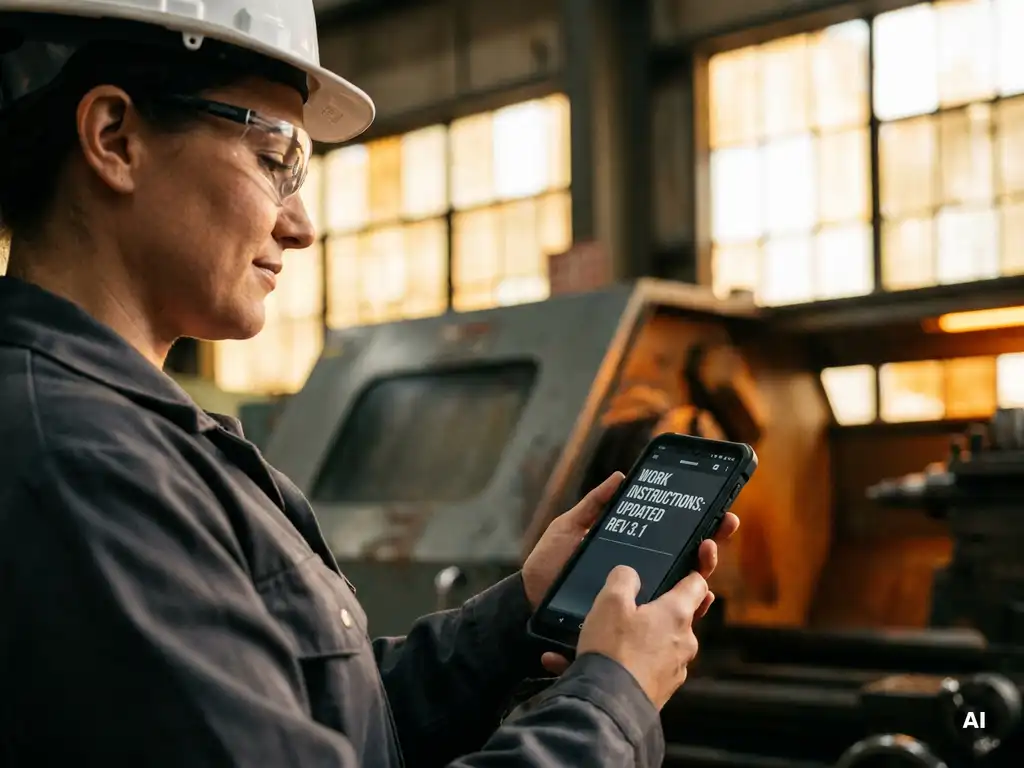
- Work instructions: step-by-step explanations of how a task is carried out safely
- Onboarding: safety information for new employees, even before their first working day
- HACCP training: hygiene and food safety instructions in the food industry
- Workplace inspections: checklists that employees complete and submit digitally
- Knowledge retention: periodic repetition of previously given instructions to keep knowledge up to date
Safety moments where physical presence, practical exercises, or direct interaction are irreplaceable — such as a first aid drill or hands-on machine training — are less suited to full digitalisation. But even there, a digital preparation or debrief can increase effectiveness.
How do you reach employees without a smartphone or company account?
Most employees on the shop floor do have their own smartphone, but not a business email address or company account. The answer is therefore: use a channel they already know, such as WhatsApp, without requiring them to install anything or create an account.
This is precisely why the choice of communication channel is so important. Platforms that require a separate app or involve a login procedure create a barrier that is too high for part of the target group. Employees in construction, manufacturing, or logistics rarely have a business laptop or a company email address. They work with their own phone.
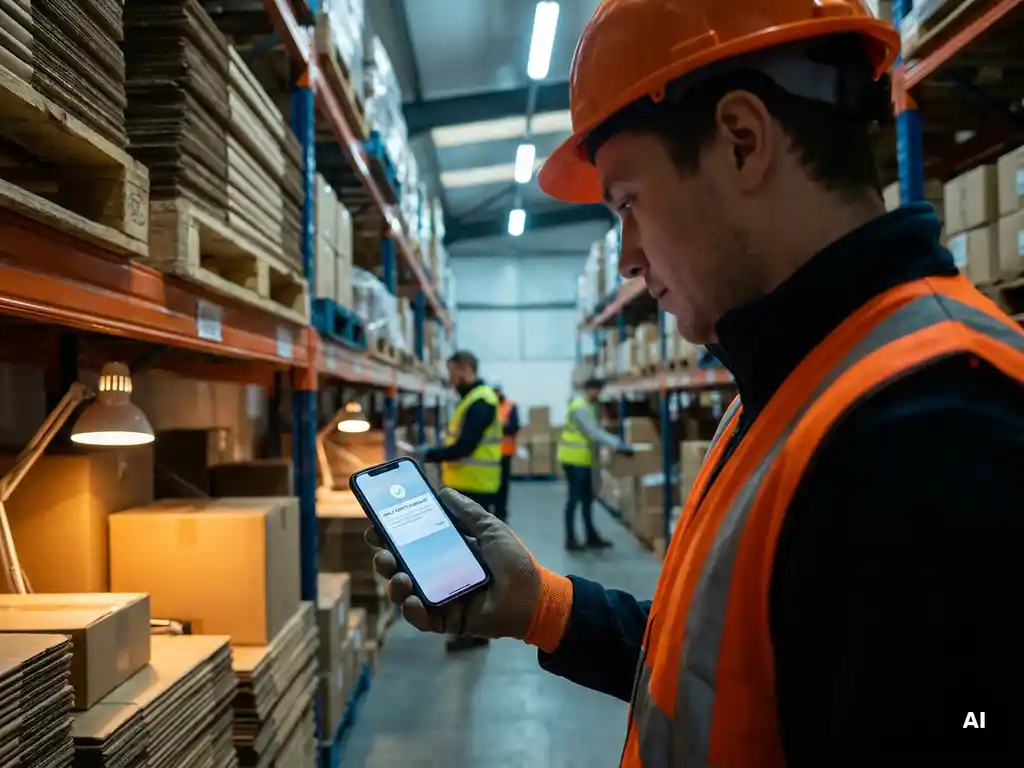
By sending safety instructions via a familiar channel such as WhatsApp, you reduce the barrier to zero. The employee does not need to download anything, remember anything, or log in anywhere. The instruction simply appears in the messaging app they already use every day. This considerably increases accessibility, including for employees who are less digitally confident.
How do you demonstrate that safety moments have actually been completed?
You demonstrate that safety moments have been completed by automatically recording participation and storing the results in a central dashboard. Digital systems record per employee who received the instruction, when it was opened, and whether the knowledge check was answered correctly.
This is an important difference from paper-based recording. A signature list proves that someone was present, but not that the content was understood. A digital knowledge check shows whether the employee has actually processed the information. That combination of participation and comprehension makes the record far more valuable during internal checks or external audits.
In practical terms, this means that during an inspection or internal audit you can quickly show:
- which instructions were sent and to whom
- at what point the instruction was received and opened
- which employees completed the knowledge check
- who has not yet participated, so you can follow up in a targeted way
Physical toolbox meetings can be recorded in the same way by logging attendance digitally via the platform, rather than using a paper list.
What are the first steps to getting started with digital safety moments?
The first step is to determine which safety moments you want to digitalise first and which employees you want to reach with them. Start small, with one type of instruction for a defined group, and build from there.
A practical approach to getting started:
- Choose a starting point: select a recurring safety moment that currently takes up a lot of time or paperwork, such as the monthly toolbox session or the onboarding of new employees.
- Map your target group: who needs to receive the instruction? What languages do they speak? Do they have a business email address or only their own phone?
- Choose the right channel: make sure the channel aligns with how employees already communicate, so the barrier is as low as possible.
- Create the first module: keep the content short and practically focused. A good instruction answers one question or addresses one risk.
- Send and evaluate: review who participated, which questions were answered incorrectly, and what you want to do differently next time.
You do not need to digitalise everything at once. A step-by-step approach gives you the space to learn what works for your organisation and employees.
How we help with digitalising toolbox sessions
With our platform, you send toolbox sessions and other safety instructions directly via WhatsApp, without employees needing to download an extra app or create an account. This way, you also reach employees on the shop floor who do not have a business email address or laptop.
What you can concretely do with our platform:
- Build modules yourself based on your own company content, or choose from a library of more than 60 practically focused safety topics
- Automatically translate instructions into more than 50 languages, so that employees who speak other languages receive the information in their own language
- Automatically record participation and knowledge checks and make them visible via a live dashboard
- Record physical toolbox meetings digitally, as a replacement for paper signature lists
- Integrate with existing HR or LMS systems via API
Would you like to see how this works for your organisation? Request a demo and discover how to digitalise recurring safety moments with ease. Do you have questions about the possibilities? Get in touch with our team.