Organising safety communication across multiple projects means establishing clear baseline information per project, managing instructions consistently and centrally, and reaching employees through a channel they already use. The greatest challenge lies not in the content, but in the distribution: how do you ensure the right information reaches the right person, regardless of location, language, or device? The questions below offer practical answers to the most common obstacles.
What information must every employee receive per project?
Every employee starting on a project needs at least four types of information: the project-specific risks and hazards, the applicable rules of conduct and safety agreements, the relevant emergency procedures and contact persons, and the applicable work instructions for the tasks to be carried out. This forms the foundation for safe working, regardless of sector or project size.
Beyond this baseline information, the content varies per project. An employee working on a construction site needs different instructions from someone in a logistics warehouse or a production facility. Think of location-specific hazards such as working at height, hazardous substances, or specific machinery risks. It is advisable to use a fixed checklist per project type covering the topics that must always be addressed, supplemented with project-specific information.
Toolbox meetings play an important role here. A short, focused toolbox meeting at the start of a project or when new work activities begin ensures that employees receive the right context before they get started. Keep the content practical and directly applicable: what does the employee need to know to work safely today?
How do you ensure consistent safety instructions across multiple locations?
Consistent safety instructions across multiple locations are achieved by developing and managing instructions centrally, then distributing them in a targeted way to the right groups of employees. Allowing content to be adapted at location level without central oversight risks employees on different projects receiving different information about the same hazards.
A practical approach is to work with a layered structure. The core of each instruction — the general safety rules and standard procedures — is established centrally. Location-specific additions are included as an additional layer, without altering the base content. This keeps the message recognisable and consistent, while still allowing room for project-specific context.
Also ensure that on-site supervisors do not independently adjust key messages. Give them the space to clarify instructions and answer questions, but keep the content itself centrally managed. This prevents versions from circulating that no longer reflect the current state of affairs.
What are the greatest risks in safety communication across multiple projects?
The greatest risks in safety communication across multiple projects are fragmentation of information, incomplete reach among employees, and the absence of registration. When instructions are distributed in different ways per project, a situation quickly arises in which no one knows who received what, or whether the information was actually understood.
A second risk is the assumption that employees have received information because they were present at a meeting or were given a document. Presence is not the same as understanding. Without a knowledge check or confirmation, you do not know whether the message got through.
Language barriers form a third obstacle, particularly in sectors with international employees. Safety instructions available only in Dutch do not reach all employees effectively. This increases the likelihood of misunderstandings and unsafe situations, especially among those who are already less familiar with the working environment.
Finally, there is the risk of outdated information. Working conditions on projects change regularly. If the communication process is not set up for rapid updates, employees fall behind the current situation.
How do you reach employees without a fixed workstation or company device?
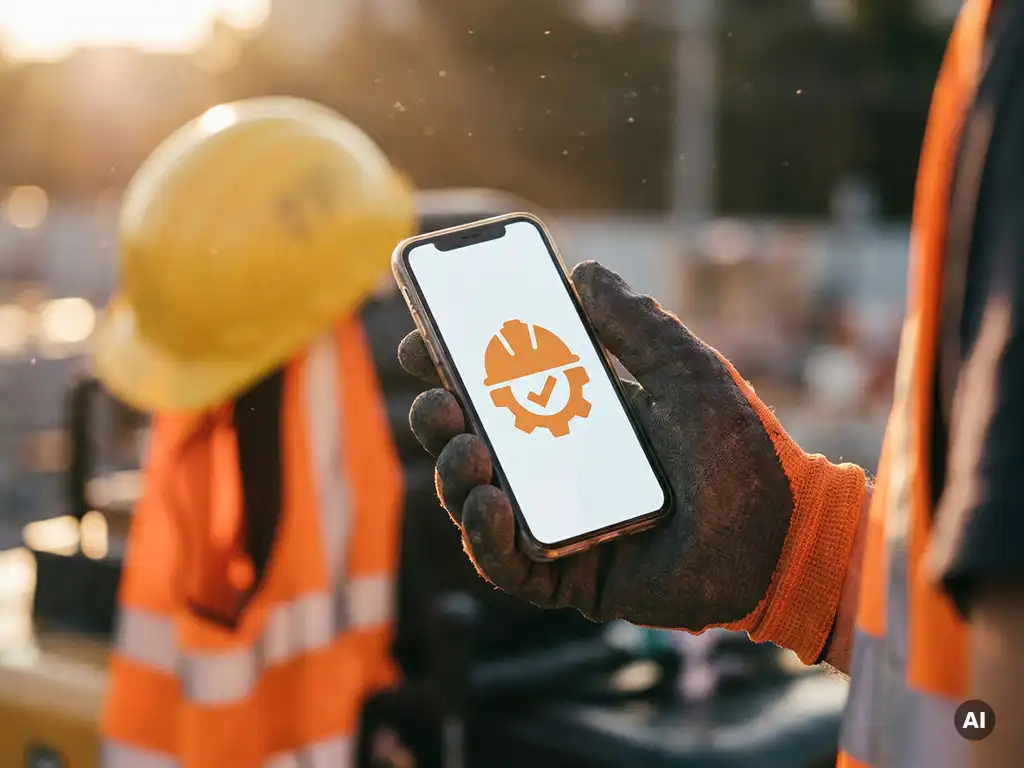
Employees without a fixed workstation or company device are most effectively reached through a channel they already use on their own phone. For many employees in construction, logistics, and production, that is a familiar messaging app. It requires no additional installation, no account, and no password, which significantly lowers the barrier to receiving information.
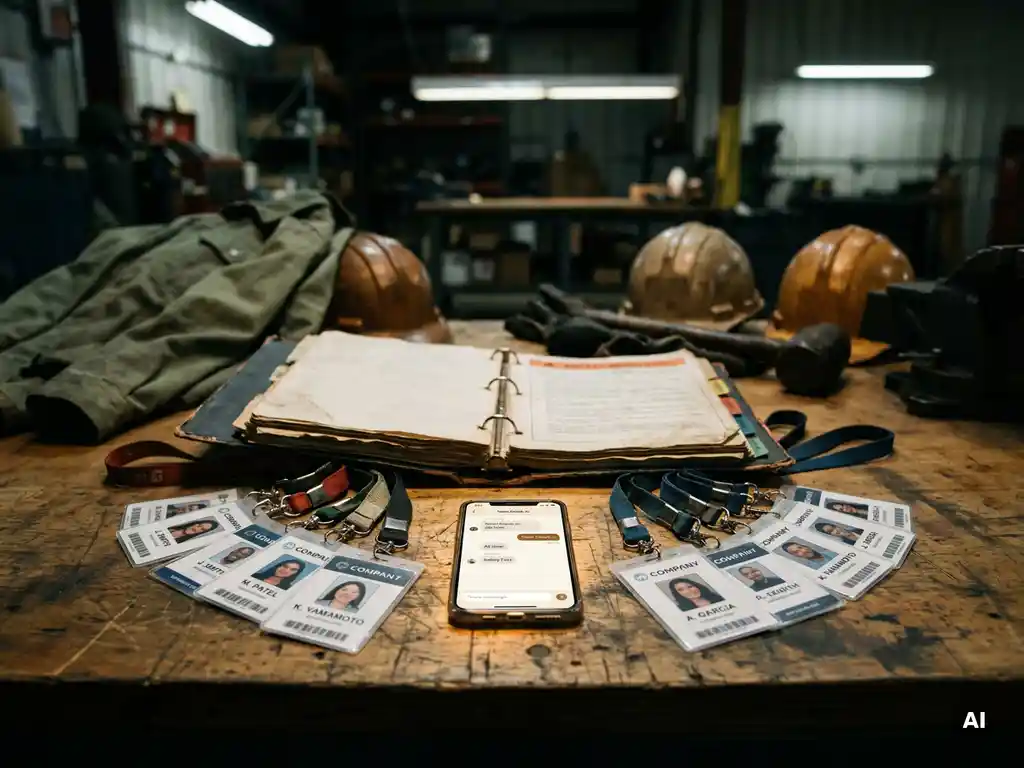
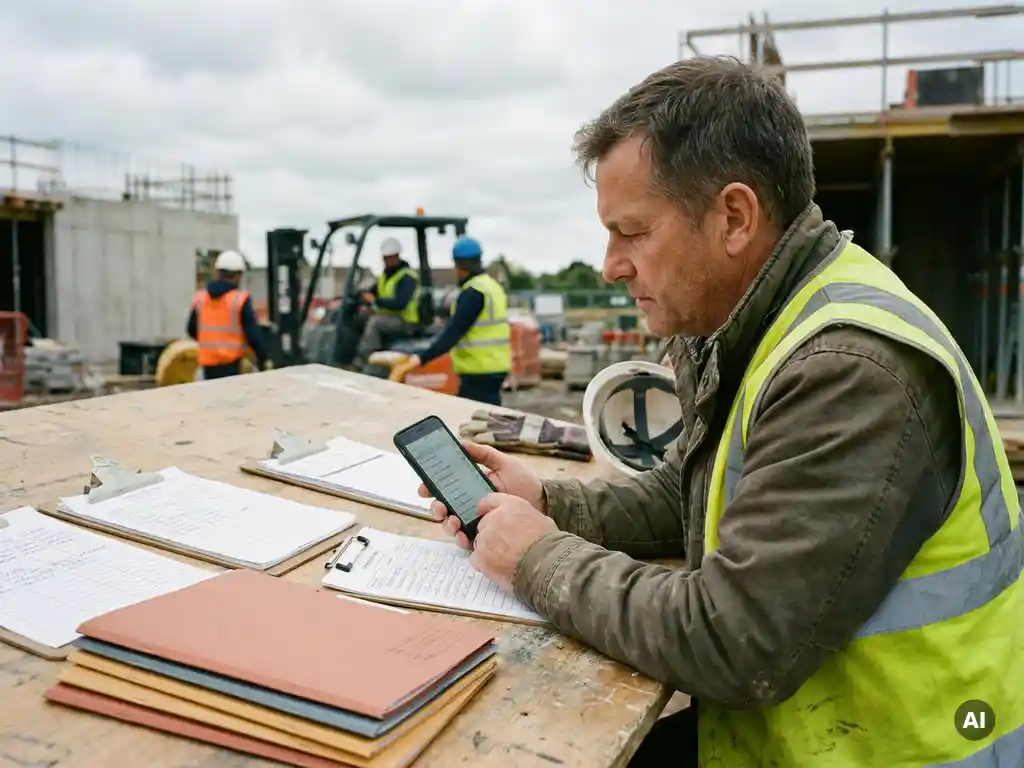
The key lies in accessibility. The fewer steps an employee has to take to access the information, the greater the chance that the instruction is actually read and retained. Paper handouts disappear into jacket pockets. Emails do not reach employees without a business email address. A message that appears directly on the phone has a much higher chance of being opened.
Also ensure that the content is suitable for mobile use. Short texts, clear images, and simple knowledge checks work better than lengthy documents or videos with high data requirements. Take into account employees who are less digitally confident and test the instructions for comprehensibility before sending them.
When do you send a safety update versus a full retraining?
A safety update is appropriate when an existing instruction is being supplemented or corrected, or when a new situation calls for a targeted addition. A full retraining is warranted when the way of working changes fundamentally, when an employee takes on a new task or role, or when there is reason to question whether foundational knowledge is still sufficiently up to date.
A practical rule of thumb: if an employee can understand the new information without revisiting the previous instruction, an update is sufficient. If it involves a different approach, a different risk profile, or a new working environment, a more comprehensive instruction is the wiser choice.
Toolbox meetings lend themselves well to updates: a short, focused discussion of a changed situation, an incident at another location, or a new work instruction. They are quick to organise and keep employees engaged without taking up much time. Use them as a signal too: regular toolbox meetings show that safety is an ongoing priority, not something that only comes up at the start of a project.
How do you measure whether safety communication is actually getting through?
You measure whether safety communication is getting through by tracking three things: who received the instruction, who opened or viewed it, and who understands the content. The latter is measured with a short knowledge check after the instruction. Without these three steps, you only know that you sent something — not that it was received.
Registration is not only useful for internal steering, but also for demonstrating your safety activities to clients or during an inspection. Digital recording makes it easier to show which instructions were provided, when that took place, and who participated.
Use the outcomes of knowledge checks actively. If a large proportion of employees answer a question incorrectly, that is a signal that the instruction is unclear or that the topic requires more attention. In that case, send a targeted follow-up rather than resending the same instruction.
Also look at behaviour on the shop floor. Records and scores give an indication of what employees know, but safe behaviour in practice is ultimately the goal. Discuss notable outcomes in a toolbox meeting and make the results a recurring topic of conversation with on-site supervisors.
How E-lia supports safety communication across multiple projects
Safety communication across multiple projects requires an approach that is scalable, measurable, and accessible to every employee. Our platform is built specifically for this purpose. Via WhatsApp, you send toolbox meetings, work instructions, and safety updates directly to employees’ phones, without them needing to download an additional app or create an account.
- Send project-specific toolbox meetings and safety instructions to the right groups of employees, at the right moment
- Use AI-supported translations in more than 50 languages, so that employees who speak other languages also receive instructions in their own language
- Add knowledge checks and track via a live dashboard who has received, opened, and understood the instruction
- Record physical and digital toolbox meetings in one place, so you always have an overview of your safety activities per project
- Choose from a library of more than 60 practice-oriented safety topics, updated monthly by a senior safety professional
Would you like to see how this works for your organisation? Get in touch with us or request a demo and discover how to approach safety communication across multiple projects in a structured and measurable way.