Photos as evidence during a workplace inspection are valid when they are clear, dated, and provided with context. A good inspection photo shows exactly what was found, where it was, and when. In this article, you will find answers to the most frequently asked questions about using photos as evidence in workplace inspections: from what counts as valid evidence to how to avoid common mistakes.
Which photos count as valid evidence during an inspection?
Photos count as valid evidence during a workplace inspection when they can demonstrably be linked to a specific situation, location, and moment. That means: a clear image of the situation found, combined with a timestamp, location indication, and a brief description of what is visible. Without that context, a photo loses much of its evidential value.
In practice, this involves photos that record the following:
- The situation found: both safe and unsafe conditions, so that you provide a complete picture of the workplace
- Personal protective equipment (PPE): is it being worn and is it in good condition?
- Machines, installations, and tools: are they in order, fitted with the correct safeguards, and correctly positioned?
- Emergency exits, escape routes, and fire extinguishers: are they freely accessible and clearly visible?
- Hazardous substances and storage: are they stored and labelled correctly?
- Identified shortcomings or points for improvement: recorded as a starting point for follow-up
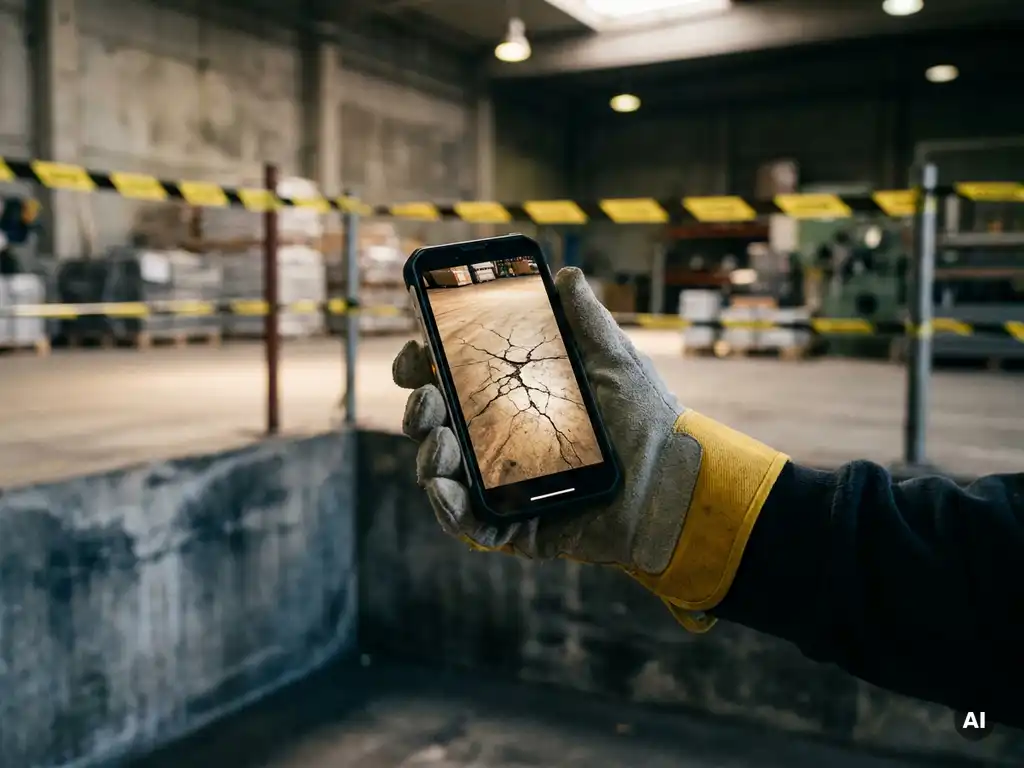
A photo of a cluttered corner without further explanation says little. The same photo with a timestamp, a location description, and a note about exactly what was wrong is a usable document for reporting and follow-up. The combination of image and context makes the difference.
How do you take photos that meet inspection requirements?
Photos that meet inspection requirements are sharp, fully lit, provided with an automatic timestamp, and contain sufficient context to understand the situation without additional explanation. The technical quality and the informational value of the photo together determine whether the image is usable as part of a digital workplace inspection solution.
Technical quality
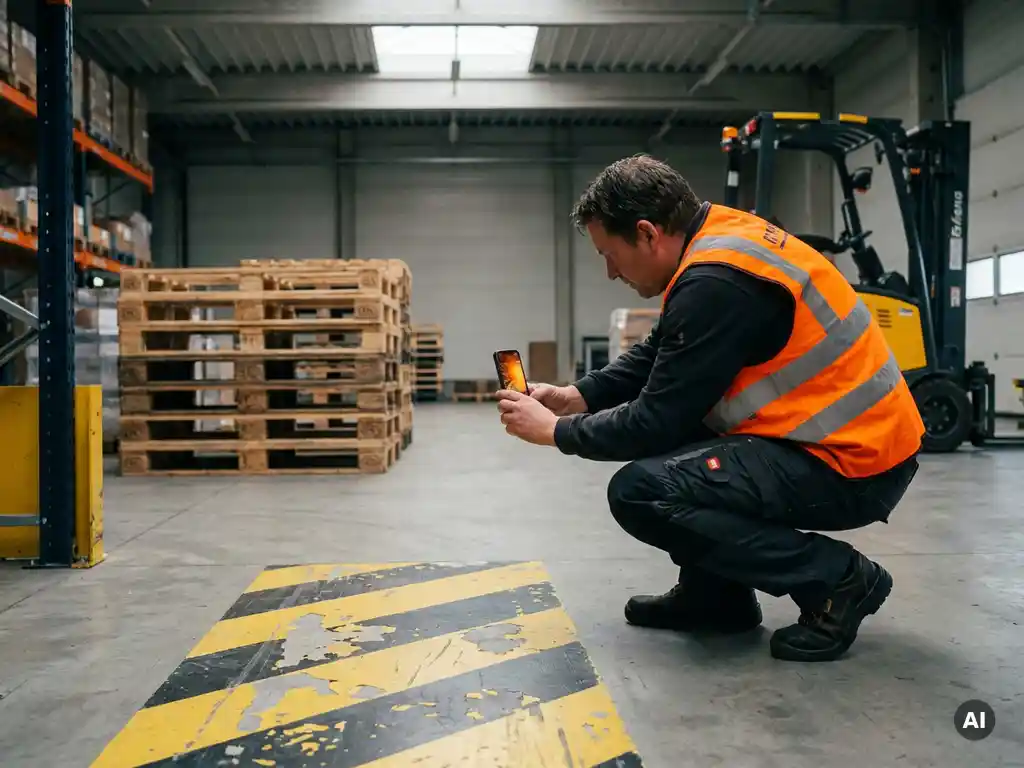
Use a smartphone with a good camera and ensure sufficient light. Take the photo close enough to see details, but also from a slightly greater distance to capture the surroundings. This produces both an overview photo and a detail photo of the same situation. Ensure that the camera automatically records the date and time in the file information (EXIF data).
Informational value and context
Add a brief description to each photo: what is visible, where on the workplace it was taken, and what is its relevance to the inspection? Also note the name of the inspector and the inspection date. When you photograph a shortcoming, also take a photo after the situation has been remedied. This demonstrates that action was taken.
When taking photos, be mindful of privacy. Do not capture employees in a recognisable way, unless this is necessary and consent has been given. Direct the camera at the situation, not at individuals.
How do you organise and store photos after a workplace inspection?
Organise photos after a workplace inspection immediately in a fixed folder structure, linked to the date, location, and type of inspection. Store them in a central, secured location that is accessible to the relevant managers and those responsible for safety. Loose photos in a camera album without structure are barely usable during an audit or follow-up check.
A workable approach looks as follows:
- Create a fixed naming convention: for example date + location + inspection number (20260415_Warehouse_A_INS012)
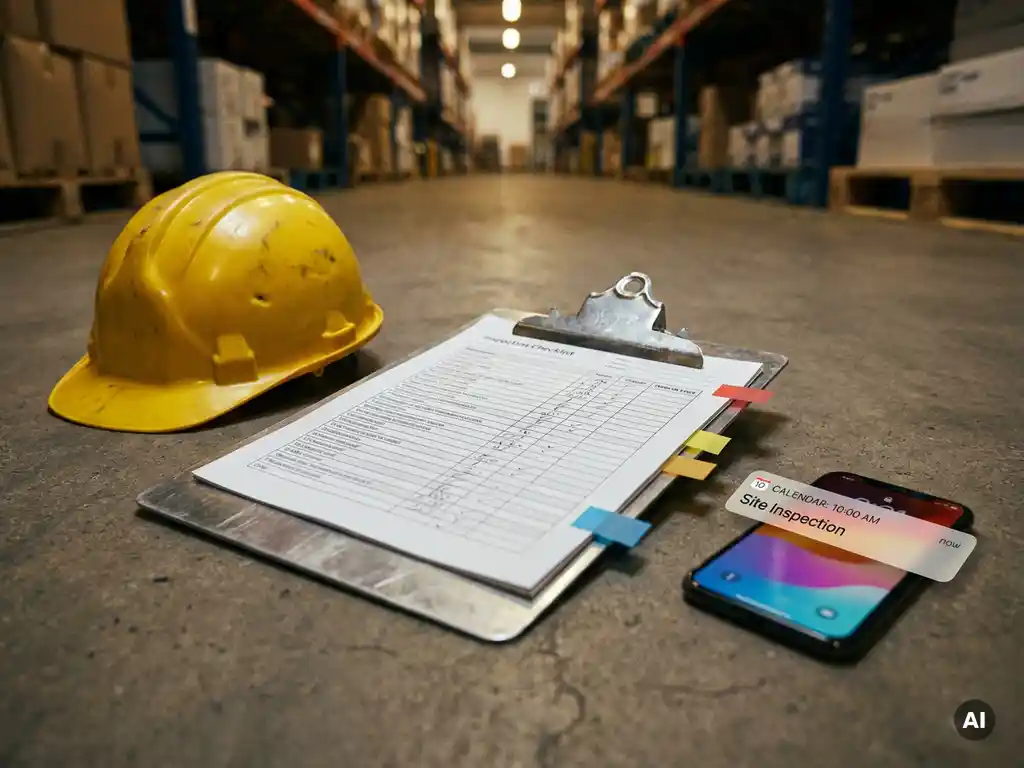
- Link photos directly to the inspection report: add them as an attachment or link them in the digital form
- Store them in a central environment: a shared cloud folder, a digital inspection system, or an HR platform
- Record who took the photo: name of the inspector and job title
- Retain photos for as long as necessary based on the applicable organisational and contractual requirements
Paper inspection folders with loose printouts get lost, are difficult to search through, and offer no timestamp guarantee. Digital storage makes it easier to retrieve photos when needed, for example during a follow-up check or internal audit.
What are the most common mistakes when taking photos during inspections?
The most common mistakes when taking photos during workplace inspections are: photos without a timestamp, unclear images due to poor lighting, missing location indication, and failing to record the situation after remediation. These mistakes make photos less usable as evidence, even if they were taken carefully at the time of the inspection.
Below are the mistakes that occur most frequently:
- No timestamp or incorrect date: always check that the date and time on your device are set correctly
- Too little context: a close-up of a defect without an overview photo makes it difficult to understand where the problem was located
- Poor lighting or blurred images: dark or blurry photos are not usable as documentation
- No description with the photo: an image without explanation leaves room for interpretation
- Only recording shortcomings: good situations also deserve documentation, so that you provide a complete picture of the workplace
- No photo after remediation: without an “after” photo, evidence that action was taken is missing
- Not linking photos to the report: loose files in a camera album are difficult to retrieve during a follow-up check
Many of these mistakes arise because taking photos during an inspection is seen as a secondary concern. By making it a fixed step in the inspection process, you prevent images from proving unusable at a later stage.
Which tools and apps help with recording inspection evidence?
Tools that help with recording inspection evidence are digital inspection platforms and forms apps that allow you to link photos directly to an inspection report, including timestamp, location, and description. They replace loose photos and paper forms with a structured digital file that is immediately available after the inspection.
When choosing a tool, these are the relevant features:
- Direct photo linking: photos are automatically linked to the correct report and the correct question
- Automatic timestamp and location recording: no manual input required
- Offline working: the app must also function at workplaces without a stable internet connection
- Export capability: reports including photos must be easy to export as a PDF or shared file
- Low-threshold use: operatives on the shop floor must be able to use the tool without training
A frequently heard problem is that employees do not download a separate inspection app or forget to open it. This makes the tool less effective in practice, however good the functionality may be.
How E-lia helps with workplace inspections and photo documentation
We offer workplace inspections via WhatsApp, the channel that employees already use every day. That means no extra app, no account, and no password. An inspector receives the inspection form directly on their phone, takes photos on the spot, and submits everything via WhatsApp. The result is a digital report with a timestamp and photos, immediately available upon completion.
What this delivers in practice:
- Photos are automatically linked to the correct inspection points in the report
- Existing paper questionnaires or Excel checklists are digitalised on a one-to-one basis
- Reports can be exported with a single click for internal follow-up or external review
- AI translations in more than 50 languages ensure that multilingual employees can also carry out the inspection independently
- Everything is stored securely in a central system, searchable and always retrievable
Would you like to see how workplace inspections via WhatsApp work in your organisation? View our workplace inspection solution and discover how to record inspection evidence in a structured way without creating additional barriers for your employees. Feel free to contact our team for more information.
Related Articles
- How do you give employees feedback after a workplace inspection?
- How do you give project-specific safety instructions before the first working day?
- Which communication channel works best on the shop floor?
- What does it cost to professionally translate instructions?
- How does an LMRA toolbox differ from a regular toolbox meeting?