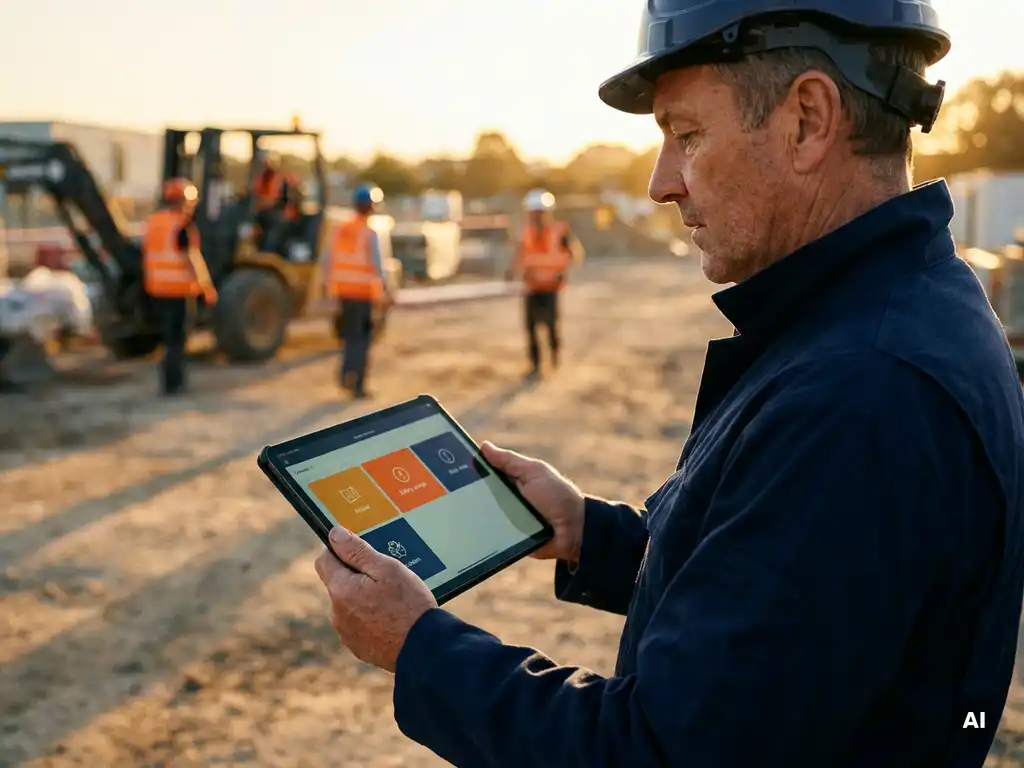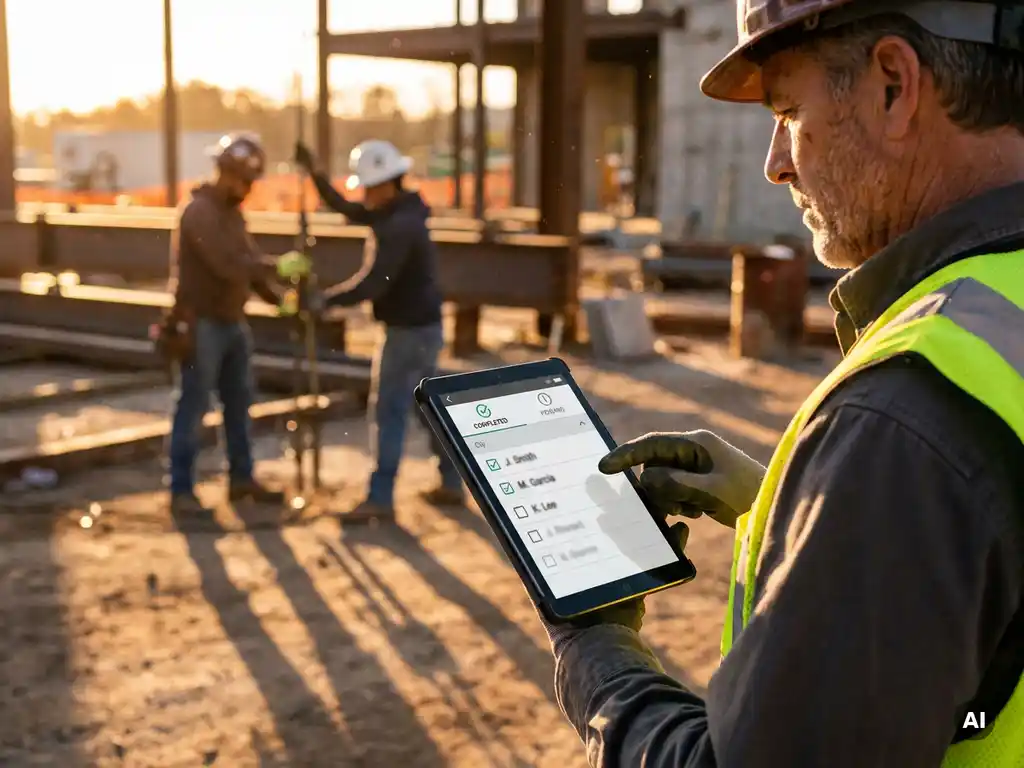
You can see which employees still need to complete a toolbox talk by checking your tracking system’s completion dashboard, which shows who has and has not finished the session. In a digital setup, this overview updates in real time as employees respond. The sections below walk through exactly what that reporting looks like, how to follow up, and how to demonstrate compliance when it matters most.
What information does a toolbox talk completion report typically show?
A toolbox talk completion report shows who received the session, who completed it, who answered the knowledge check questions, and when each action took place. It gives you a clear, timestamped record of participation at the individual employee level, so you can see the full picture at a glance rather than chasing paper lists.
Most completion reports include the following data points:
- Employee name and identifier – who the session was sent to
- Delivery confirmation – whether the content reached the employee
- Completion status – whether the employee finished the session
- Knowledge check results – how the employee scored on any questions
- Timestamp – the date and time of completion
- Language – which version of the content the employee received
In paper-based systems, this information is often captured on a sign-in sheet, which only records presence, not actual engagement. Digital reports go further by distinguishing between someone who received the content and someone who genuinely worked through it and answered the questions. That distinction matters when you need to demonstrate that safety information was not just distributed but understood.
How do you identify employees who haven’t completed a toolbox talk?
You identify employees who have not completed a toolbox talk by filtering your completion report to show only those with an open or pending status. In a digital tracking system, this filter is typically available directly in the dashboard, giving you a real-time list of outstanding completions without any manual cross-referencing.
In practice, the process looks like this:
- Open the dashboard for the relevant toolbox session
- Filter by status: incomplete or not started
- Review the list of employees shown
- Note any patterns, such as a specific team, shift, or location with low completion
- Take follow-up action, whether that is a reminder, a conversation with a team lead, or rescheduling
In paper-based systems, identifying non-completers means manually comparing the sign-in sheet against your full employee list, which takes time and is prone to error, especially in larger teams or across multiple locations. Digital tracking removes that manual step entirely and makes the gap immediately visible.
Can you send automatic reminders to employees who haven’t finished?
Yes, digital toolbox talk platforms can send automatic reminders to employees who have not yet completed a session. You set the reminder logic once, and the system handles follow-up without any manual intervention from a manager or coordinator.
Automatic reminders typically work by triggering a follow-up message after a set period, for example 24 or 48 hours after the initial session was sent, if no completion has been recorded. Some platforms allow you to configure multiple reminder rounds and set a deadline after which the non-completion is escalated to a manager.
This matters most in operational environments where employees are on the floor, on a site, or in transit and may not check messages immediately. A well-timed reminder, sent through a channel employees already use, significantly increases the chance of completion without requiring a supervisor to track down individuals one by one. It also creates a documented record that a follow-up was sent, which can be relevant if you later need to demonstrate that reasonable steps were taken to ensure participation.
What’s the difference between tracking toolbox talks on paper versus digitally?
The key difference between paper and digital toolbox talk tracking is that paper records presence while digital systems record engagement. A signature on a sheet confirms someone was in the room. A digital completion record confirms someone received the content, worked through it, and responded to knowledge check questions, with a timestamp attached to each step.
What paper tracking captures
Paper-based tracking typically involves a sign-in sheet that employees sign before or after a session. It records names and dates, and sometimes a topic description. The main limitations are that it only captures attendance, not comprehension; sheets can be lost, damaged, or incomplete; compiling data across teams or locations requires manual effort; and there is no built-in way to follow up with non-attendees automatically.
What digital tracking captures
Digital tracking records each step of the process: delivery, opening, completion, and knowledge check results. The data is stored centrally, accessible in real time, and can be filtered, exported, or shared with relevant stakeholders. Non-completers are immediately visible. Reminders can be automated. Reports can be generated for a specific session, a time period, a team, or an individual employee.
For organisations with dispersed teams, multilingual workforces, or frequent staff changes, digital tracking also removes the logistical challenge of gathering physical signatures from people who are rarely in the same place at the same time.
How do you prove toolbox talk compliance to an auditor or inspector?
You prove toolbox talk compliance to an auditor or inspector by providing a clear, timestamped record showing which employees received the session, who completed it, and what knowledge check results were recorded. The stronger your documentation, the easier it is to demonstrate that safety information was communicated in a structured and verifiable way.
When preparing for an audit or inspection, the documentation that typically supports your position includes:
- A completion report for each toolbox session, showing individual employee status
- Timestamps for delivery and completion
- Knowledge check scores or responses
- Records of follow-up reminders sent to non-completers
- An overview of sessions conducted over a given period
Paper records can support compliance documentation, but they are harder to search, easier to misplace, and offer no data beyond attendance. Digital records are easier to retrieve, filter, and present in a structured format, which makes the process of responding to an auditor’s questions more straightforward.
It is worth noting that good documentation supports your position during an audit, but what constitutes sufficient compliance evidence depends on the applicable requirements in your sector and jurisdiction. Always align your record-keeping approach with the specific standards your organisation is expected to meet.
How E-lia helps you track toolbox talk completion
We built E-lia specifically for organisations where employees are on the floor, on a construction site, or behind the wheel rather than behind a desk. Toolbox talks are delivered directly via WhatsApp, which means no extra app, no login, and no barrier to participation.
Here is what tracking looks like with E-lia:
- Live dashboard – see in real time who has completed a session and who has not, filtered by team, location, or individual
- Automatic reminders – the platform follows up with employees who have not yet finished, without any manual action from a manager
- Knowledge checks – built-in questions confirm that employees engaged with the content, not just received it
- Exportable reports – generate a structured overview of completion data that you can share with a safety officer, team lead, or auditor
- Multilingual delivery – content is automatically translated into more than 50 languages, so every employee receives the session in their own language
- Physical session registration – if a toolbox talk takes place in person, you can register that session in the platform as well, keeping all records in one place
If you want to move away from paper lists and manual follow-up, and get a clear overview of who still needs to complete a toolbox talk, explore what E-lia can do for your organisation.